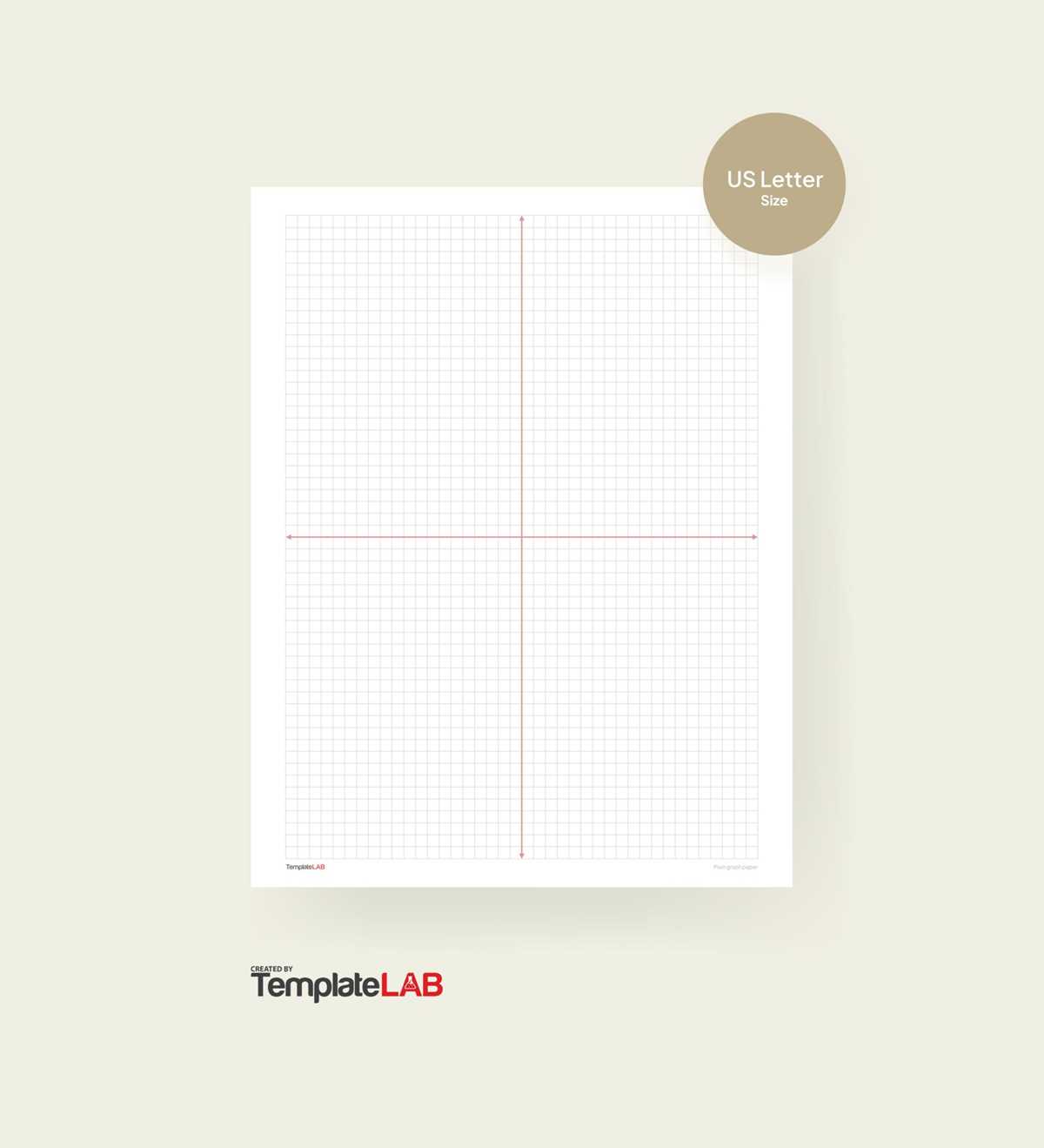
For those who need precise measurements for drawing, plotting, or graphing, a grid with evenly spaced lines is an invaluable tool. You can easily find high-quality designs online that are ready to be downloaded and printed. Many websites offer grid sheets in various formats, including simple square designs, ideal for technical drawing, math work, or art projects.
Where to Find High-Resolution Grid Templates
Several online platforms specialize in offering free or low-cost templates for creating organized designs. Websites like Canva, Printable Paper, and Math-Aids allow you to download ready-made layouts with precise spacing. Look for files in PDF or PNG formats to ensure clarity and sharpness when printed. For most uses, a downloadable version with a resolution of 300 DPI will provide excellent print quality.
Many sites also offer customization options, so you can adjust the number of squares or the grid size to fit your specific needs. Whether you need a simple pattern for basic calculations or a more detailed version for complex drawings, there are a wide variety of templates available to meet your requirements.
How to Print and Customize Your Grid Template
Once you have selected the right template, ensure that your printer is set up for the correct paper size and resolution. For most printable designs, using A4 or letter-sized paper works best, but you can adjust this depending on the layout of your file. Always set your printer to the highest quality setting to guarantee that the lines are crisp and clear.
Before printing on high-quality paper, it’s a good idea to run a test print on plain paper to check for alignment and quality. If you’re satisfied with the result, use a heavier weight paper or cardstock for a more professional finish. Some individuals also prefer to laminate the printout for durability, especially if it’s going to be used repeatedly or stored for a long time.
Customizing the grid is another great feature of downloadable designs. If you need specific measurements or markings on the grid, many software tools like Adobe Acrobat or even online PDF editors allow you to annotate the document before printing. This makes it easier to highlight certain sections of the grid or add labels, making your final product tailored to your project needs.
How to Use Grid Templates for Your Projects
If you need a precise layout for calculations, drafting, or drawing, a grid with evenly spaced squares can make the process much easier. Downloading a grid sheet online is a quick and cost-effective way to get started. Many websites offer free templates that can be printed directly onto standard-sized sheets, such as A4 or letter-sized paper. These templates allow you to perform tasks like sketching diagrams, plotting data points, or creating technical drawings with accuracy.
When selecting the grid template, make sure it fits the purpose of your project. For mathematical calculations or graph plotting, choose a design with evenly spaced lines that help you visualize numbers or proportions. Some websites provide customizable options where you can choose the grid size and spacing based on your specific requirements, whether it’s for geometry, design, or data visualization.
One of the easiest ways to find these templates is by visiting sites that specialize in educational resources. Websites like Printable Paper, Math-Aids, or Paper Trail Design offer free, downloadable sheets in multiple formats. PDFs and PNGs are most commonly used, as they provide high resolution for printing. After downloading, open the file on your computer and review it to ensure it suits your needs before printing it.
For those who prefer a more personalized design, some websites allow you to modify grid spacing, line thickness, or even color before downloading the template. This customization feature is helpful if you need a specific setup for a particular project, such as a large-scale design or a more compact layout for smaller tasks. For example, adjusting the grid size can make it easier to create more detailed sketches or larger diagrams, depending on your needs.
Printing your grid design requires a few adjustments to ensure the best result. Be sure to check the print settings to match the document size to the paper in your printer. Many printers have an option for scaling the document to fit, but it’s best to disable this to preserve the correct proportions. Use the highest quality print setting to ensure the lines appear crisp and clear, especially if you’re using the grid for precision work.
Once you’ve printed the grid, you can use it for a variety of tasks. Artists often use grids to help them with proportioning in sketches and drawings. Engineers, designers, and architects also rely on these grids for technical work, such as creating blueprints or layouts. For students, grids are often used for math exercises, where they help to organize and visualize geometric shapes or algebraic graphs.
Finally, if you plan to use the grid for multiple projects, consider laminating the sheet to make it reusable. You can also store it for future use, reducing the need to print new sheets each time. By using a laminated version, you can write on it with dry-erase markers, allowing for easy modifications and saving you from using paper repeatedly. This method is especially useful for those who need a clean, reusable layout for regular calculations or design work.