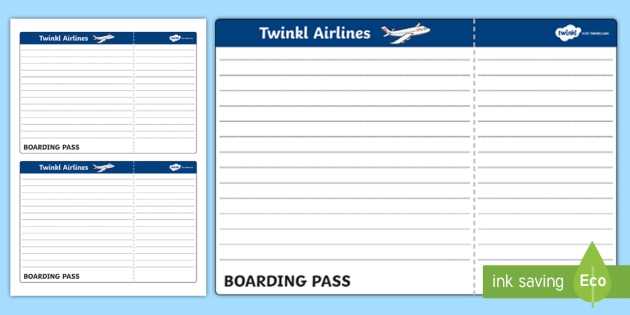
Ensure that you have access to the latest version of your travel document before arriving at the airport. Visit the airline’s website or mobile app, where you can retrieve your flight confirmation and quickly generate the necessary boarding pass. Be mindful of any instructions regarding seat selection, baggage options, and additional fees to complete your check-in before printing.
Once you’ve checked in, choose the option to download your flight pass, which will be available in PDF format. Ensure that the file is correctly formatted and displays all required flight details, such as your departure time, gate number, and seat assignment. Avoid any discrepancies by verifying the document carefully, especially if changes were made to your reservation before printing.
If you don’t have access to a printer immediately, most airports have kiosks that allow you to print your pass. However, bringing a hard copy can save time, ensuring you move smoothly through check-in and security procedures. Always double-check the airline’s guidelines to avoid issues with your printed pass at the security checkpoint or boarding gate.
How to Use Paper Boarding Pass
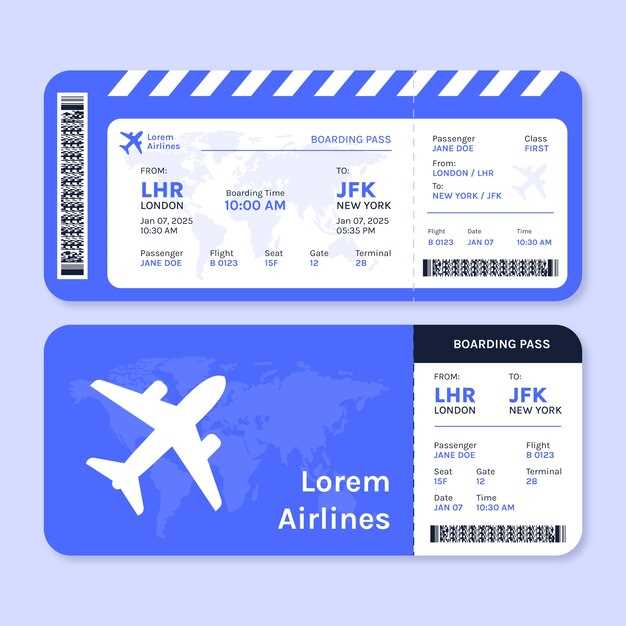
Print your boarding pass well in advance. Ensure it includes flight details like departure time, gate number, and seat assignment. Double-check the accuracy of your details before proceeding to avoid complications at the airport.
To avoid delays at security, always carry a legible hard copy of the pass. It can be scanned quickly, making the boarding process smoother. Some airports may require a printed version for identification verification, especially during busy periods.
- Verify flight and gate details before printing.
- Ensure clarity, as blurry text or images may slow down scanning.
- If flying internationally, double-check visa and passport requirements.
How to Print Your Airline Ticket at Home
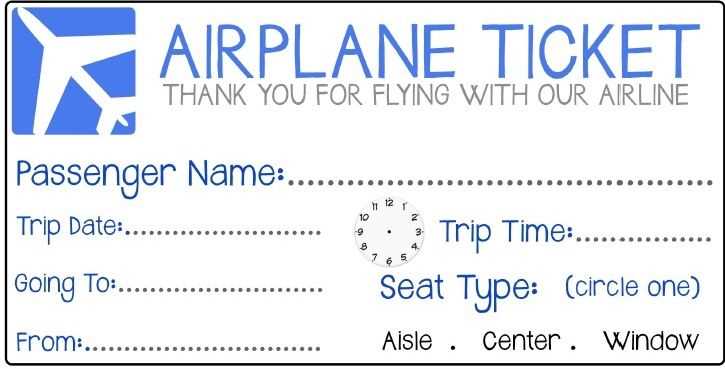
Log in to your airline’s website or app, then access the “My Bookings” or “Manage Reservation” section. Locate your upcoming flight and select the option to view your boarding pass. Most airlines allow you to download it as a PDF file directly to your device.
Once downloaded, open the file and ensure the information is correct. Use a standard home printer to print the document on A4 or letter-sized paper. Be sure to check the printer settings for clarity, ensuring the printout includes all necessary details, such as flight number, seat, and departure time. If your device supports it, you can also print directly from the airline’s mobile app, though it’s always best to keep a physical copy as a backup in case of technical issues.