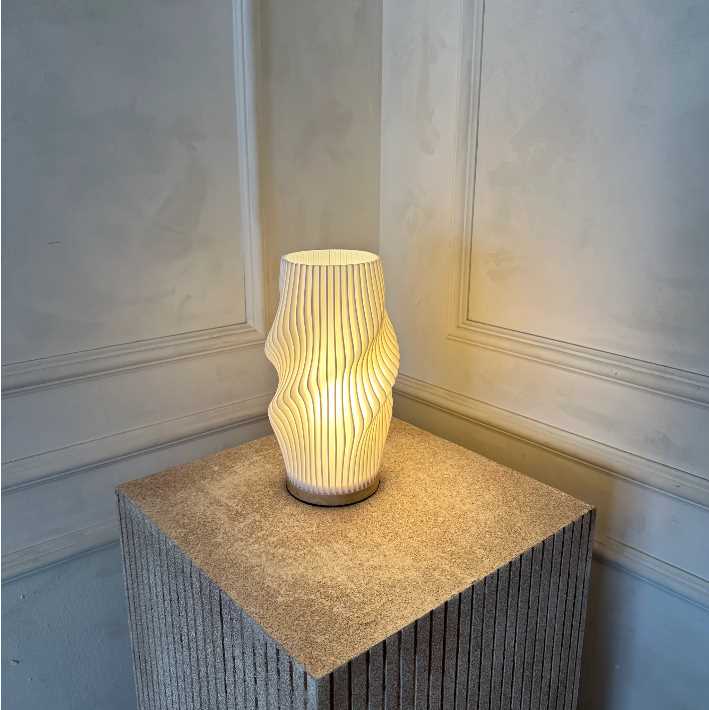
Where to Find 3D Models for Lighting Projects
Start by exploring platforms like Thingiverse, Cults3D, and MyMiniFactory, which host a variety of downloadable models. These websites offer a range of designs, from basic geometric structures to more complex decorative options. Choose models that fit your style and project goals, and ensure they are compatible with your 3D printer’s specifications, such as build volume and material type.
Some websites allow you to customize designs directly on their platform. For instance, you can adjust the size or combine multiple elements to create a unique fixture that matches your space. If you’re skilled with 3D design software, programs like Blender or Tinkercad let you create your own lighting designs from scratch.
Steps to Printing and Assembling Your Light Fixture
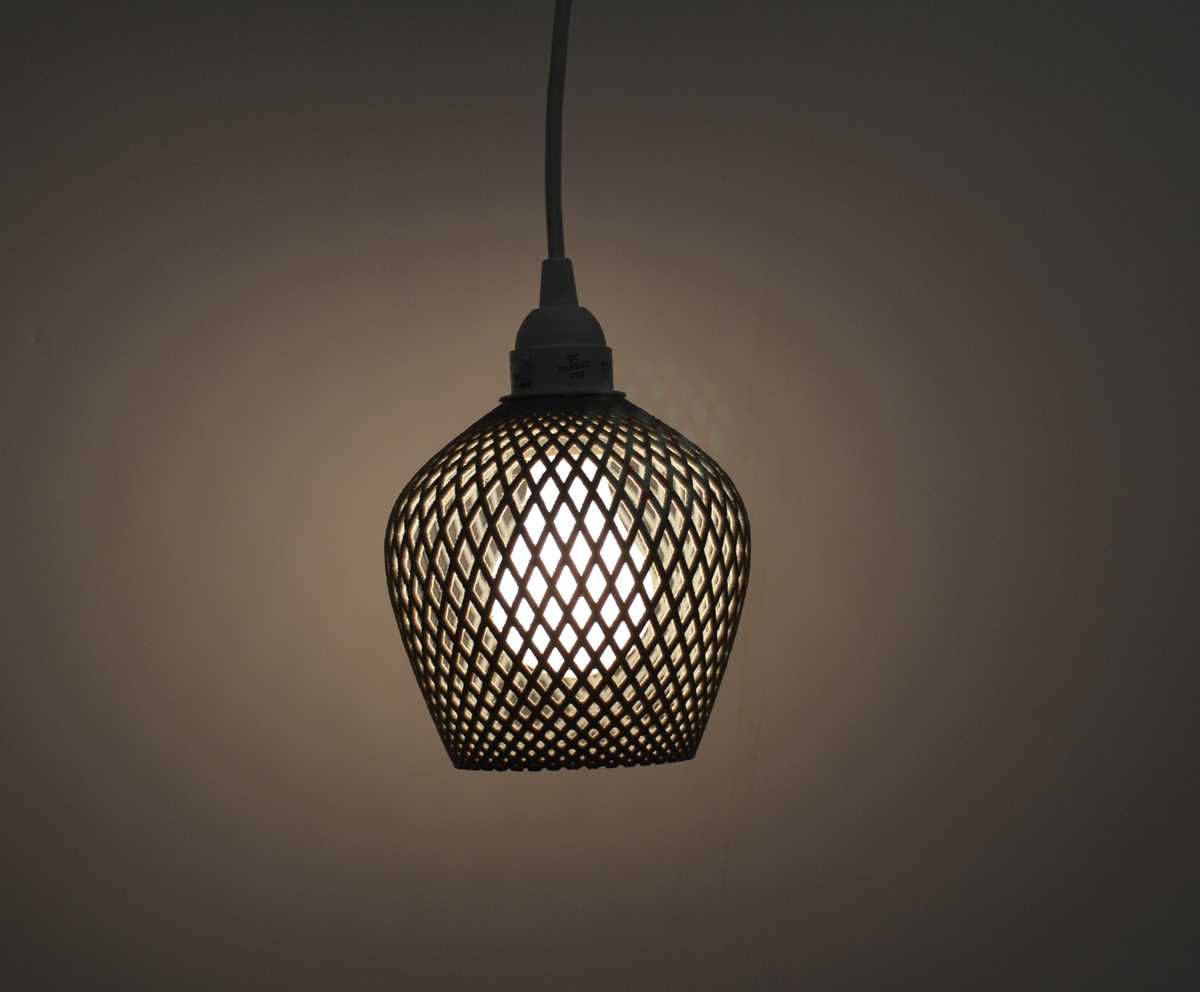
Before you start printing, ensure your 3D printer is set up correctly. Choose the appropriate filament material based on the type of light you want to create. PLA or PETG is commonly used for structural parts, while materials like ABS might be better for fixtures exposed to heat. Make sure your printer’s nozzle and bed are calibrated to avoid issues with adhesion and print quality.
Once your model is ready, slice it using software like Cura or Simplify3D, which prepares the file for your printer. Adjust settings such as print speed, layer height, and infill density depending on the design’s complexity and your desired strength and durability. A higher infill percentage can make your structure more rigid, but it may also increase print time.
After printing, carefully remove the parts from the build plate and perform any post-processing, such as sanding or trimming, to smooth rough edges or remove support structures. Assemble the parts according to the design instructions, if provided. Depending on the complexity, you may need to attach additional components, such as wiring or a light bulb socket, to complete the project.
Test your creation with an appropriate light source and ensure the fixture is safe to use. Consider adding a lampshade or decorative elements for visual appeal. Finally, install your new lighting design in the intended location and enjoy your custom-made, 3D-printed light fixture.
Creating Custom Lighting Fixtures with 3D Models
Begin by selecting a suitable 3D design for your fixture. Websites like Thingiverse and Cults3D offer a wide variety of downloadable models. Choose a design that fits your space, and make sure it aligns with the capabilities of your 3D printer. Pay attention to the size, material requirements, and complexity of the model to avoid potential issues during printing.
Once you’ve selected your design, it’s important to prepare your 3D printer. Use filament such as PLA or PETG, which are commonly recommended for decorative projects. Make sure to calibrate your printer’s bed and adjust the print settings, such as layer height and print speed, for optimal quality. The thickness of the material will affect the durability, so consider higher infill densities for structural parts.
After the model is printed, post-processing is necessary to achieve a polished look. Carefully remove any supports and smooth rough edges with sandpaper or a file. You may also want to paint or decorate the structure to match your room’s aesthetics. Consider adding extra details, such as decorative elements or texture, to enhance the visual appeal.
To finish the project, integrate a socket and light source into your printed structure. Depending on the design, you may need to wire the fixture yourself or purchase a pre-wired component. Ensure that all electrical connections are secure and properly insulated before testing the light. Once installed, enjoy your customized, functional piece of home decor that was made entirely with 3D printing technology.