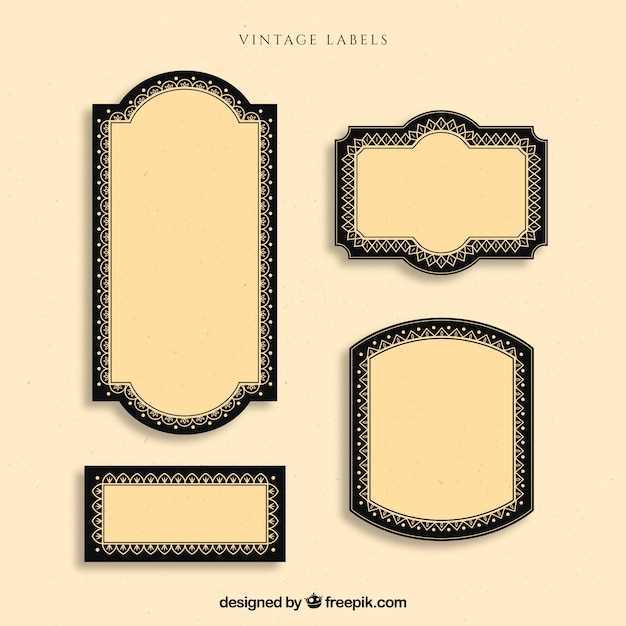
Download high resolution retro tag designs at 300–600 DPI in PDF format to keep fine typography and decorative frames sharp during home printing. Choose files sized exactly to A4 or US Letter to avoid scaling distortion and blurred edges.
Select artwork that includes aged paper textures, engraved borders, classic serif fonts, and muted color palettes such as sepia, faded red, and dark olive. Designs with subtle stains, distressed edges, and uneven ink density create a realistic old-world appearance without additional editing.
Use adhesive paper between 24 lb and 32 lb weight for jars, bottles, and gift boxes. For hanging tags, opt for matte cardstock around 65–80 lb thickness. Disable automatic color correction in printer settings to preserve the original tones and prevent oversaturation.
Store digital templates organized by theme such as apothecary, botanical, pantry, or French ephemera to maintain visual consistency across projects and simplify future reprints.
Antique Style Stickers and Tags for Crafts
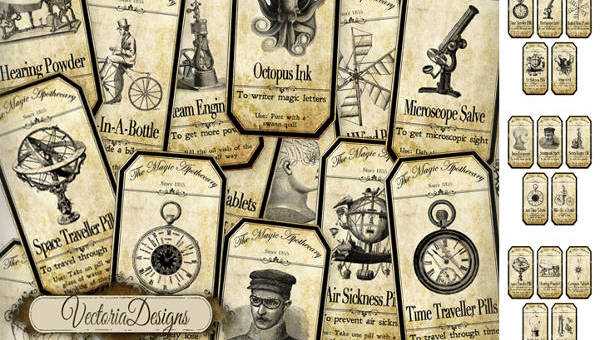
Choose retro sticker templates with a minimum resolution of 300 DPI and dimensions matched exactly to A4 or US Letter sheets to prevent scaling artifacts and blurred borders during home output.
Select designs that feature engraved frames, ornate typography, faded ink tones, and lightly stained paper textures. Authentic old-fashioned graphics often include thin serif fonts, decorative flourishes, and symmetrical layouts inspired by 19th century packaging.
For glass jars and bottles, use adhesive matte paper between 24 lb and 32 lb weight to balance flexibility and durability. For hanging tags on gifts or storage boxes, pick cardstock around 65–80 lb thickness to maintain shape without curling.
Disable automatic color correction in printer settings and set scaling to 100 percent. This keeps muted sepia, charcoal, and dark burgundy tones consistent with the original artwork.
Trim shapes using a precision knife or metal ruler for straight edges, or cut slightly inside the border to create a narrow white margin that frames the design cleanly.
Lightly distress edges with fine grit sandpaper or apply diluted brown ink using a sponge to add depth. Allow the surface to dry flat under weight to avoid warping.
Organize digital files by theme such as apothecary, pantry, botanical, or wine cellar to maintain visual unity across packaging, scrapbooks, and handmade products.
How to Choose High Resolution Antique Style Label Designs for Clean Home Printing
Select artwork with a minimum resolution of 300 DPI at full size; for US Letter this equals at least 2550 × 3300 pixels. Files below this threshold produce jagged borders and blurred typography once printed.
Download formats such as PDF, TIFF, or high-quality PNG rather than compressed JPG files. Heavy compression introduces artifacts around decorative frames and thin serif lettering, which are common in old apothecary and pantry tag designs.
Check that the document dimensions match your paper size exactly. A layout created for A4 (210 × 297 mm) scaled to US Letter (8.5 × 11 in) may shift margins and distort ornamental borders. Keep scaling set to 100 percent in printer settings.
Inspect texture details before printing. Authentic aged graphics include subtle foxing marks, uneven ink density, and slightly darkened edges. Flat beige backgrounds without fiber grain or tonal variation look artificial on matte stock.
Review color profiles. Choose files prepared in CMYK for inkjet or laser output to maintain muted sepia, charcoal, and deep burgundy tones. RGB artwork can shift toward oversaturated reds or dull browns once transferred to paper.
Zoom to 200–300 percent on screen and examine fine lines within frames and flourishes. If curves appear pixelated at that magnification, the file will not produce crisp results on adhesive sheets or cardstock.