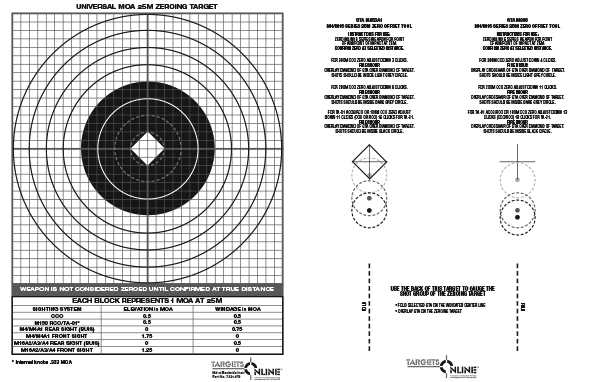
To achieve precise shot placement and measure adjustments, start by printing a grid with specific increments. Ensure that the scale corresponds to the distance you’ll be shooting from. A common mistake is using a grid without the correct scale, which leads to inaccurate measurements and poor shot grouping.
First, make sure the printable is designed with an accurate scale that aligns with your firearm’s adjustments. If the printout isn’t scaled correctly, it won’t serve its purpose for fine-tuning your shooting at various distances. Use specialized software or templates that allow you to adjust dimensions based on your shooting requirements.
Another factor to consider is the material you use for printing. Standard paper can be too flimsy, leading to a distorted appearance after handling. Opt for a thicker stock to maintain the grid’s integrity, especially if you’ll be using it outdoors or in different weather conditions.
Finally, avoid using grids that are too dense or complex. Overcrowding the printout can distract from the key focus areas. Keep the design simple but clear, marking the central point for precise adjustments while leaving enough space for ease of reading during your session.
MOA Target Printable Guide
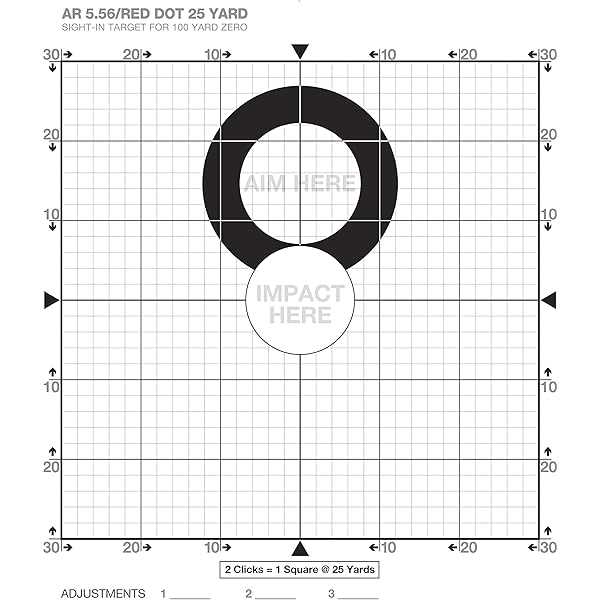
When creating a shooting grid, use a consistent scaling method based on the rifle’s adjustment system. For example, a 1-inch grid at 100 yards corresponds to a 1 MOA (minute of angle) shift. This method ensures you can fine-tune your shots with precision. If the grid is not properly scaled, it will distort the data and undermine the accuracy of your adjustments.
The print size is another key aspect. Make sure that the dimensions of the printed grid match the measurements required for your shooting setup. A common error is printing a grid without adjusting the scale, which can lead to distorted angles and measurements. Use tools like PDF scaling options or software that allows you to customize the printout to the exact size you need.
For durability, print your grid on thicker paper or laminate it if you plan on using it multiple times. Regular paper can bend or tear under pressure, especially in outdoor conditions. A sturdy, waterproof version will not only increase longevity but also ensure that the grid maintains its clarity after repeated use.
How to Design MOA Targets for Accurate Measurements
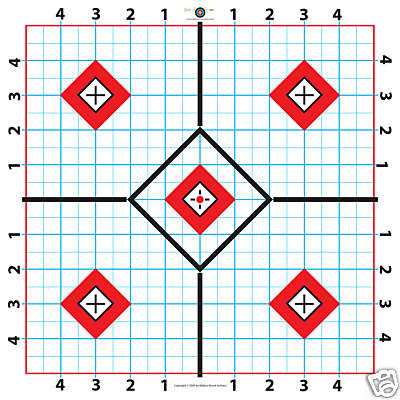
Begin by deciding the size of the grid lines based on the shooting distance and the rifle’s characteristics. For precise measurements, make sure each line represents a specific angular increment, such as 1 MOA, which equals 1.047 inches at 100 yards. If you’re aiming for long-range shooting, adjust the scale accordingly to maintain accuracy over greater distances.
The spacing between lines plays a critical role in ensuring the grid’s effectiveness. For typical use, a grid where each line marks 1-inch intervals is common at 100 yards. However, for longer distances, you should scale the lines by either increasing their spacing or using a more refined grid to capture smaller movements. Consistency is key–ensure that the grid’s intervals are even and measurable.
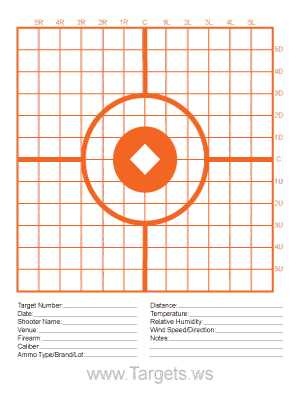
Once the grid is designed, consider using clear markers to denote the center point and key reference lines. This will help during alignment and adjustments. For increased precision, incorporate additional markers for vertical and horizontal lines that help in measuring the drift or shift of the bullet, ensuring a more accurate shot grouping on your printout.