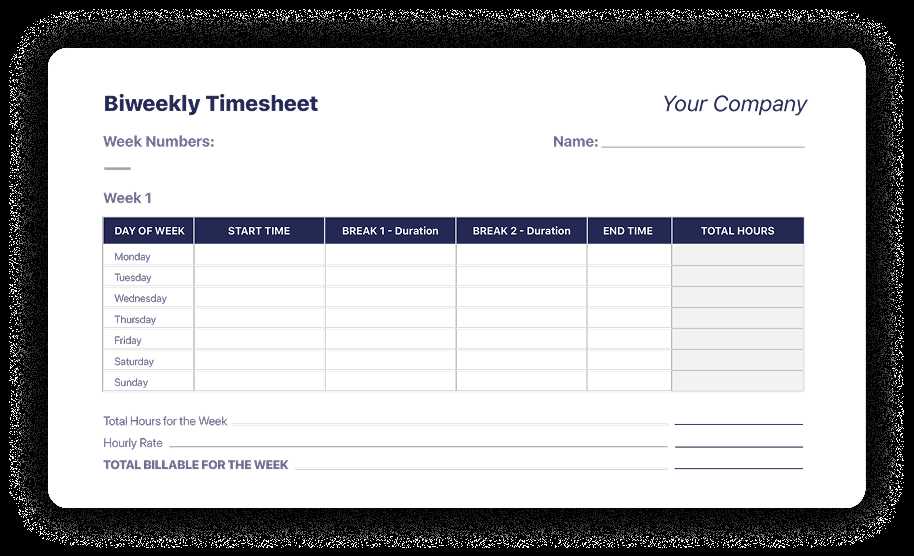
Start by organizing work hours with an efficient layout that allows for easy tracking. Ensure each column accurately reflects the days worked and the total hours for each period. A clear and simple structure helps you stay on top of both short-term and long-term schedules. Adjust the format to meet the specific needs of your workplace or personal project.
To improve your workflow, consider including spaces for breaks, overtime, and project-specific tasks. You can add rows for additional details like approval signatures or specific project milestones. This will streamline your record-keeping, making sure all necessary information is easily accessible.
Using a template can save time and reduce the risk of mistakes, especially if you need to submit reports or generate invoices. By filling out a well-organized document, you avoid confusion and keep everything in one place. Remember to regularly update your tracker to keep up with changes in your schedule or job requirements.
Printable Simple Biweekly Timesheet Template
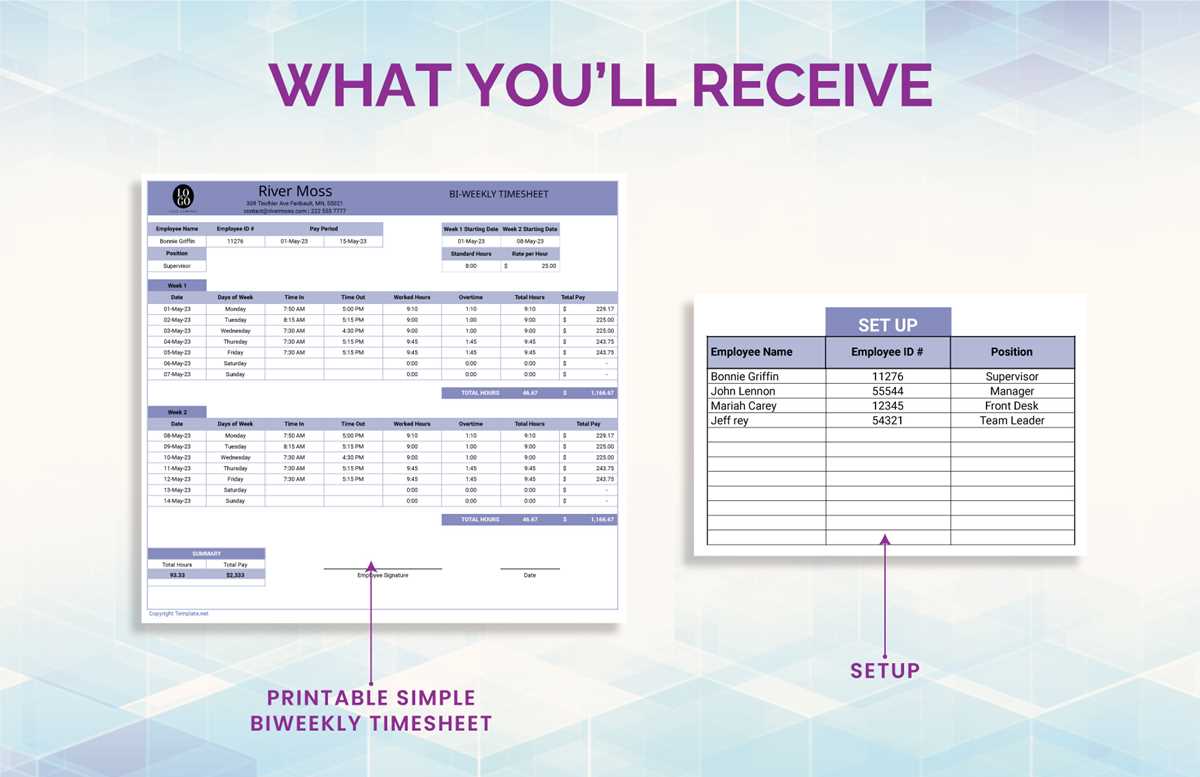
For effective tracking of work hours, it’s crucial to design a form that’s both easy to fill out and understand. Begin with clearly marked columns for the start and end times of each workday. Ensure there’s enough space to record the total hours worked each day, as well as any overtime or additional notes.
To prevent errors, use a consistent format for dates and times. Label the days of the week and the specific dates at the top to avoid confusion. For example, if you’re working in shifts, it helps to add a column specifically for “shift” or “task” to keep everything organized.
Incorporating a “total hours” section at the bottom of the document allows for easy summation at the end of each period. This section should automatically calculate the total number of hours worked, including regular and overtime hours. Double-check these totals for accuracy to avoid discrepancies when submitting reports.
Ensure there’s space for a manager or supervisor’s signature, especially if the sheet is used for payroll purposes. This small addition can help ensure accountability and provide a formal record for both parties. If needed, create a separate line for comments or additional notes to capture any special instructions or adjustments to the usual hours.
Adjusting the layout to fit your needs is simple. If you’re using the form for a team, add a section where each employee can write their name and department. For freelance workers, consider adding client or project details so you can keep your work segmented and properly billed.
Printing the form should be straightforward. Make sure the document is easy to print on standard paper sizes (like letter or A4). Having a hard copy also makes it easier to keep records in physical form, which is still a preferred method for many businesses.
Lastly, you can customize this form by incorporating colors or branding elements to make it fit your business style. Customizing fonts or adding logos can add a professional touch, which is especially important for teams or clients that value a polished appearance.
How to Customize a Biweekly Timesheet Template for Your Needs
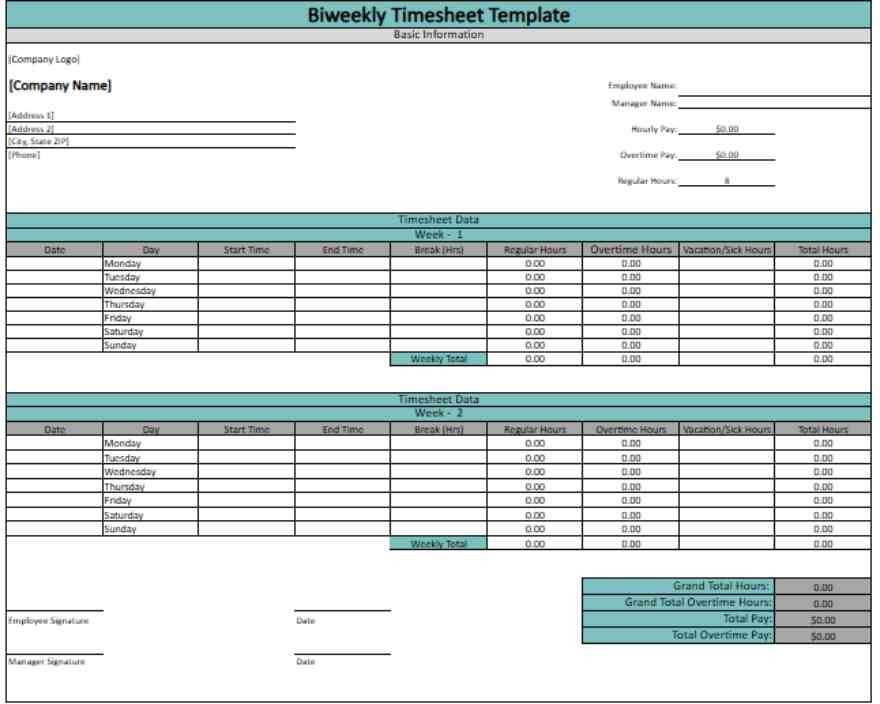
To tailor the form to your specific needs, start by adjusting the columns to fit your work structure. If your team operates on different shifts or varying schedules, add separate sections to account for these variations. Include fields like “Project Name” or “Client” for freelancers, or “Department” for internal staff to track allocations effectively.
Next, consider the inclusion of overtime hours, breaks, or any other exceptions to the regular working hours. Create additional lines for “Notes” where employees can mention special circumstances, like sick leave or holidays. Customizing the format ensures it aligns with the particular way your team operates and helps maintain clarity for both employees and management.