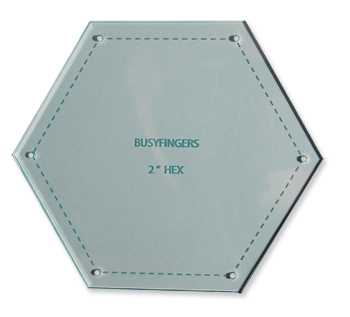
To start creating geometric figures, download high-quality templates available in various formats such as PDF, PNG, or JPEG. Ensure that the designs you choose are scalable for different project sizes and suitable for your printing needs. Websites offering these templates often allow customization of sizes and colors, giving you flexibility for your design work.
How to Customize Your Geometric Figures
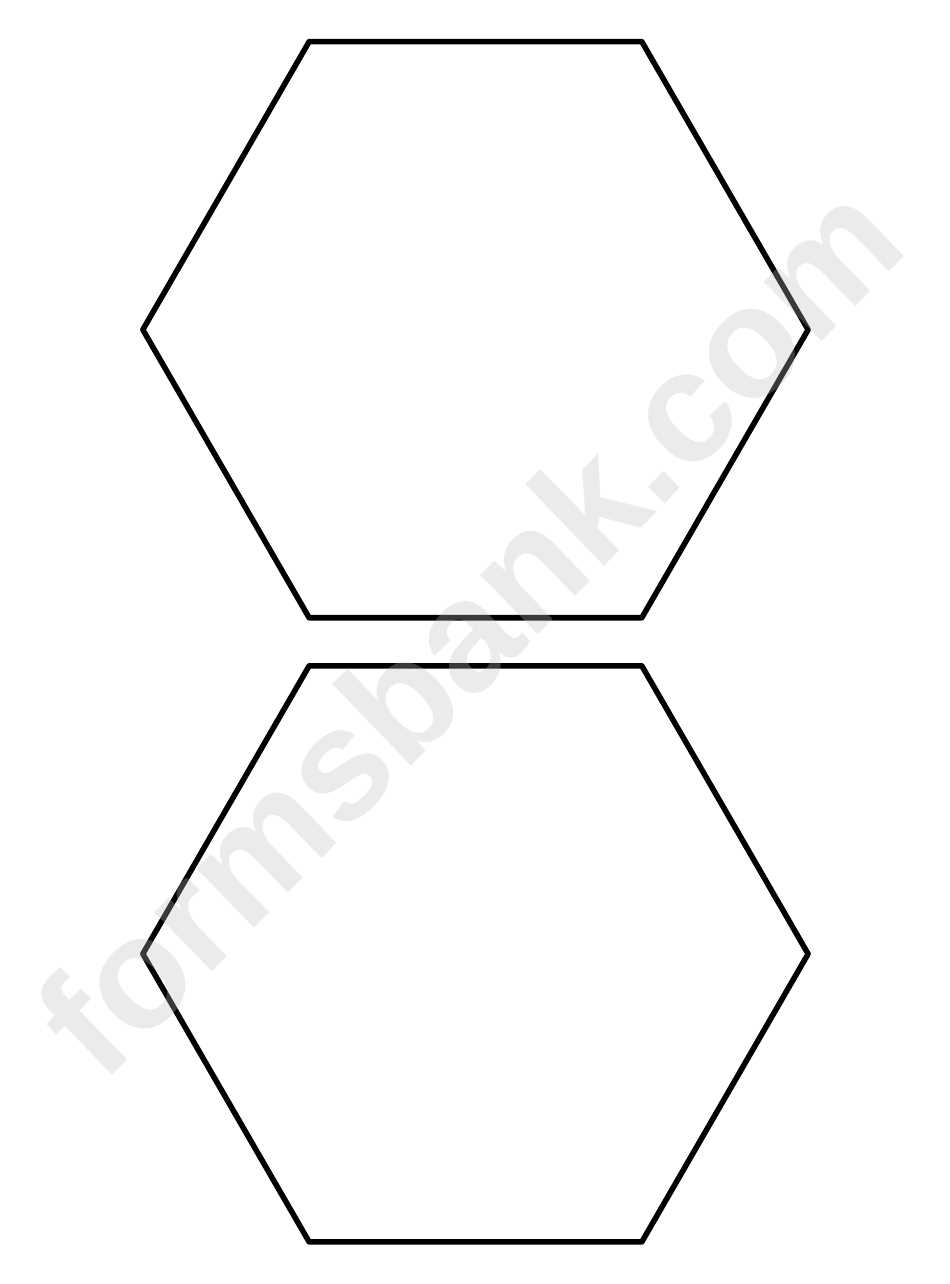
Once you’ve selected a design, open it in an image editing software or a free online tool. You can adjust the figure’s size, color, or even add text or patterns to make it your own. If you’re planning to use the design for educational purposes, consider adding labels or numbers to help with learning activities.
For precision, make sure the image has a high resolution–at least 300 DPI–for clear prints. If you’re creating multiple copies, scaling and maintaining sharpness is critical. A vector-based format is often the best choice as it allows you to resize without losing quality.
Best Materials for Printing and Using the Designs
Choose the right paper to print your design. For crafting, thick cardstock or glossy photo paper works well to bring out the detail and sharpness of the pattern. If you’re creating decorations or using the figures for a display, opt for a heavier paper or even vinyl for durability.
Adjust your printer settings for high-quality print mode to ensure color accuracy and clarity. For those printing in large quantities, using a commercial printer can be more efficient. Always test the settings on a small print before proceeding with multiple copies.
After printing, carefully cut out each figure using scissors or a craft knife. If you’re making smaller designs, a cutting machine can ensure consistent results. Mount the figures onto foam board or sturdy cardboard for added strength, or use them in scrapbooking and card-making projects.
How to Use Geometric Designs in Your Crafts
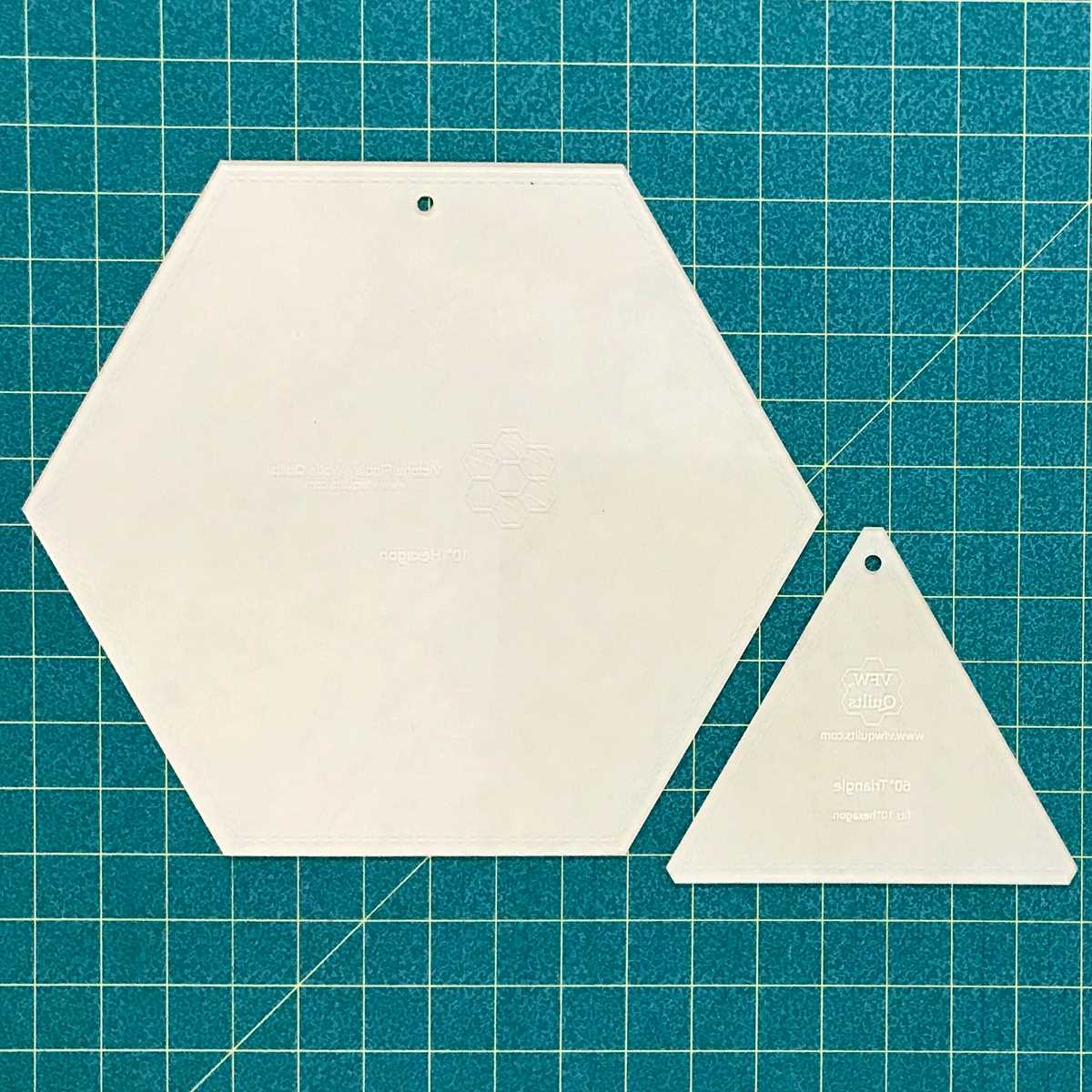
To incorporate geometric figures into your projects, start by downloading a clean, high-resolution design. Choose files in PDF or PNG formats for easy access and compatibility with most printers. Ensure that the designs are scalable to fit various project sizes, whether for scrapbooking, wall art, or decorative elements. Customizing these figures to match your color scheme or theme is a straightforward process in any editing software.
When printing, select thicker paper or cardstock for durability. This ensures the printed figures will hold up to handling, cutting, and gluing. A high-quality inkjet or laser printer will give you sharp, clear lines that maintain their form even when resized. Once printed, carefully cut the shapes using precision scissors or a craft knife for clean edges. Use them in quilting, mosaic art, or as part of educational materials for children learning about geometry.