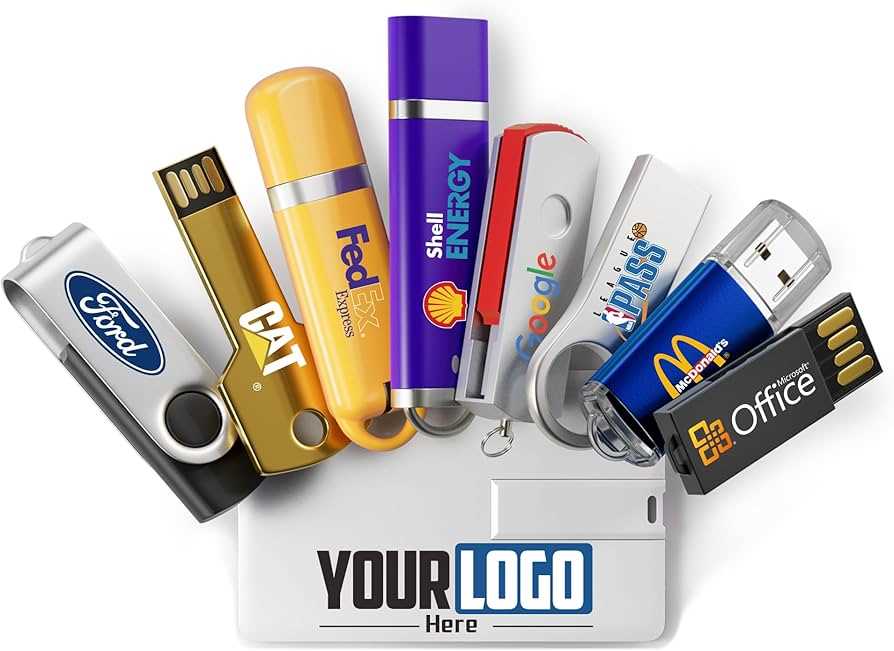
To customize a storage device for your needs, begin by selecting the appropriate storage capacity. Consider how much data you need to store and whether a smaller or larger capacity suits your requirements. Devices that offer a range of sizes from 8GB to 1TB allow for flexibility based on usage. For casual tasks like document storage, a 16GB to 32GB option may suffice, but for large video files or software, opt for 128GB or more.
Steps for Personalizing Your Digital Storage Device
After choosing the storage device, the next step is personalizing it for easy identification. You can start by labeling the device with your name or a specific project identifier. This is particularly useful if you use multiple devices or lend them out. Many devices allow for simple labeling software, or you can use a permanent marker for quick identification.
If you plan to use the device in various settings, consider choosing a more durable material. Some devices come with metal casings that protect against wear and tear, while others might be water-resistant. If you handle your storage device in different environments, durability is key for long-term performance.
Choosing the Right Device for Speed and Storage Needs
When selecting a storage device, speed is a critical factor. For transferring large files quickly, devices that support USB 3.0 or USB 3.1 are ideal. These offer significantly faster read and write speeds compared to older USB 2.0 models. If you work with high-resolution images, videos, or large software applications, prioritize these faster models to save time.
Additionally, some devices support features such as encryption for securing your data. If privacy is a concern, look for options that come with built-in security measures. This will protect sensitive information from unauthorized access when the device is used in shared environments.
Lastly, ensure compatibility with the devices you’ll be using. Most digital storage devices work across various platforms, but it’s always a good idea to confirm that the device works with your computer’s operating system. For instance, some devices may not work on older machines without certain software updates.
By considering these factors–capacity, speed, durability, and security–you can ensure that your digital storage device will serve your needs for both personal and professional use.
Guide to Digital Storage Customization and Usage
To begin personalizing a digital storage device, the first step is determining the storage capacity required for your needs. For everyday document management, smaller sizes like 16GB or 32GB will suffice. However, if you handle larger files, such as HD videos or professional software, consider larger options like 128GB or 256GB. This ensures that you won’t run out of space quickly and that your data remains organized.
Once you’ve selected the storage size, the next step is customization. A useful feature is labeling the device for easy identification. You can either use software to label the device or simply mark it manually with permanent ink. If you plan to use the device in multiple environments, choosing one with a durable casing that resists scratches and water damage will extend its lifespan.
Speed is another important factor to consider. Choose a device that supports USB 3.0 or higher for faster data transfer rates. These devices allow for quick file transfers, especially when dealing with large media files. USB 2.0 models, while more affordable, are slower and may not meet the needs of users who transfer substantial amounts of data regularly.
Lastly, security features like encryption can be crucial if you plan to store sensitive information. Some models come with built-in encryption software, while others require third-party software. Always opt for a device that offers data protection to safeguard your files from unauthorized access, especially if you use the device in public or shared environments.