Download High-Quality Images for Your Print
For a crisp and accurate version of the symbol, search for high-resolution images in formats like PNG or PDF. Ensure that the size is suitable for your intended use. A 150-300 DPI (dots per inch) image will deliver good quality for printing on most home printers. Websites offering free resources, such as government or educational sites, can provide reliable images without watermarks.
Where to Find Free Resources
- Official government or education portals often offer downloadable versions of the emblem.
- Design-focused platforms, like Unsplash or Pixabay, also feature high-quality, royalty-free options.
Choosing the Right Paper for Durability
Use heavier paper stock, such as 250-300gsm, to ensure the printed version holds its shape and does not easily wrinkle. If you’re printing something larger, like a wall hanging, opt for a glossy finish to give the design more vibrancy. For a more subtle and refined look, matte paper can add a level of elegance, while still providing durability.
Paper Types to Consider
- Glossy Paper: Offers a shiny surface and vivid color reproduction.
- Matte Paper: Provides a smooth finish with less glare, good for more subdued displays.
- Cardstock: Ideal for sturdier prints that need to withstand wear and tear.
Additionally, consider laminating the print to protect it from damage and extend its lifespan. If it’s for temporary use, a simple print on regular A4 paper can suffice, but for long-term display, a more durable option is best.
How to Get a High-Quality Design of the National Emblem
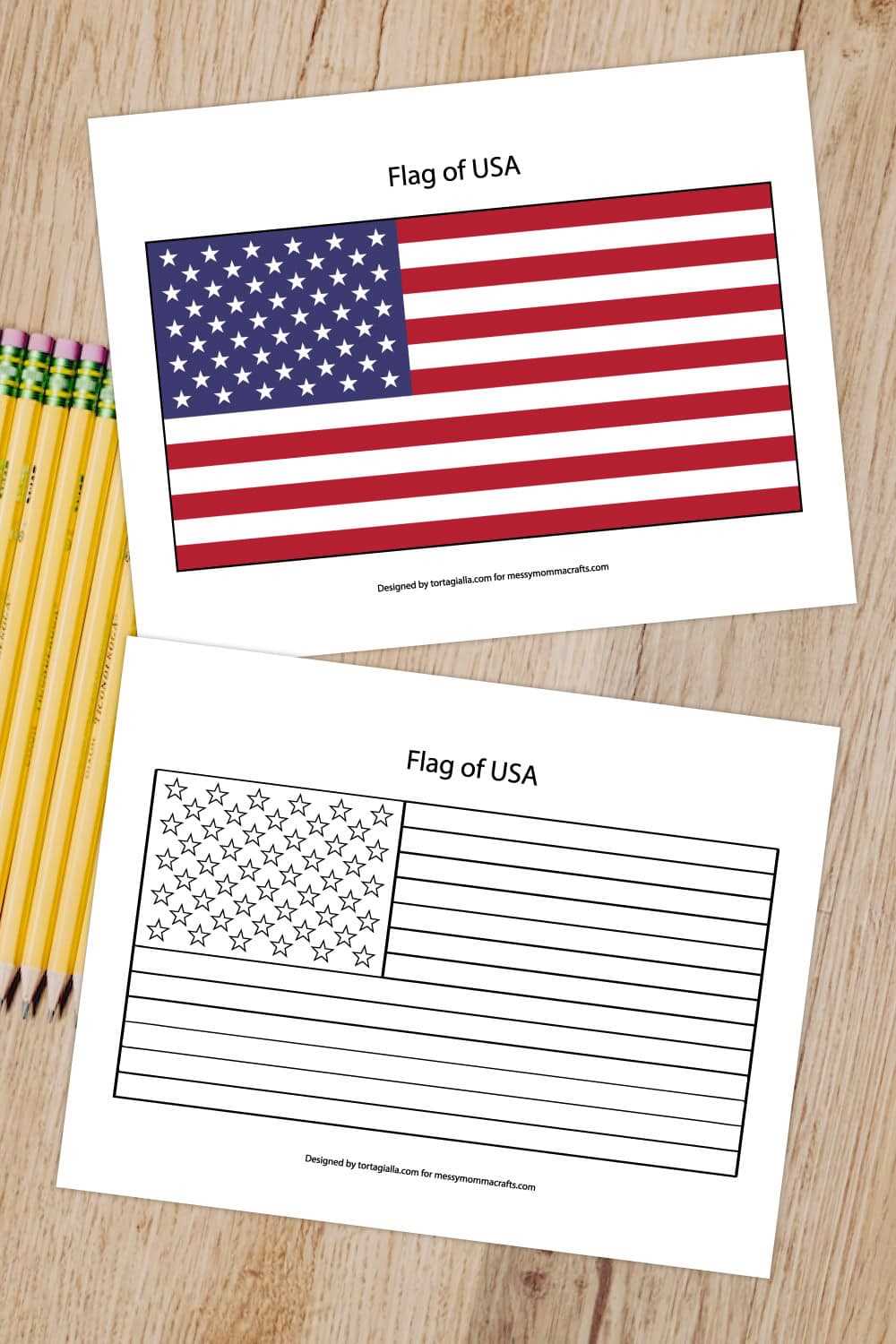
To ensure a sharp and clear representation, use digital files with a resolution of at least 300 DPI. Look for vector formats like SVG for scalable quality, which won’t lose clarity when resized. Sites offering government-approved artwork or reputable design platforms like Adobe Stock often feature reliable downloads.
Check for files that specify print dimensions. If you need the symbol for a large display, select one that is optimized for printing at large scales without pixelation. Standard formats include PNG, SVG, and PDF, which are universally supported by most printing software.
If you’re printing at home, select files compatible with your printer. Most consumer printers handle standard file formats, but if you are using a large-format printer, make sure the chosen file supports that specific size. Adjust the scaling settings in your printer software to maintain the correct proportions.
For a matte finish, choose a smooth paper stock with a weight of 250gsm or higher. A thicker paper will support vibrant colors and prevent the material from buckling. Glossy paper is a better option for a shinier appearance, ideal for flag displays that need to stand out.
When printing a large version, make sure to adjust the printer’s settings to support the file’s dimensions. Many printers have an option to tile a large image across multiple pages, so you can print sections and assemble them into a larger version.
For outdoor use or high durability, consider laminating your print or using a weather-resistant ink. This will help preserve the design for longer periods without fading or damage from weather exposure.
If you plan to frame or display your print, choose a sturdy backing material like foam board or cardboard. Mount the print carefully to prevent it from shifting or creasing over time, ensuring it stays in place and looks crisp in its display area.