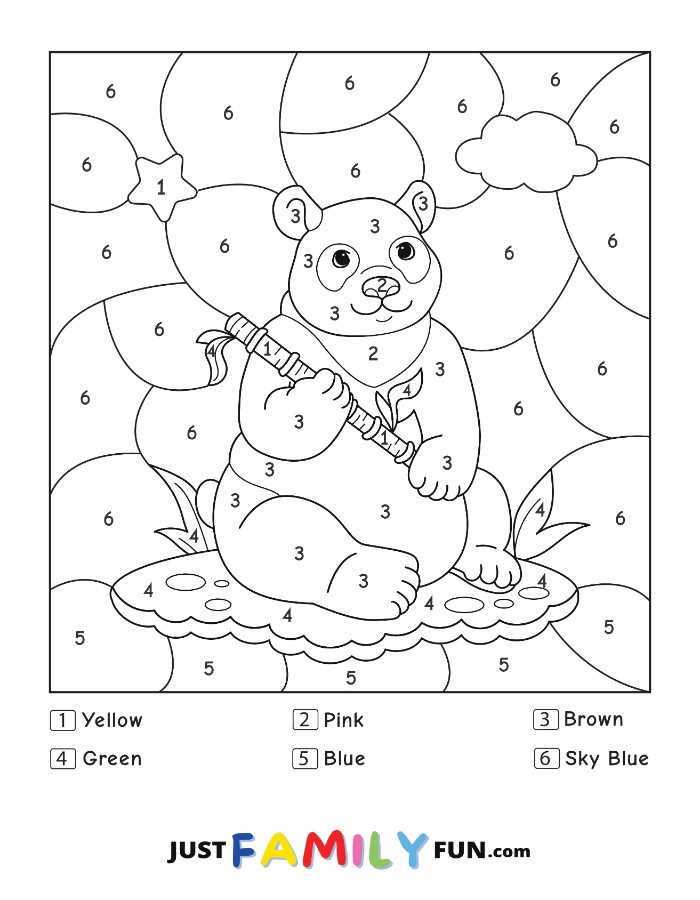
How to Find and Print Fun Activity Pages
Search for high-quality templates that are simple to download. Look for files in PNG or PDF formats, which are compatible with most home printers. These formats ensure clarity and easy scaling for different print sizes. Select high-resolution files, ideally 300 DPI or higher, to avoid pixelation.
For ease of use, select designs that come with clear instructions or a color key. Many sites offer these free of charge, and you can print them directly or save them for later use. Ensure that the files are correctly sized to fit your paper type before printing to maintain proper proportions.
Choosing the Right Paper for Long-lasting Prints
When printing, use thicker paper to maintain color accuracy and prevent wrinkling. A weight of 200gsm or higher is a good choice for durability. Glossy paper can enhance the visual appeal of the design, making the colors stand out more, while matte options provide a smoother texture and reduce glare.
For a more sturdy result, especially if the activity page is meant for display, use cardstock or photo paper. These options will give your printout more structure and prevent it from bending or tearing easily. If you’re printing a larger design, be sure to scale it correctly to fit the paper size without distortion.
Additional Tips for Quality Prints
- Ensure your printer settings are adjusted for color accuracy and the right paper type.
- Consider laminating the final print for extra durability, especially if it’s used frequently or exposed to children.
To improve the experience, laminate the finished pages so they can be reused with dry-erase markers, allowing kids to enjoy the activity multiple times.
Choosing the Right Templates for Fun Learning Activities
To get started, look for designs that are simple and clear, with large, easy-to-understand sections. These are ideal for younger children or beginners. Ensure that the layout has clear boundaries for each section, making it easier for kids to follow the instructions and stay engaged.
For more advanced learners, select templates with smaller areas that require more precision. These types of designs will help improve focus and motor skills. When printing, make sure the images are high quality and formatted to suit your printer’s resolution for best results.
Tips for Printing and Paper Selection
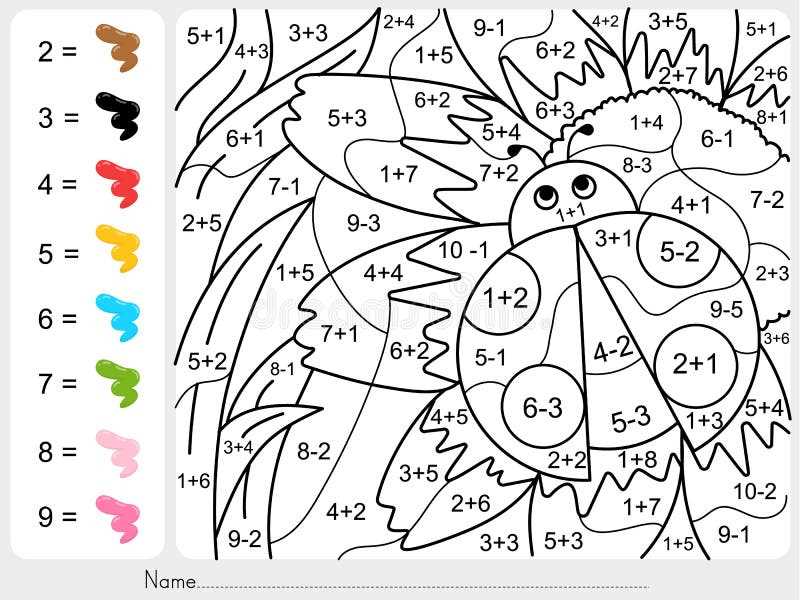
Choose paper that’s slightly thicker than standard printer paper. A heavier stock, like 200gsm or more, will ensure the design holds up well during repeated use. Thicker paper also prevents the ink from bleeding through, providing a cleaner result.
If the designs are for display or long-term use, consider using photo or glossy paper. These papers highlight the colors better and add an extra layer of protection against wear. For frequent use, though, regular printer paper or lightweight cardstock will suffice.
Printing Larger Designs
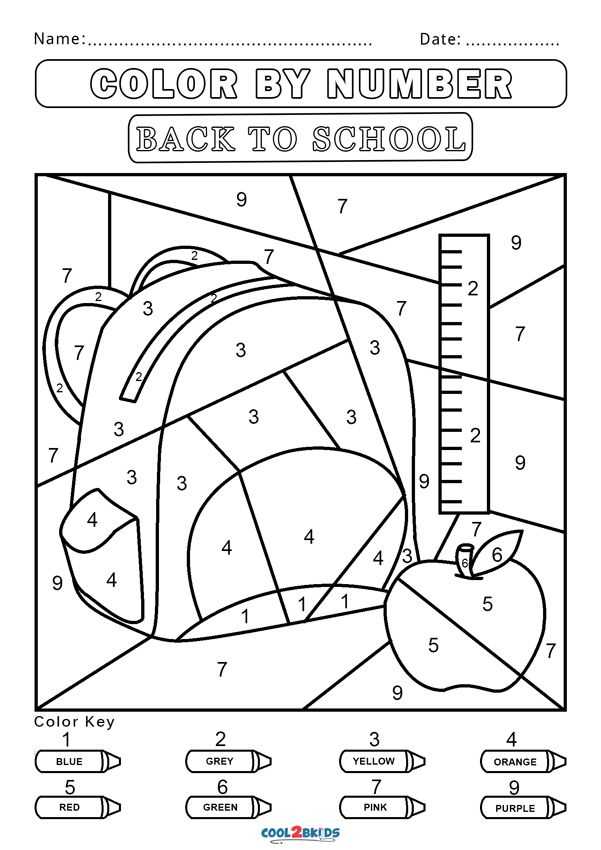
If you’re printing designs that are larger than your printer’s standard paper size, use the “tile” or “poster” print option available in most printing software. This divides the image into smaller sections that you can print individually and later assemble into a full-size picture.
Additional Considerations for Reusability
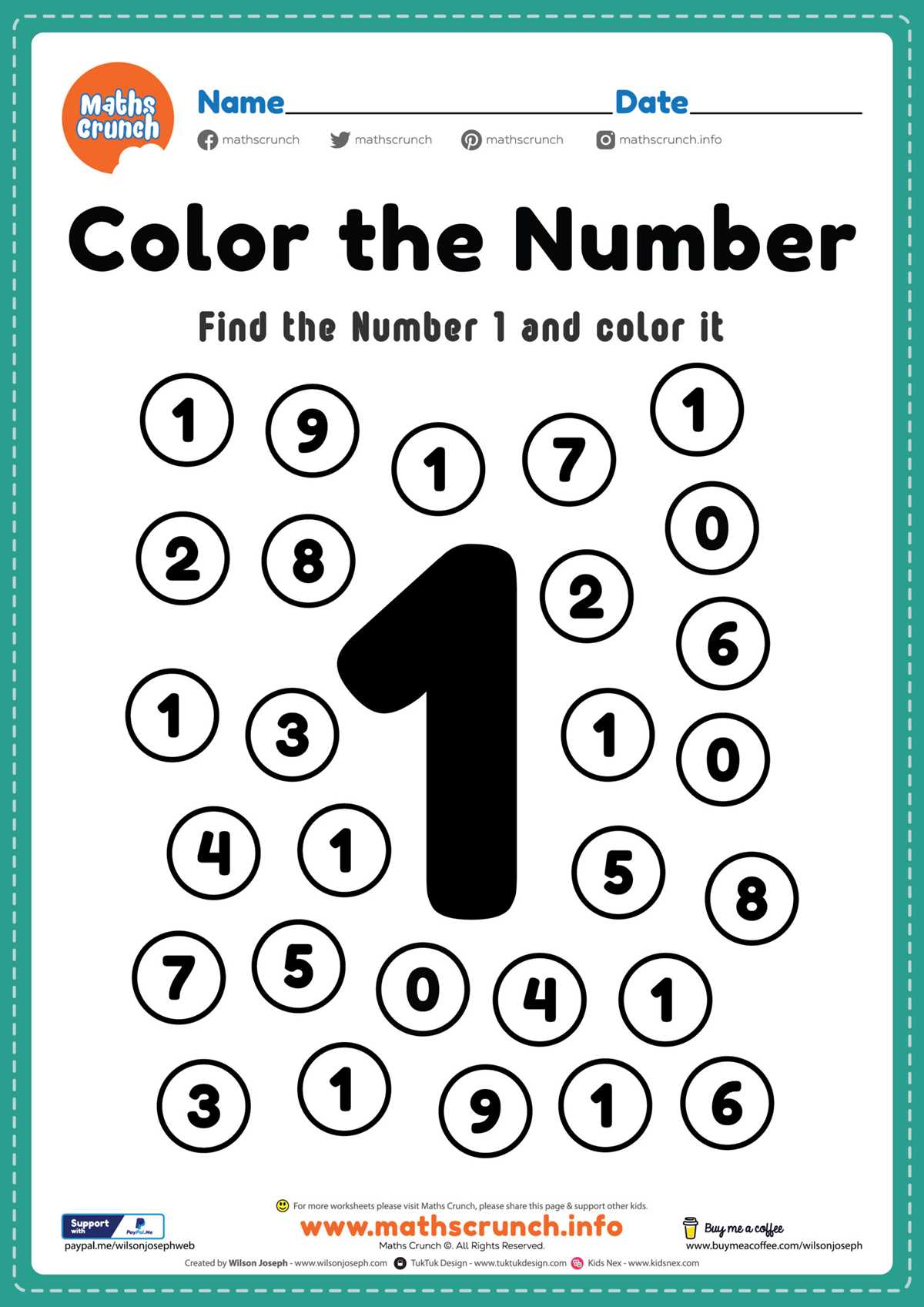
To make your printed designs reusable, laminate them. This will allow you to use dry-erase markers for coloring, which can be wiped off and reused multiple times. Laminating also offers durability if the pages are handled frequently, such as in a classroom setting.