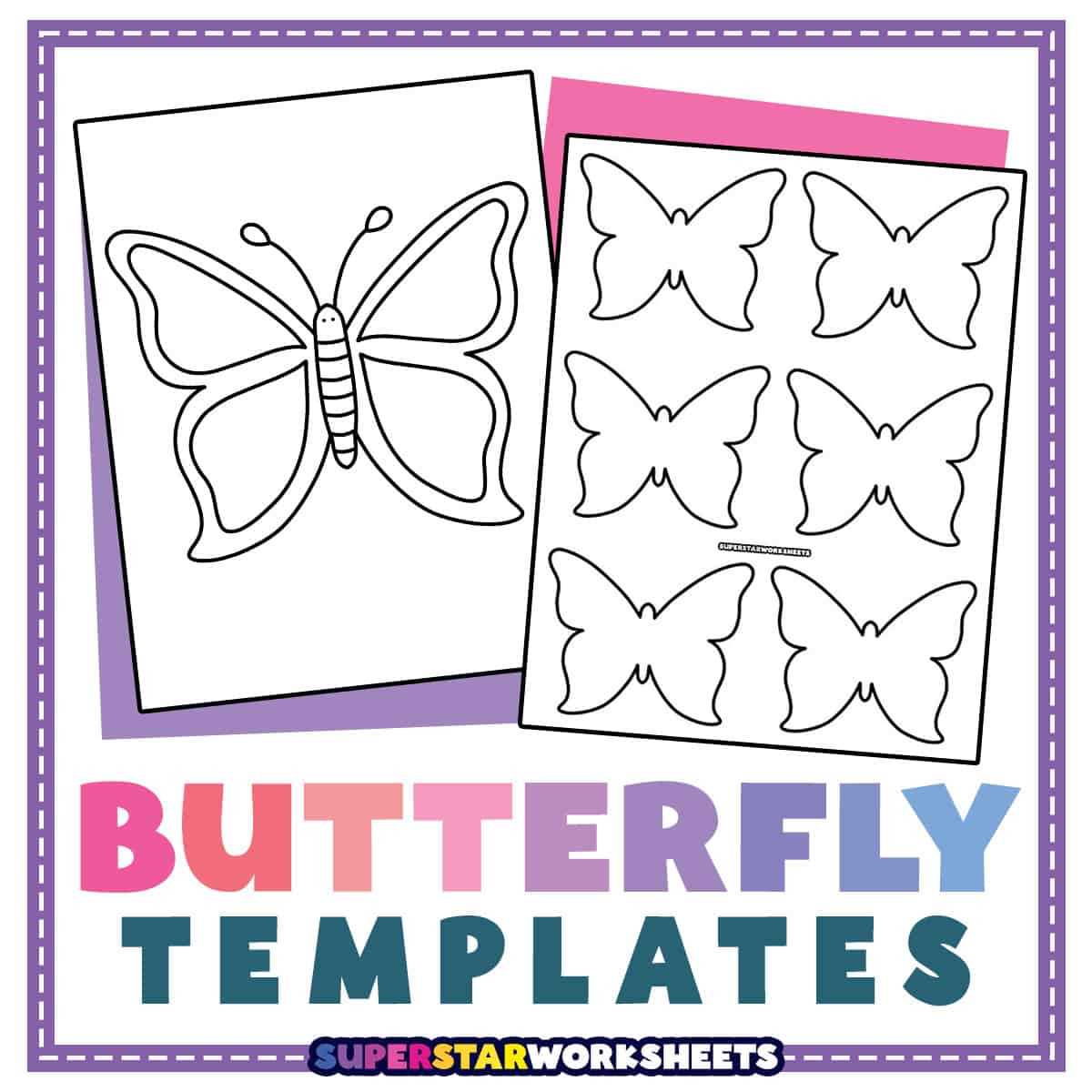
Use A4 or Letter size line art sheets with clear contours and 300 DPI resolution to avoid blurred edges after printing and cutting. Choose vector PDF files instead of raster JPG when scaling above 150 percent, because thin antennae and wing patterns remain sharp.
Select cardstock between 160–220 gsm for wall décor and greeting cards, while standard 80 gsm office paper suits coloring activities for children. Matte paper prevents marker bleeding; glossy paper works better for stickers if adhesive film is added after cutting.
For precise cutouts, set printer margins to 5 mm, disable automatic scaling, and check “actual size” in the dialog window. When using scissors, thick outer borders of at least 2 mm reduce tearing, and craft knives require a self-healing cutting mat to keep wing symmetry intact.
Store digital outline files in folders labeled by wingspan width in centimeters rather than vague names. This method speeds up selection when preparing party decorations, classroom tasks, or scrapbooking layouts with consistent proportions.
Printable Butterfly Templates for Crafts and Creative Projects
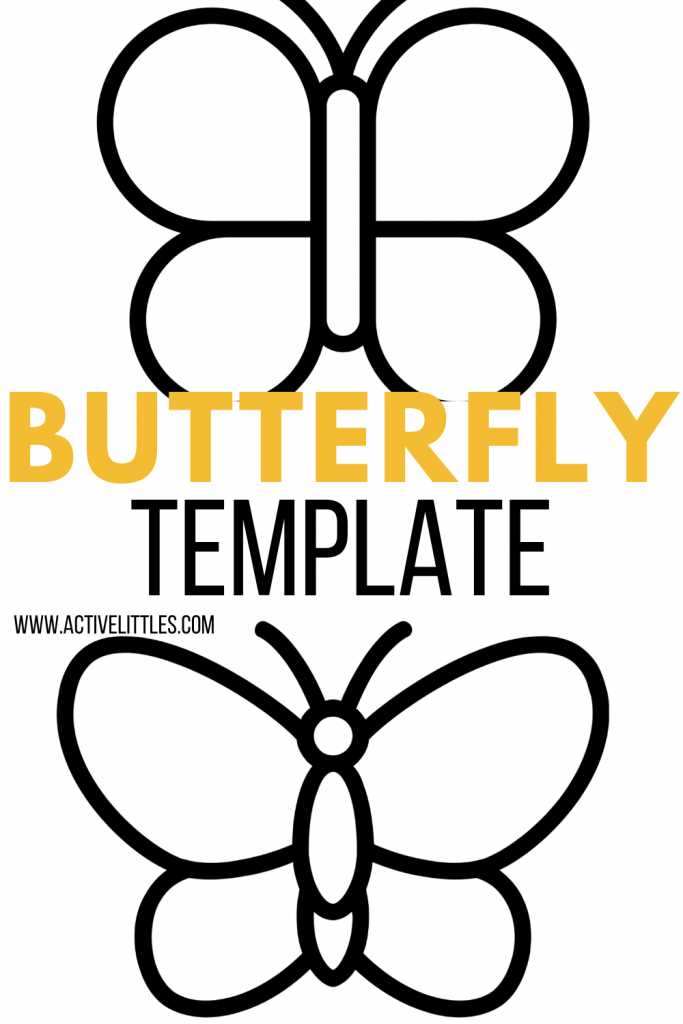
Download vector outline sheets in PDF format with at least 300 DPI and scale them only in vector editors; this keeps wing veins sharp after resizing from 5 cm to 25 cm width without pixel distortion.
Choose paper density based on the task rather than appearance. Thin office sheets bend during glue application, while dense cardstock holds shape for hanging décor and layered cards.
- 80–100 gsm – coloring pages and classroom tasks
- 160–200 gsm – greeting cards and scrapbooks
- 220–300 gsm – wall ornaments and mobiles
For symmetrical cutouts, fold the sheet along the body axis before trimming; this halves cutting time and keeps both sides identical without measuring tools.
- Print at actual size with margins set to 3–5 mm
- Use fine-tip scissors for inner curves
- Switch to a craft knife for antenna details
- Place a cutting mat under the sheet
Coloring materials change the final look more than paper type. Alcohol markers bleed through thin sheets, wax crayons leave texture on matte surfaces, and watercolor needs at least 200 gsm weight.
For layered décor, prepare three silhouettes of decreasing wingspan and glue them only at the center line; raised edges create a 3D effect without foam tape.
Organize digital files by wingspan width and contour thickness instead of vague names. Labels such as “12cm thin line” or “18cm bold outline” reduce search time when preparing party banners or classroom sets.
Where to Download High Resolution Winged Insect Outline PDFs

Search vector libraries that allow filtering by PDF line art and file size above 1 MB; large files usually indicate scalable paths rather than compressed bitmap scans.
University biology departments and natural history collections often publish scientific drawings converted into clean contour sheets. These sources provide anatomically correct wing symmetry and thin vein details suitable for precise cutting.
Design marketplaces with paid bundles frequently include multiple silhouette sets sorted by width from 6 cm to 30 cm. Check preview zoom at 400 percent; jagged edges signal raster origin.
Free craft portals sometimes host user-submitted outline packs. Choose uploads with vector badges or editable layers; locked layers prevent line thickness adjustments before printing.
Before downloading, verify technical notes: stroke width in points, color mode RGB or CMYK, and absence of background fills. Files with transparent backgrounds reduce ink consumption and simplify layering.
After saving, rename each PDF by wingspan and contour weight such as “14cm 2pt line” or “22cm bold edge.” Structured naming shortens search time while preparing décor sets, greeting cards, or classroom handouts.