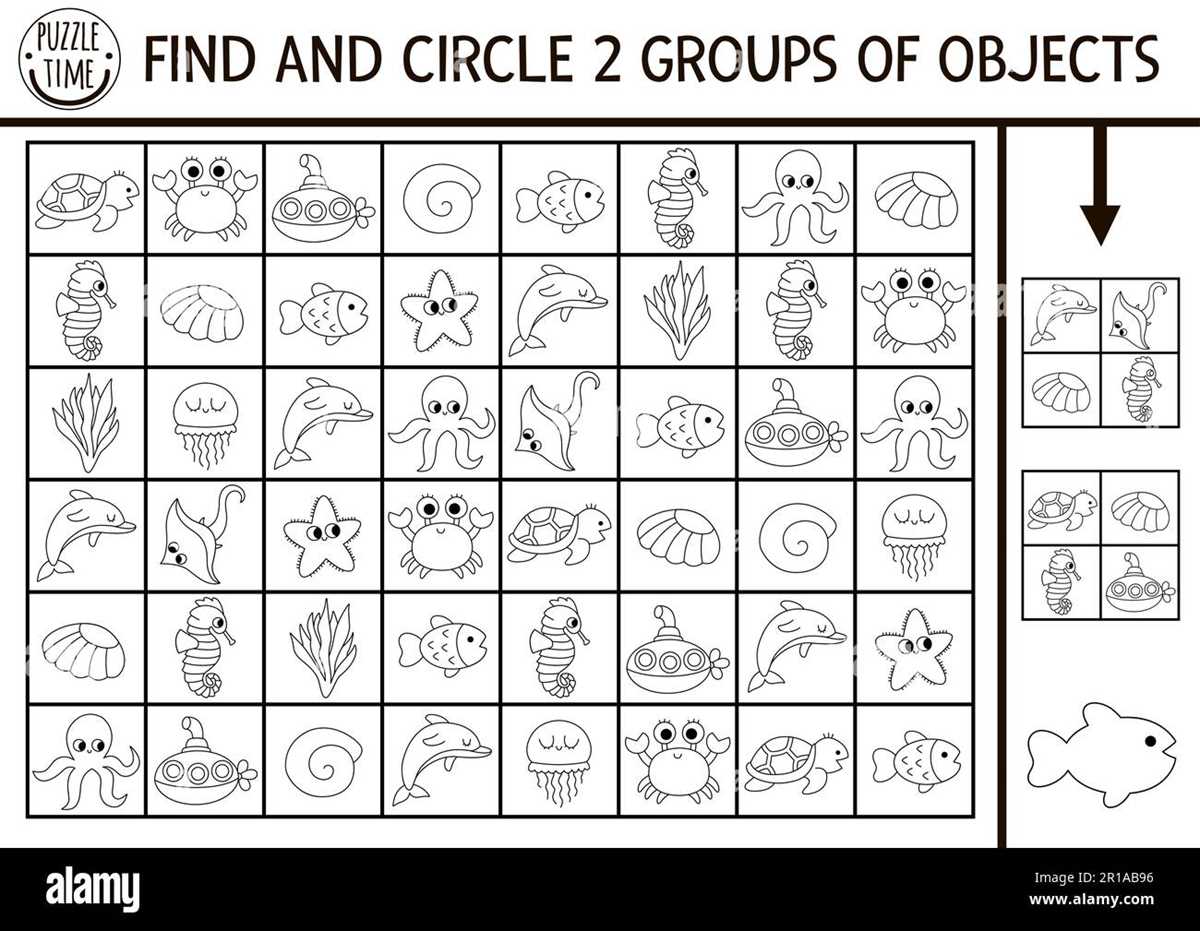
If you’re working on a creative project that requires custom images, selecting the right resources is key. There are numerous websites that offer high-resolution visuals ready for download. Some platforms focus on free images, while others provide premium content. Make sure to review the usage rights and licenses before downloading any image, particularly if you plan to use it commercially.
Best Resources for Downloading High-Resolution Images
There are a variety of platforms that specialize in providing images suitable for printing. Below are a few reliable sources:
- Unsplash: A free, high-quality platform offering a wide range of images for personal and commercial use. You can find everything from landscapes to abstract designs.
- Pexels: Another free resource with a collection of high-resolution images and videos. Great for both creative and business needs.
- Shutterstock: A paid service that provides professional-grade visuals. The platform has millions of images categorized for easier browsing.
- Adobe Stock: Offers premium content with the added benefit of seamless integration with Adobe’s creative suite. Ideal for designers looking for high-quality stock images.
Consider Image Resolution and Size
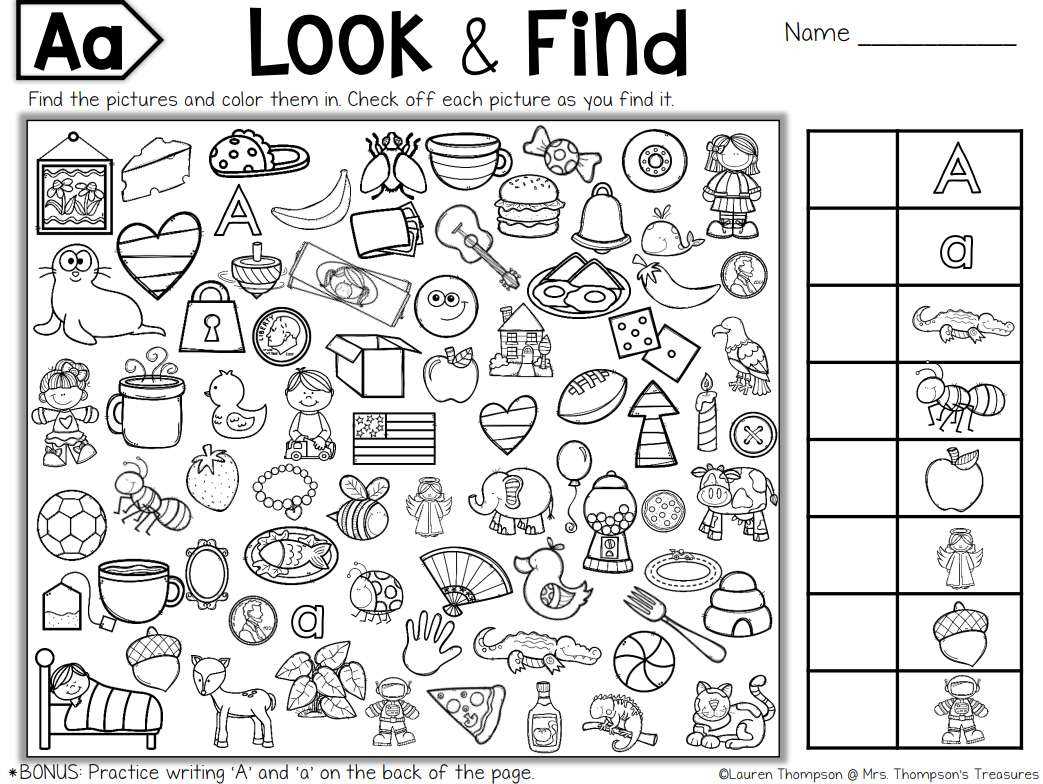
When selecting images, make sure their resolution is high enough for your needs. Images with a resolution of 300 dpi (dots per inch) are optimal for printing, as they ensure clarity and sharpness. Avoid images with low resolution as they may appear pixelated when printed at larger sizes. Additionally, ensure the image’s dimensions match the intended print size to avoid cropping or distortion.
Using Editing Tools to Enhance Images
Once you’ve selected an image, consider enhancing it using photo editing software. Cropping, adjusting brightness, or even adding text can personalize your visuals. Software like Adobe Photoshop, GIMP, or Canva can help modify your image to fit your project. Make sure the final file is saved in a format suitable for printing, such as PNG or TIFF, for the best results.
How to Download and Prepare Images for Print
After choosing your image, the next step is to download and prepare it for printing. Follow these steps:
- Download the Image: After selecting an image, ensure that you download it in the highest resolution available. Some websites offer multiple file types–choose the one that suits your printer settings.
- Resize the Image: Use photo editing software to resize the image if necessary. Keep in mind the print dimensions you need, such as A4, letter-size, or custom dimensions.
- Check the Image Quality: Before sending the image to print, double-check the file’s resolution. It should be at least 300 dpi for high-quality prints.
- Print Test: If you’re printing at home, consider doing a test print on regular paper to check the color accuracy and alignment. Adjust settings as needed.
With these steps, you’ll be ready to print high-quality images that will enhance your creative projects. Whether you’re creating posters, cards, or home décor, proper preparation and image selection ensure a polished final product.
Best Resources for Accessing High-Resolution Images
To get started with your creative projects, select an image resource that offers clear, high-quality visuals. Websites like Unsplash and Pexels provide a wide range of free, downloadable content that can be used for various personal and commercial projects. These platforms have filters for specific categories, making it easy to find the right visual for your needs.
If you’re looking for premium visuals, consider subscribing to services like Shutterstock or Adobe Stock. These platforms offer a vast selection of high-quality images, including exclusive content not available on free sites. They also offer advanced search filters, such as color, orientation, and style, which allow you to narrow down your options quickly.
Before downloading any image, always check the licensing terms. Many free resources allow for commercial use, but some may require attribution or restrict redistribution. For commercial projects, it’s recommended to choose images with a clear usage license that suits your purpose to avoid any legal issues.
When downloading images for printing, ensure they are at least 300 DPI for optimal quality. Low-resolution images may appear blurry or pixelated when enlarged. You can often check the resolution of an image before downloading it by looking at its details on the website.
After downloading, use photo editing software like Adobe Photoshop or GIMP to adjust the size and enhance the image. This step is especially important if the original image doesn’t match your desired print dimensions. Resizing and adjusting the brightness or contrast can make the image more suitable for your specific project.