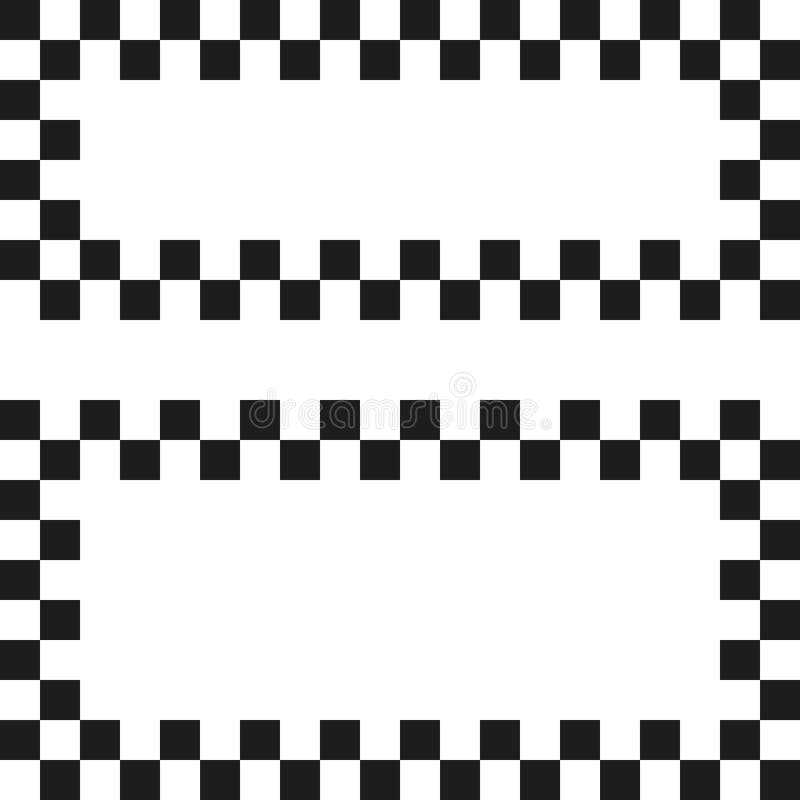
Start by finding high-quality square grid visuals that can easily be downloaded for personal or commercial use. Many websites provide downloadable files in various formats like PNG, JPG, or SVG, making it simple to adapt them to your needs. Ensure the design fits your required dimensions and resolution for the best results when printed.
Where to Find the Best Square Grid Resources
Several online platforms offer free and premium grid templates. Websites like Freepik, Pixabay, and Vecteezy feature a wide range of downloadable grid patterns. Some of these platforms provide options to adjust colors and grid spacing before downloading, which can save you time if you need a custom layout. Additionally, check out Canva or Adobe Spark for user-friendly design tools to generate your grids directly within the platform.
How to Customize and Print Your Own Square Grid Design
If you’re looking to personalize a square grid design, you can easily adjust the color scheme and dimensions using programs like Adobe Illustrator, Inkscape, or even Microsoft Word. Most of these tools allow you to modify the line thickness, spacing, and background colors to suit your needs. Once your design is ready, save it in a high-quality format (such as PDF or PNG) for printing.
For printing, make sure to adjust your settings to match the paper size and desired layout. If you’re working with a large design, consider splitting it across multiple sheets and piecing it together for a larger, seamless display. Pay attention to print quality, and use heavyweight paper if the grid will be handled often or used for craft projects.
To create a reusable tool, consider printing your grid on laminated sheets or transferring it to a transparent medium. This approach works great for educational purposes or as a base for creating custom designs and art projects.
How to Use Checkered Designs in Design Projects
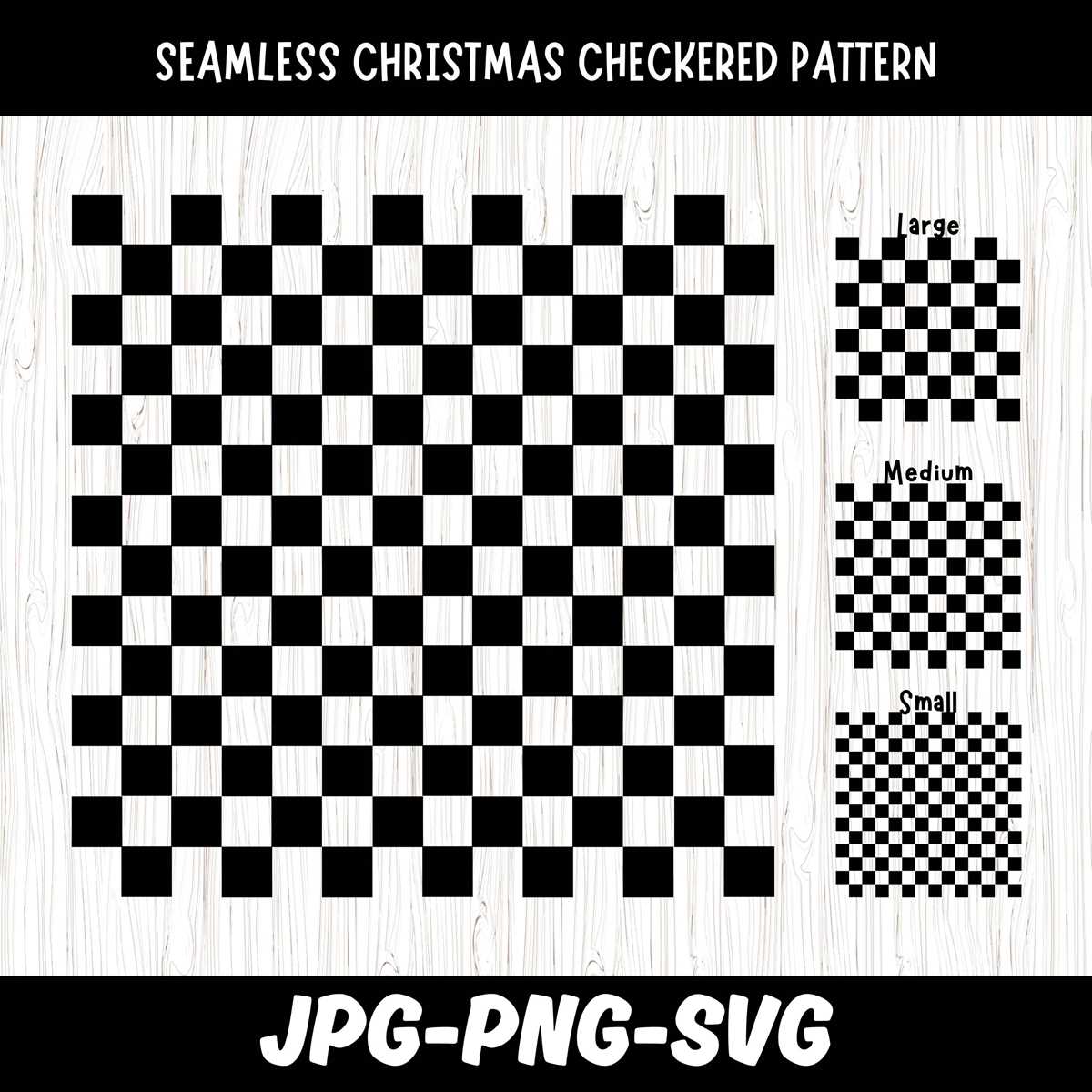
Integrate square grid visuals into your design by adjusting the colors and dimensions to create a bold, contrasting effect. Use contrasting shades such as black and white or opt for vibrant hues for a more playful aesthetic. These designs can enhance a variety of projects, from web pages to print materials like flyers and business cards. If working digitally, use design tools like Adobe Illustrator or Canva to customize the grid, modifying the spacing and colors to align with your project’s theme.
For added depth, apply the square grid as a background element or border, allowing the grid to frame your content. This subtle detail can add structure to your design without overwhelming it. You can also use the grid to emphasize key elements within the project, like logos or call-to-action buttons. By layering transparency or gradient effects over the grid, you can introduce complexity while maintaining a clean and modern look.