
To create a polished and professional-looking program for any event, start by finding templates online. Many websites offer various designs, ranging from simple to elegant, which you can download and modify according to your needs. Choose one that aligns with the theme of the occasion and fits the size of your printing material.
How to Edit and Personalize Your Program Templates
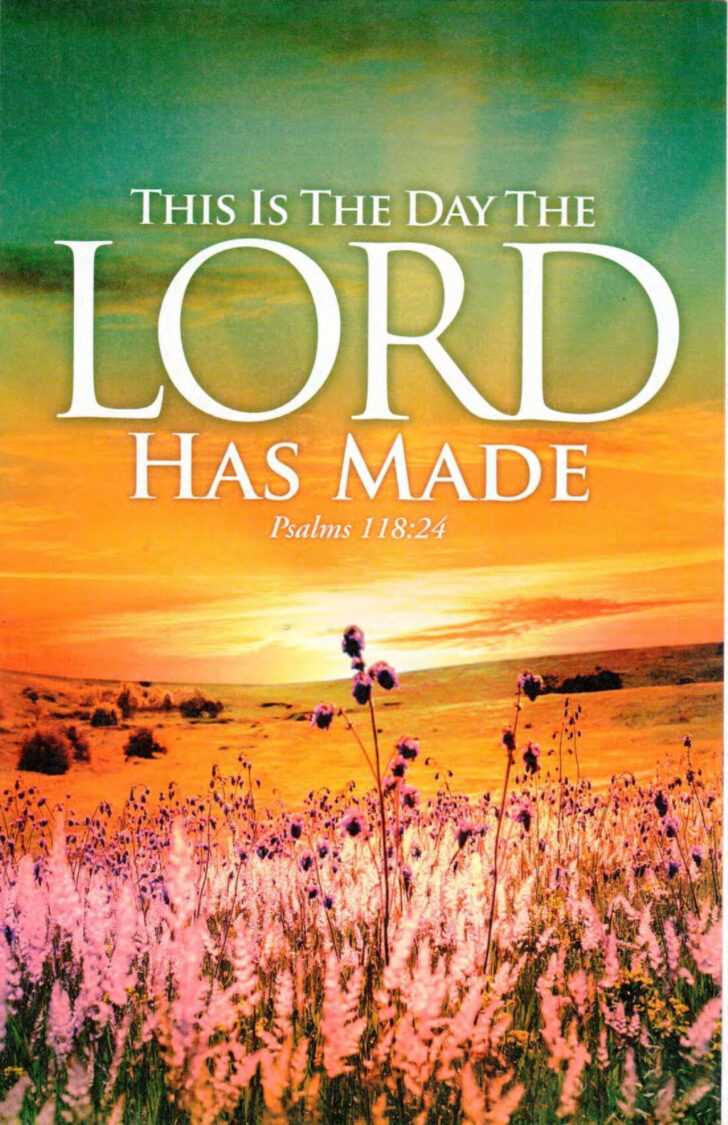
Once you’ve selected a design, open the template in a word processor or graphic design tool. Edit the header with your event’s title, and include any relevant details such as the service order, speaker names, or scripture readings. If the layout allows, consider adding decorative elements like borders, religious symbols, or the date to give it a more personal touch. For a more formal feel, use traditional fonts, or opt for something modern depending on the tone you wish to set.
If you’re organizing multiple services or events, consider creating different templates for each occasion. You might want a more traditional design for a Sunday service and a more festive one for holidays or special celebrations. Customizing each sheet allows you to maintain consistency while catering to different themes or audiences.
Printing and Distributing Your Program Sheets
Once your template is ready, you can print it out. Be sure to check the paper size and margins before printing, especially if you’ve added extra elements to the layout. For larger congregations, you might want to print enough copies to distribute to everyone, or provide digital versions for easy access on smartphones or tablets.
If you need to make a quick update or correction, digital versions are much easier to alter than printed copies. This can be helpful if changes to the schedule occur at the last minute. Keep a copy stored on a cloud service so it can be accessed or edited by multiple people involved in the event planning.
Finally, think about how these program sheets can be shared with others beyond the event. Sharing a digital copy with participants allows them to have a reminder of the event and can be used as a keepsake or reference. For special occasions, like weddings or holidays, these printed materials become a tangible memento for guests.
Customizing Service Program Sheets for Any Occasion
Start by downloading templates from trusted resources online. These templates are often available in multiple styles, ranging from formal to contemporary. Choose a design that reflects the tone and purpose of the event, whether it’s a solemn gathering or a more celebratory service. Make sure the layout accommodates the necessary content, such as the service schedule, song lyrics, or readings.
Once you’ve chosen a template, you can easily adjust the content. Replace placeholders with specific details like event titles, speaker names, and announcements. If the template allows, consider adding your own graphics, such as religious symbols or event logos, to enhance the design. Keeping a consistent theme with matching fonts and colors will ensure that your printed sheets look professional and cohesive.
If you are hosting multiple events, create separate templates for each occasion. For a regular service, opt for a simple and elegant design, while for holidays or special events, a more decorative layout may be appropriate. Customizing the design allows you to maintain a unique touch for each gathering, while still using the same template structure for consistency.
Before printing, review your layout for any mistakes or adjustments needed. It’s important to check the margins, fonts, and readability to ensure everything is clear and well-organized. If printing a large number of copies, make sure the paper size matches your design, and test the output with a few test prints to verify the quality.
Once you’ve finalized your template and printed the copies, consider sharing digital versions as well. Many people appreciate having access to a mobile-friendly version of the service sheet. You can distribute it through email or make it available on your website for easy access by attendees.