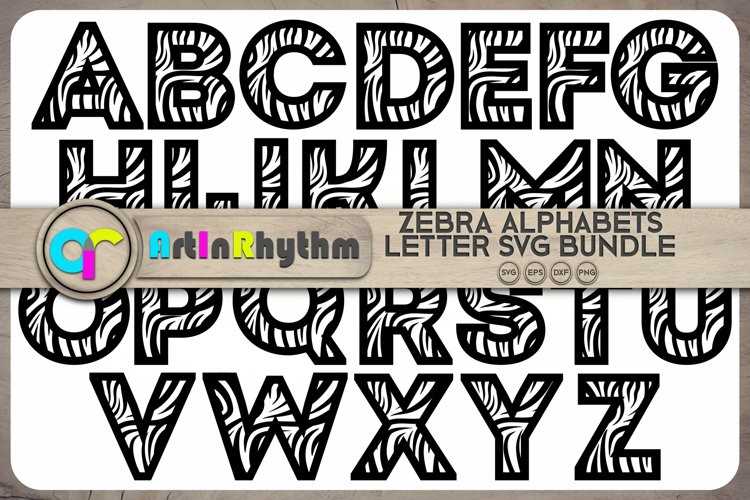
For any design or craft project, selecting the right typeface is crucial. Whether you’re creating invitations, posters, or personalized gifts, a strong choice of text style enhances the overall impact. Start by determining the tone and purpose of your work. If you’re designing for a formal event, opt for clean, legible styles like serif or sans-serif. For a playful or whimsical vibe, consider handwritten or decorative scripts.
Keep readability at the forefront of your mind. If your creation is for a label or large signage, ensure the typeface is bold enough to be easily read from a distance. For smaller print, prioritize clarity and simplicity over overly intricate designs. Additionally, explore contrast by mixing different text styles for headings and body text to create visual hierarchy.
Top Places to Find Free Typefaces for Your Projects
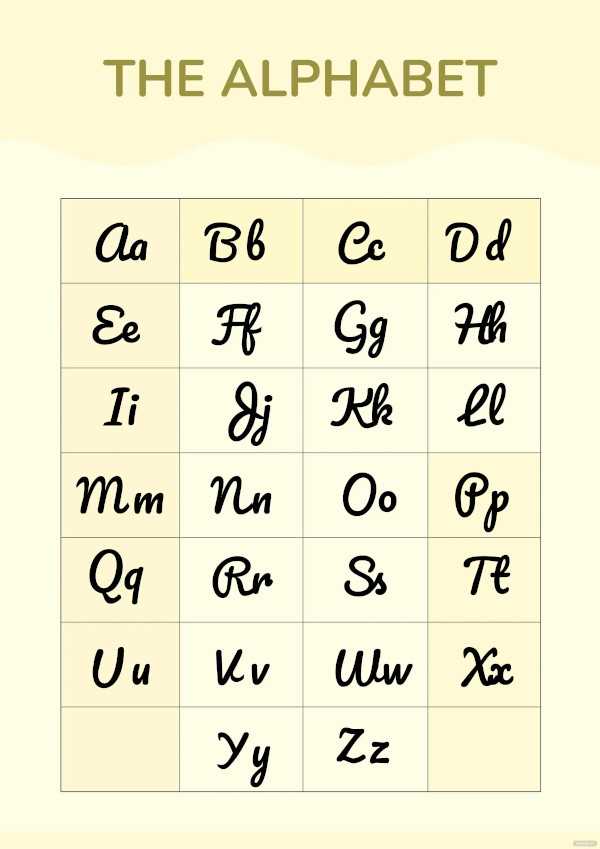
There are numerous resources online offering free access to a wide range of styles, from modern to vintage. Websites like Google Fonts, Font Squirrel, and DaFont have vast libraries where you can download various text options. Make sure to review the licensing agreement for each font before use, especially if you plan to use the design commercially.
For more unique and artistic designs, explore niche font sites such as Lost Type or The League of Movable Type. These platforms focus on offering creative options for designers and crafters. Many of these sources also provide options that are free for personal use, so be sure to check the terms carefully.
How to Properly Install and Use Your Chosen Typeface
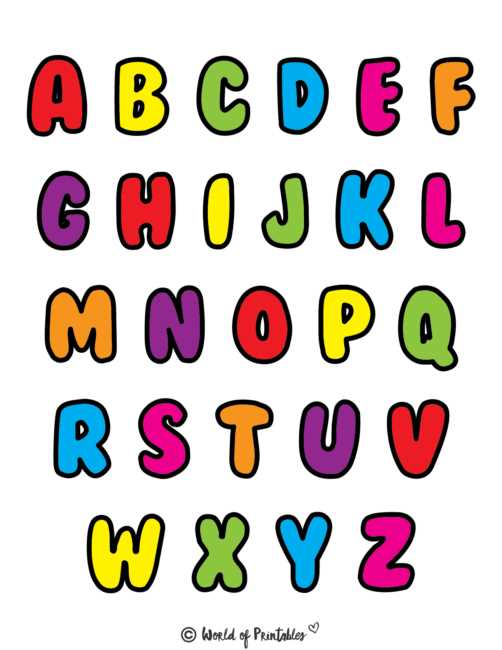
Once you’ve selected a suitable text style, the next step is installation. On most operating systems, it’s as simple as downloading the file, double-clicking to open it, and selecting the “Install” option. After installation, the new style will be available in your design software, word processors, or any program that allows text formatting.
Make sure to test the typeface in the context of your project before committing to it. Open a document or design file and input sample text to see how it appears on screen or in print. This step helps ensure that the text not only fits your style but is also legible and visually appealing in its final form.
Choosing the Right Text Style for Your Project
For projects requiring a large amount of written content, focus on readability. Stick with clean, simple text choices that are easy to read at varying sizes. If you are creating flyers, brochures, or posters, opt for bold styles like Arial or Helvetica for a modern and professional look. If you need a more traditional appearance, choose serif styles such as Times New Roman or Garamond to convey formality.
When creating designs with a creative touch, such as invitations or personal cards, consider using decorative text that reflects the theme. Handwritten or calligraphy styles can add a unique flair. However, ensure that these styles are legible, especially if the message needs to be understood at a glance.
Best Resources for Finding and Downloading Styles
There are many websites that offer free access to high-quality typefaces, such as Google Fonts and Font Squirrel. These platforms allow you to browse and download styles that are free to use for both personal and commercial projects. Make sure to check the licensing details to avoid any restrictions on usage.
Websites like DaFont and Behance also offer a variety of creative options that may be more artistic or niche. These sites allow you to filter by style, making it easier to find what fits your design. Always preview the text before downloading to ensure it matches the overall look you’re aiming for.
How to Integrate Styles into Your Design
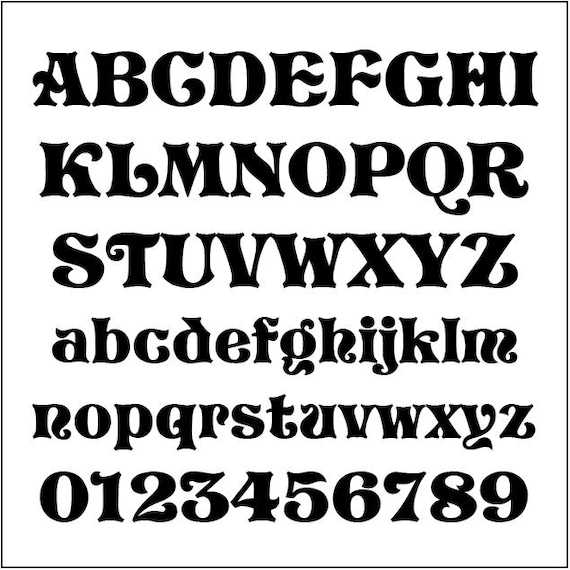
Once you’ve selected and downloaded a style, install it on your computer. For most design programs, you’ll need to install the typeface by double-clicking on the file and following the system prompts. After installation, the style will appear in the font selection menu of your design software.
Test how the style works with your project by adjusting the size and spacing. If you’re creating printed material, make sure that the text remains legible at both small and large sizes. Try printing out a sample to ensure it appears clear and maintains its integrity when printed on different types of paper.
Experiment with combining multiple styles to create a balanced design. For instance, you can use a bold style for headings and a simpler, more readable one for the body text. This approach will help create a visually appealing contrast while ensuring that your message is still easy to read.