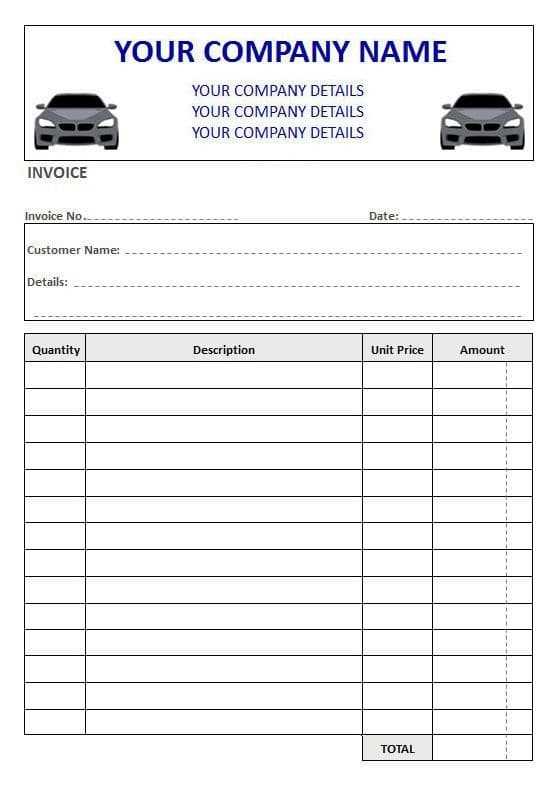
Design a simple invoice template to record all the necessary details of a vehicle maintenance service. Make sure to include the following key sections:
- Service Provider Information: Include the name, address, phone number, and email of your business.
- Client Details: Provide space for the customer’s name, address, contact information, and vehicle details (make, model, and year).
- Date of Service: Specify the date when the service was completed.
- Itemized List of Services: Break down all the services performed, including labor hours, parts replaced, and their costs. Use clear and concise descriptions.
- Total Amount Due: Sum up the costs of the services and parts, ensuring the total is clear and transparent.
Once your template is designed, you can customize it with specific business branding, such as logos and color schemes. Using software like Microsoft Word or Google Docs, you can create the invoice and save it in a format that is easy to send or print.
Steps to Customize and Print the Vehicle Maintenance Invoice
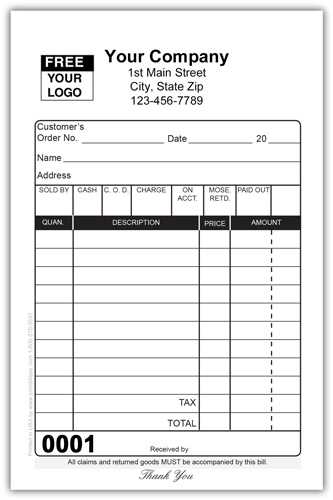
After setting up the basic structure, customize the invoice by adding your unique business logo and contact details. You can add a footer with payment instructions or terms of service, such as due dates and payment methods.
- Select a Template: Choose a format that fits your needs, such as a simple table or a more professional design with sections for tax and additional charges.
- Input Service Details: For each job performed, provide a short description along with the cost for parts and labor.
- Review and Finalize: Double-check all the entries to ensure accuracy before printing. Mistakes on an invoice can create confusion and delay payments.
Once the invoice is ready, print it on high-quality paper or email it directly to the customer. Ensure that the document is clear and legible, with each cost outlined separately.
These steps will help you manage your service records and maintain clear communication with customers. A well-organized invoice not only provides customers with a professional experience but also helps with financial tracking for your business.
How to Create an Accurate Vehicle Service Invoice
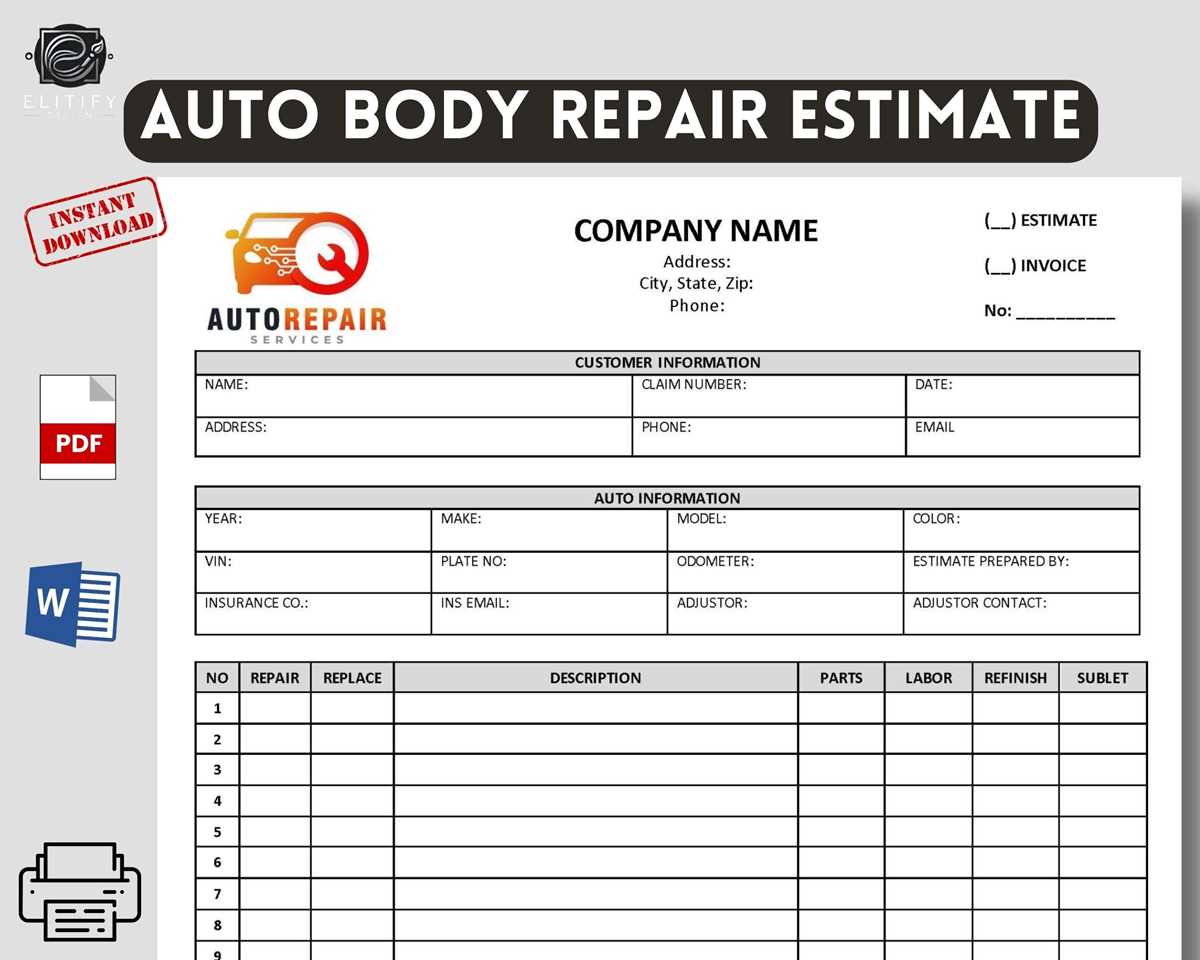
To ensure proper record-keeping, start by adding a clear breakdown of the work performed. List the services provided, including labor hours and parts used. Specify each item’s cost and quantity to avoid confusion for both the customer and the service provider. This transparency is key for smooth transactions and can also help in case of future disputes.
Include the date of the service and the vehicle’s information, such as make, model, and year. This provides context for the invoice and allows both parties to easily reference the service provided. A detailed description helps maintain clarity and ensures that any future maintenance or repair work can be linked back to the original invoice.
Once the necessary details are in place, calculate the total due, factoring in taxes, if applicable. Display the total in a prominent position on the invoice. It’s also helpful to list accepted payment methods and due dates, which reduces ambiguity around payment expectations.
Finally, after finalizing the content, format the document for easy printing or emailing. Use a template that aligns with your business branding, making sure it’s neat and professional. A clear, well-organized document not only strengthens customer relationships but also keeps your financial records accurate for future reference.