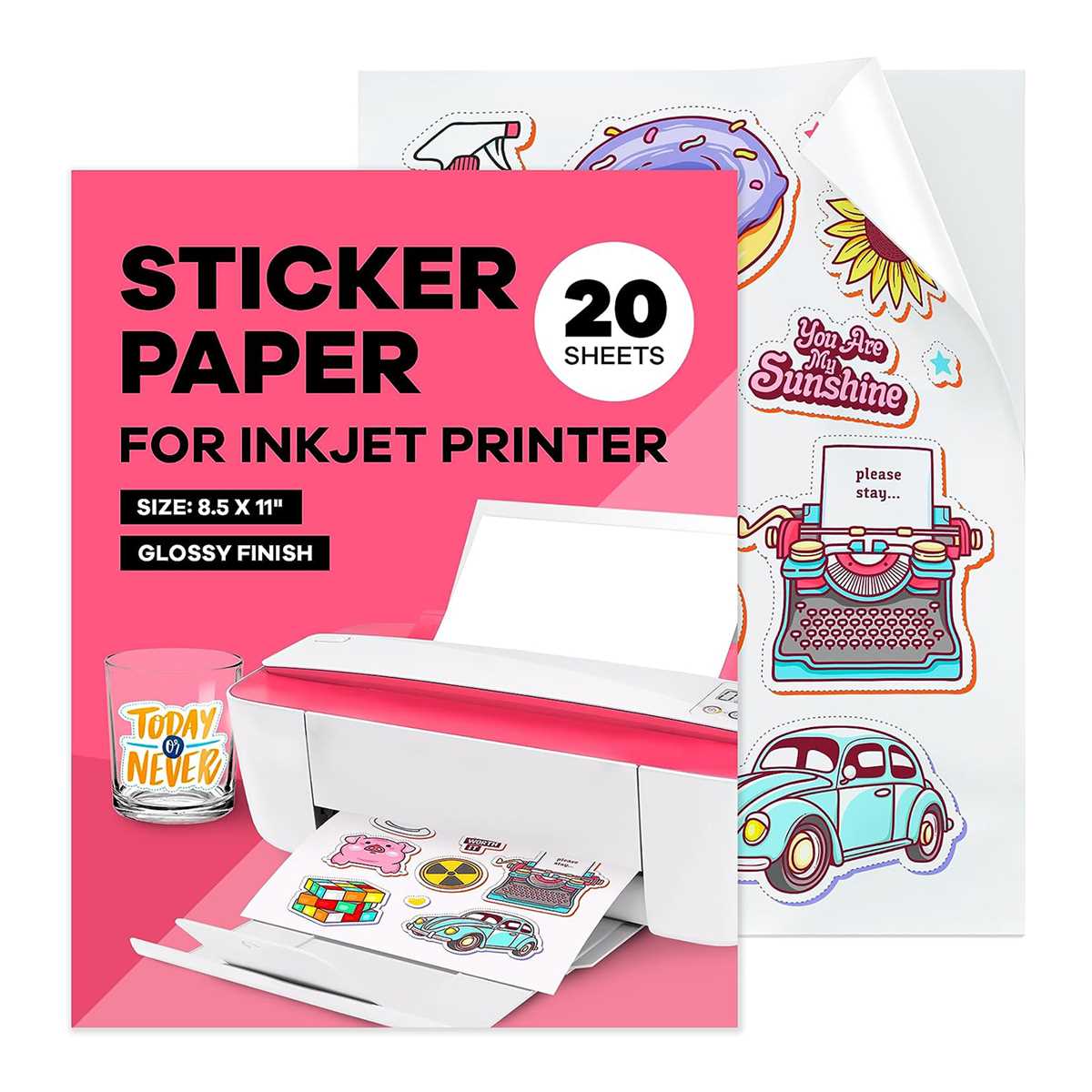
For high-quality, personalized designs, selecting the right materials for your print projects is key. When you plan to create custom labels or decals, make sure to pick a suitable medium that works well with your printer. Look for options that ensure sharp, vibrant colors and smooth printing results.
Choose a product that’s compatible with your printing device. Many types of these materials offer adhesive backs, allowing for easy application to various surfaces. Whether you are designing for business, craft, or personal use, consider the finish as well–glossy options provide a shiny appearance, while matte ones offer a subtle, professional look.
Testing before starting your full print run can save time and material. Print a small test image to check if the results align with your expectations. This quick step can prevent any issues with color bleeding or incorrect cuts when applying your creations to bottles, boxes, or other items.
Choosing the Right Material for Custom Labels and Decals
When creating your own custom designs, make sure to select the right material for printing. Opt for a medium that suits your printer’s capabilities and ensures long-lasting, clear results. Choose options that offer an adhesive backing for easy application to various surfaces, from containers to promotional materials. Test different finishes, such as glossy or matte, to match the look you’re aiming for.
- Glossy Finish: Ideal for vibrant, high-impact designs, often used for product labels or decals.
- Matte Finish: Provides a smooth, sophisticated appearance, great for professional labels or more subtle designs.
- Clear Sheets: Use these for transparent designs that blend seamlessly with the background.
After selecting the material, always print a test design to ensure color accuracy and proper alignment. This small step can help avoid wasted materials and ensure that your final project looks polished and professional. If any issues arise, check your printer settings or try adjusting the media type settings for optimal results.
How to Choose the Right Material for Your Printer
Start by identifying the type of printer you own. Different models work best with specific materials. Check your printer’s manual for compatibility details, especially regarding media thickness and weight. Some devices may have limitations when it comes to handling certain thicknesses or finishes, so this step ensures you avoid paper jams or poor print quality.
Next, assess the finish of the material. If you need a glossy look, opt for options that promise high sheen. Glossy surfaces enhance vibrant colors, making them suitable for promotional materials or high-impact labels. On the other hand, matte finishes provide a subtle and professional appearance, ideal for more refined or minimalist designs.
The adhesive quality is another key consideration. Some options are designed to peel off easily and leave no residue, while others offer a stronger bond for applications requiring durability. If your project involves sticking the material to glass or other smooth surfaces, choose an option with a strong, permanent adhesive. For temporary applications, removable adhesive options are best.
Next, consider the weight and thickness of the material. Heavier materials tend to provide better durability and a more premium feel, but they may not work well with all printers. Lighter options are easier to handle and feed through printers without causing jams. If you’re unsure, start with medium-weight materials to test compatibility.
Also, look for materials that provide smooth printing surfaces. Rough or textured finishes can distort the ink and lead to uneven results. Choose materials designed for smooth, consistent print quality, especially when you’re printing detailed designs or text.
Before committing to a large batch, print a small test sheet. This simple step ensures your printer settings are optimized and that you’re getting the results you expect. Check the print for color accuracy, clarity, and alignment, and adjust your settings as necessary for the best output.
Lastly, consider the environmental impact of the material. Some brands offer eco-friendly options, using recycled materials or water-based adhesives. If sustainability is important to your project, look for these alternatives to minimize waste and environmental footprint while still achieving high-quality results.