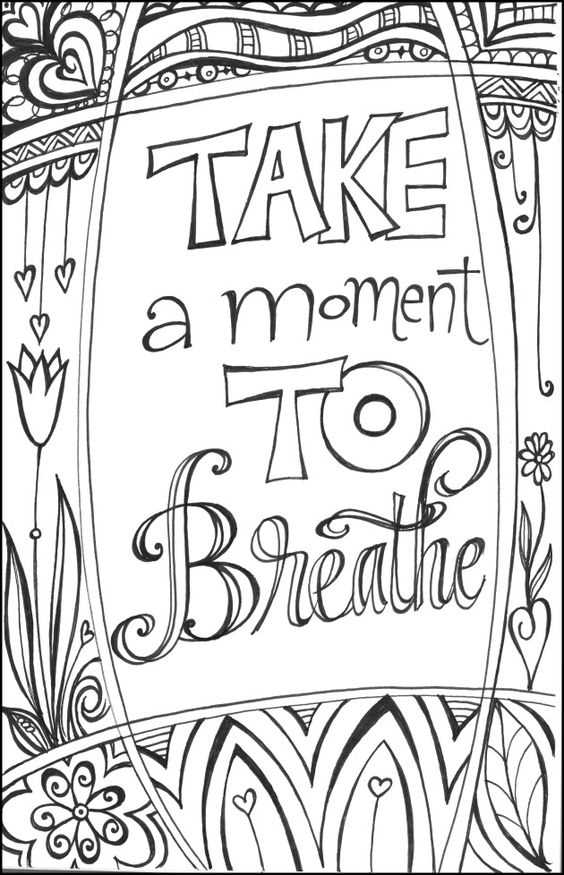
Select high resolution line art files in PDF format at 300 DPI and print them on 120–160 gsm paper to prevent bleed through from markers. Choose designs with clean black outlines at least 1 pt thick to maintain clarity after printing. Avoid low contrast gray lines, as they become faint once ink is absorbed by standard home paper.
Choosing Designs That Match Skill Level and Interests
Pick illustrations with medium to high detail density, such as mandalas with 0.5–1 cm repeating elements, anime inspired portraits with defined hair strands, or realistic animal sketches featuring layered textures. Detailed geometric patterns improve focus, while character based drawings allow experimentation with shading and color blending.
- Intricate mandalas with 8–16 radial segments
- Street art style lettering with thick outlines
- Nature scenes with layered leaves and floral elements
- Fantasy characters with armor or patterned clothing
Keep line spacing tight enough to challenge precision but wide enough to allow colored pencil blending. Areas smaller than 3 mm are difficult to fill cleanly with standard pencils.
Printing Settings and Materials for Clean Results
Use the printer’s highest quality setting and disable ink saving mode. Choose matte paper if using alcohol markers, as glossy sheets cause smearing. If using gel pens, standard 100 gsm office stock works well but may require a blank sheet underneath to protect the surface below.
- Set scale to 100 percent to avoid distortion
- Print one test sheet before batch printing
- Allow ink to dry for at least 2 minutes before coloring
Recommended Tools
Colored pencils allow smooth gradients and fine detail work. Alcohol markers create bold fills and high contrast. Fineliners with 0.3–0.5 mm tips help reinforce outlines after printing.
Organizing and Storing Artwork
Store finished sheets in a flat portfolio folder with protective sleeves to prevent bending. Label each piece with date and medium used to track progress in shading, blending, and color selection over time.
Coloring Pages Printable for Teenagers
Download high resolution black line artwork in PDF format at 300 DPI and print on 120–160 gsm paper to reduce ink bleed and paper warping during heavy marker use.
Choose illustrations with dense detail such as mandalas containing 10–16 repeating segments, realistic animal portraits with fur texture, or stylized character drawings featuring layered clothing and accessories. Thin lines below 0.7 pt may fade after printing, so select files with strong, clean outlines.
Adjust printer settings to “Best” quality and disable toner saving mode. Keep scaling at 100 percent to maintain original proportions and avoid pixelation. Run a single test sheet before printing multiple copies.
Match tools to paper thickness. Alcohol markers require heavier stock to prevent ghosting, while colored pencils perform well on smooth matte sheets. Gel pens work better on slightly coated surfaces but need drying time of at least two minutes.
Use limited color palettes to improve shading control. A five tone gradient within the same hue produces smoother transitions than switching between unrelated colors. Blend from light to dark and apply pressure gradually to avoid paper damage.
Store finished artwork flat inside plastic sleeves to protect edges and prevent smudging. Keep sheets away from direct sunlight to preserve pigment saturation.
Rotate design themes weekly such as geometric patterns, fantasy portraits, botanical studies, and abstract line art to develop different shading and precision skills.
Track progress by dating each completed sheet and noting tools used; compare line control, blending quality, and consistency over time to identify areas needing practice.