Step-by-Step Guide for Accurate Calibration
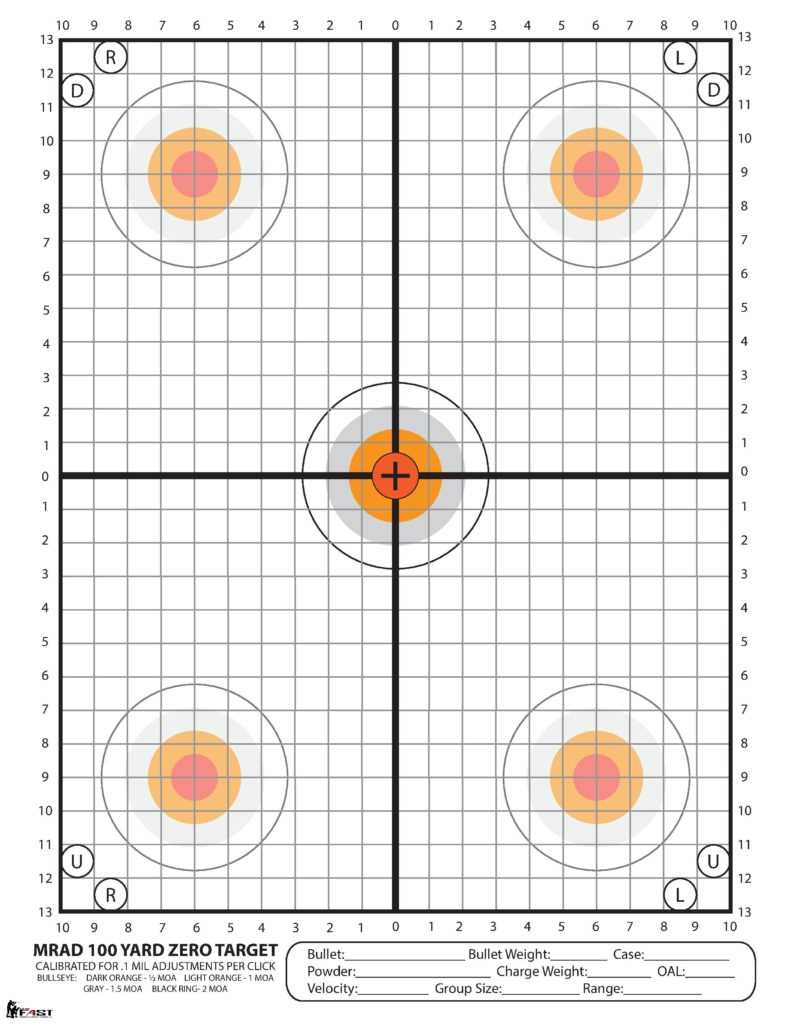
To achieve precise results when fine-tuning your shooting equipment, using a specialized layout is critical. Printing a well-designed target is one of the most practical methods to assist you in aligning your sights or scope properly. These layouts come in various sizes and formats, all geared toward improving your accuracy with each shot.
Choosing the Right Template
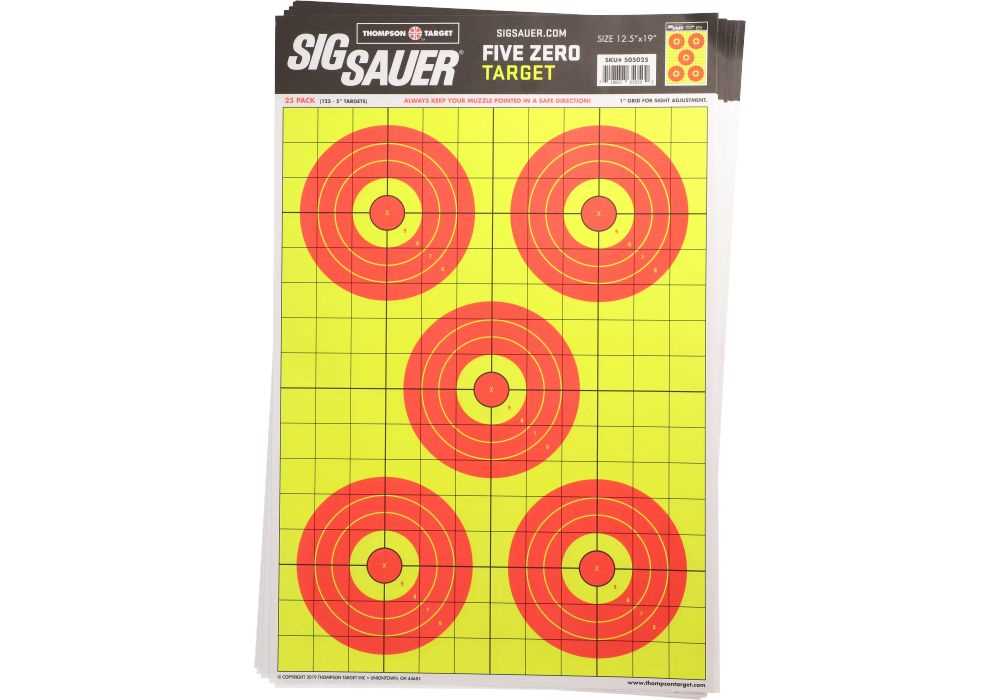
- Grid Layouts: Ensure the dimensions are proportionate to the range you’ll be working at. A 1-inch square grid can assist in calculating shot placement with high precision.
- Crosshair Markings: A target with a clearly defined center point and crosshairs will help in centering your firearm or sight.
- Multiple Zones: Incorporating different distance markers will enable you to check for accuracy across various ranges and adjust settings accordingly.
Printing Recommendations
When you print the target, be sure your printer is set to actual size, ensuring the printed layout matches the real-world measurements. Avoid any scaling options to prevent distortion, which could throw off your alignment calculations.
Using the Template Effectively
- Position Your Equipment: Start by mounting your firearm on a stable rest or bipod to reduce external variables. Place your printed sheet at the appropriate distance.
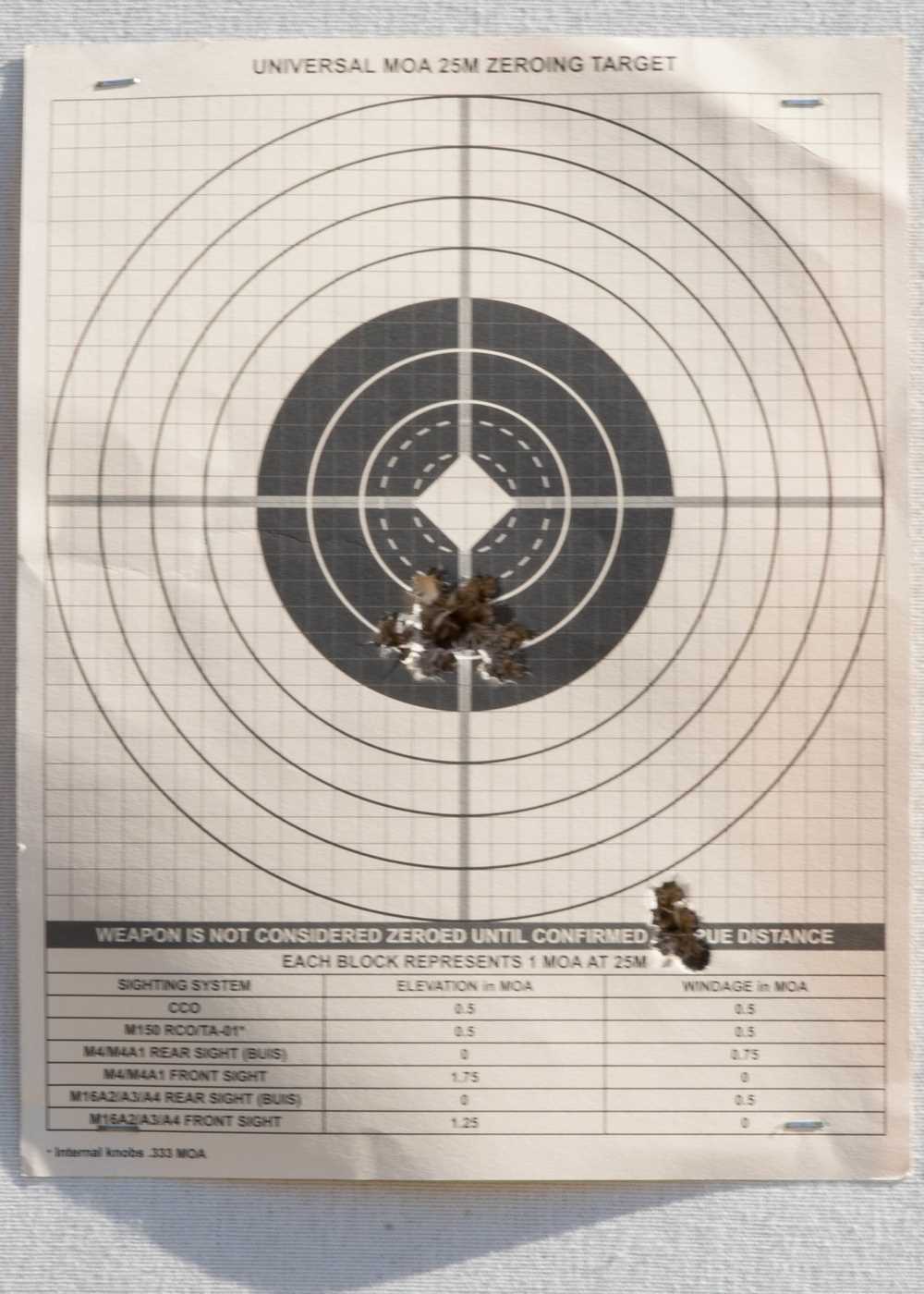
- Initial Firing: Begin with a rough setting and fire a few rounds. Note where the shots land in relation to the center.
- Adjusting the Sights: Make the necessary adjustments to your scope or iron sights based on the shot placement. Repeat the process to ensure that all adjustments are aligned correctly.
- Fine-Tuning: Once your shots are close to the center, make small adjustments to refine your settings. Small increments will yield the best results.
Maximizing Accuracy with Paper Targets
Using these layouts is one of the most straightforward ways to calibrate your shooting device. By printing and utilizing different types of designs, you can create an ideal setup for consistent and accurate shooting over time.
How to Create and Use a Custom Shooting Aid
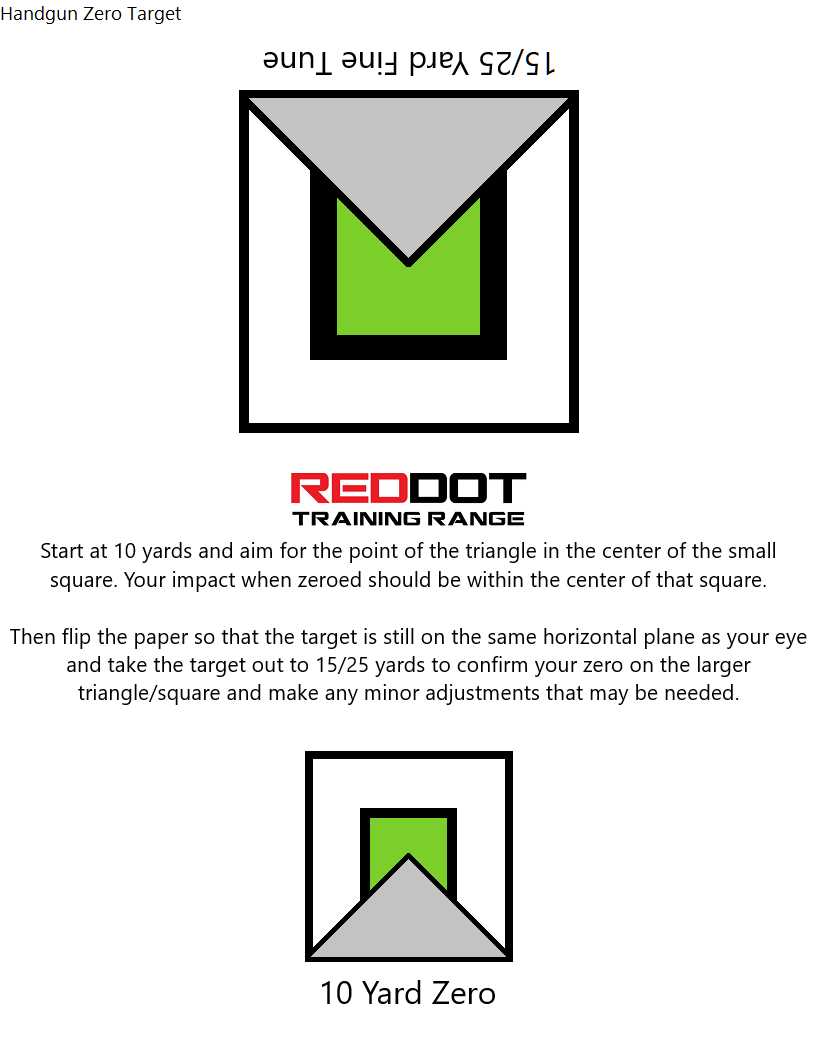
If you need a tool to assist in aligning your firearm for accurate shots, a custom-designed shooting aid will help significantly. Print it out at home, ensuring the dimensions match your rifle’s characteristics for precision. Choose a design that suits your specific needs–whether for scoped rifles or open sights. Accurate scale measurements will allow you to test different distance settings effectively.
For the best results, print the design on heavy-duty paper or card stock. This will prevent the paper from warping or tearing when exposed to wind or other environmental factors. If you’re working outdoors, consider laminating the sheet for added durability and longevity.
Next, ensure the target is placed at the correct distance from your shooting position. Use a distance of around 25 yards as a standard for initial sight adjustments. The closer you are, the easier it will be to make incremental changes to your alignment.
When setting up the sheet, make sure it is perfectly level and securely fastened. This is crucial for consistency when performing the shot corrections. Use a flat surface or prop it against a stable object to avoid it shifting during testing.
After every shot, measure the impact points precisely. Compare them against the visual markers on the sheet to assess how closely your shots match the ideal path. Adjust your aim gradually, focusing on small corrections, as significant shifts may lead to overshooting the center.
Revisit the measurements periodically, especially if you make significant adjustments to your firearm’s setup. You may find that after multiple corrections, a new alignment setting could be required based on wear or changes in ammunition.
Once you’ve found the right alignment, keep the printed sheet as a reference for future sessions. This allows you to quickly verify your setup when you return to the range, saving time and ensuring consistent performance with minimal adjustments.