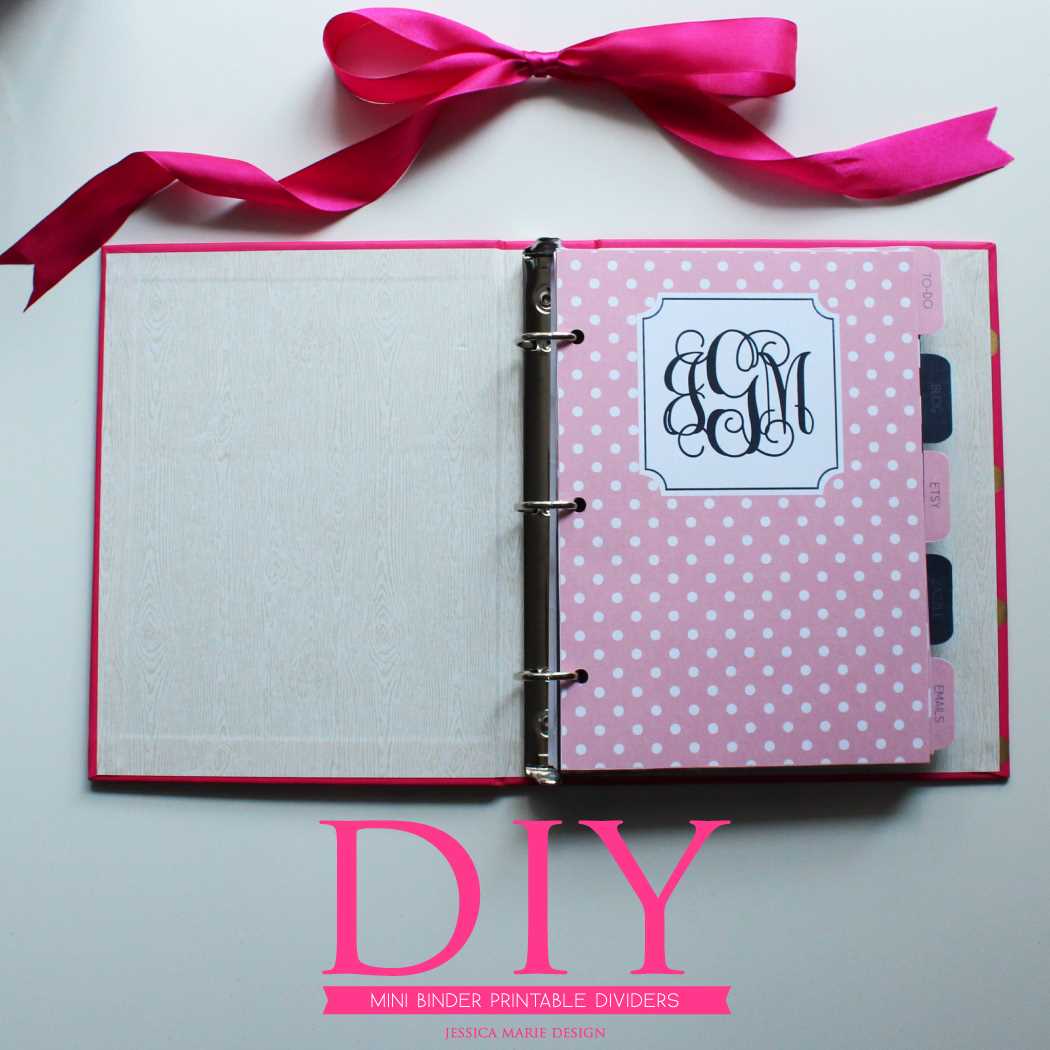
For efficient organization, create separators that fit perfectly within your folders. Begin by measuring the size of your storage container, then customize each divider to ensure a neat fit. Use thicker paper for durability and consider laminating the dividers for added strength.
Choose a clear and easy-to-read label system to categorize the sections. You can opt for colorful designs to make the labels stand out, or stick with minimalist text for a professional look. This will make it easier to navigate your documents and quickly find what you need.
Finally, consider a divider template that can be easily printed and customized for various needs, whether for work, school, or personal projects. Adding unique icons or colors to each section will help further streamline your organizational system, ensuring your folders are both functional and visually appealing.
Organizing Your Documents with Custom Sections
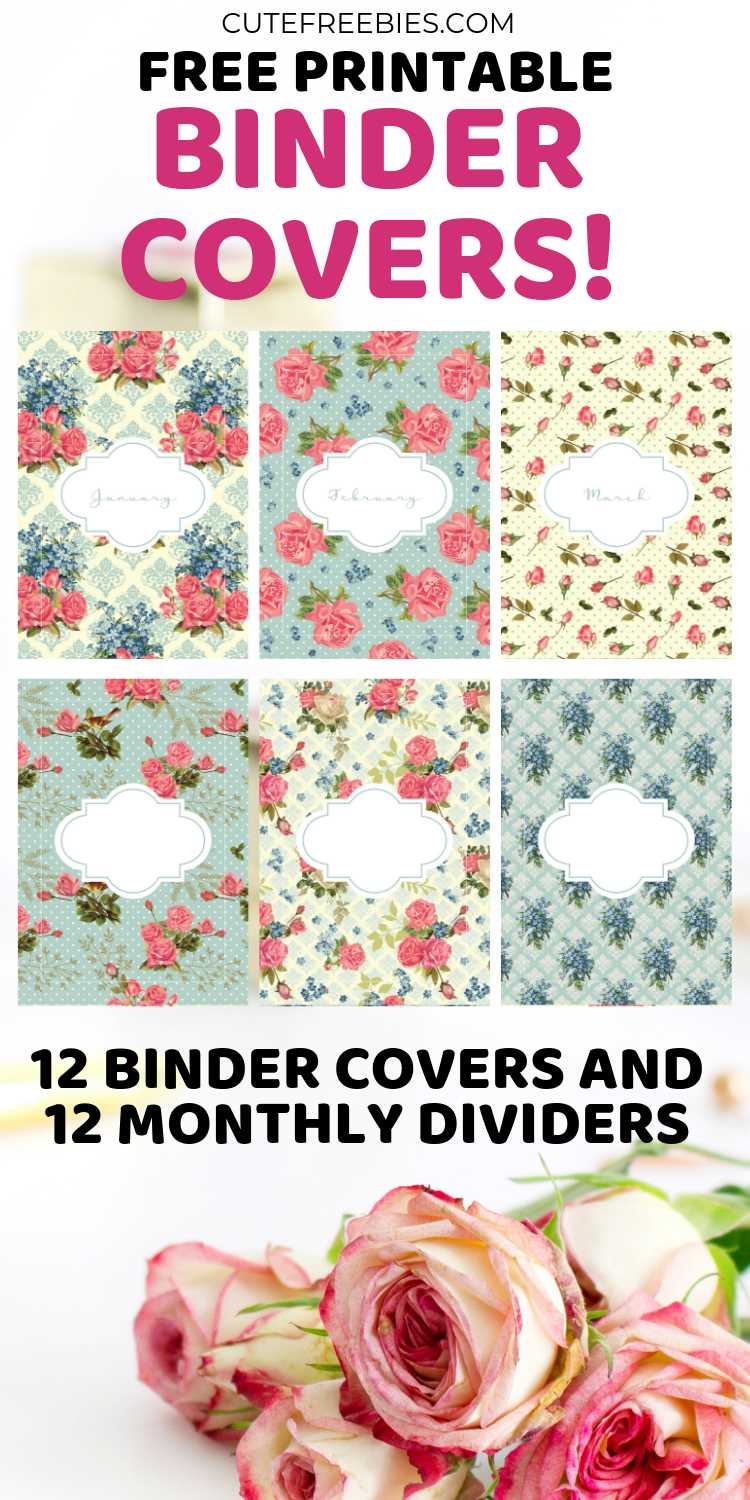
Start by selecting the right material for your section separators. Opt for thick cardstock or laminated sheets to ensure durability, especially if the folders will be frequently accessed. Using a heavier material will help the dividers maintain their shape and not bend easily over time.
Next, carefully measure the size of your storage file or folder to make sure the dividers fit perfectly. Standard measurements for a document organizer are usually 8.5 x 11 inches, but always double-check to ensure a snug fit, which will keep your sections tidy and easy to navigate.
Design the separators with clear, bold labels. Each section should have a distinct name, such as “Invoices”, “Receipts”, or “Project Files”, so you can easily locate your documents. Use large, readable fonts and consider adding icons or colors to further differentiate each category.
For ease of customization, look for downloadable templates that can be edited on your computer. This will save you time compared to designing each divider from scratch. Templates often allow for quick adjustments like font changes, colors, or adding graphics, making the process faster and more convenient.
To make your dividers even more functional, consider adding tabs that extend beyond the folder’s edge. This makes it much easier to flip through your sections without opening the entire file. Tabs also offer a clearer visual reference, helping you find documents at a glance.
Lastly, if you plan on using these separators frequently, invest in a reliable paper cutter or scissors to achieve clean, straight edges. Neatly cut dividers not only look better but also prevent fraying or damage over time. Regularly updating your dividers is also a good idea to keep your system fresh and relevant to your needs.