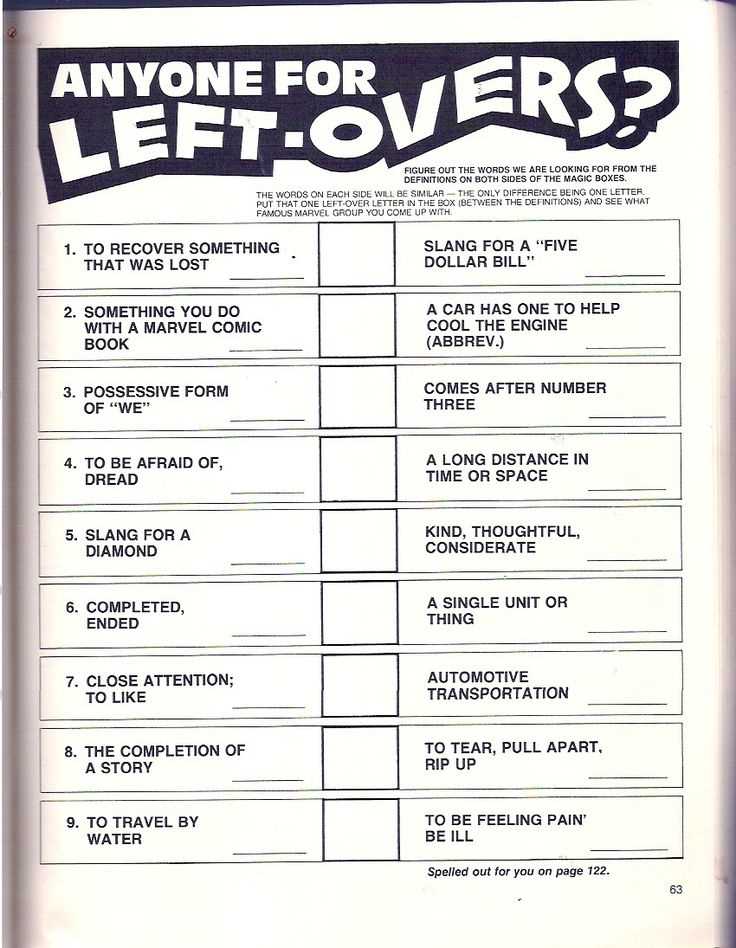
Choose PDF puzzle pages with 300 DPI resolution and black outlines so numbers, letters, and grids remain sharp after home printing on A4 or US Letter paper.
Use mixed challenge sets that include word searches, number grids, mazes, and pattern matching to engage different cognitive skills within a single session lasting 15–25 minutes.
Select paper weight around 100 gsm when using pens and 80–90 gsm for pencils to avoid smudging and page curling during repeated handling.
Keep difficulty levels labeled clearly with beginner, intermediate, and advanced marks so children and adults can switch tasks without frustration or boredom.
Store completed puzzle pages in transparent folders and rotate new sheets weekly to maintain interest and track progress over time.
Brain Puzzle Sheets for Home and Classroom Activities
Select PDF logic pages with 300 DPI resolution and black grid lines so letters, numbers, and symbols remain clear after multiple copies on standard A4 or US Letter paper.
For balanced sessions, combine several task types:
- word searches with 10–15 hidden terms
- number grids up to 9×9 cells
- mazes with one clear exit path
- pattern matching rows of 6–8 shapes
Set time limits between 12 and 20 minutes and rotate difficulty levels every two or three sheets so children maintain attention while adults avoid monotony during group activities or study breaks.
Organize distribution with simple steps:
- store unused pages in labeled folders by age range
- use paper weight 90–100 gsm for pen tasks
- replace worn copies weekly
- track completion dates in a small corner box
How to Download Brain Puzzle Pages in PDF Without Quality Loss
Choose files marked vector format or at least 300 DPI resolution before pressing the download button so lines remain sharp and small symbols do not blur on paper.
Check the file size: a single page with grids, letters, or numbers should usually exceed 500 KB; extremely small files often indicate compressed images that produce fuzzy edges after printing.
Disable automatic compression in the browser or download manager settings and save the document directly to local storage instead of opening it in preview mode, which may rescale graphics and reduce clarity.
Verify page dimensions inside the PDF viewer by confirming exact measurements such as 210 × 297 mm for A4 or 8.5 × 11 inches for US Letter; mismatched sizes force scaling and distort puzzle cells.
Use wired connections or stable Wi-Fi during transfer because interrupted downloads can corrupt embedded fonts, leading to missing letters or replaced symbols in word grids and numeric tables.
After saving, zoom to 200–300% and inspect diagonal lines, curves, and small characters; any pixelation or gray halos signal compression artifacts and require a new copy from the original source.