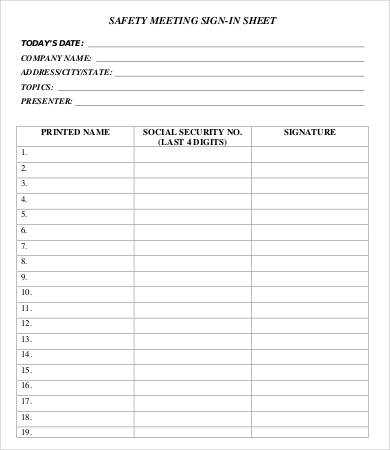
To effectively manage attendance at your event, create a simple yet thorough record form. This document will help track participants, monitor engagement, and maintain accurate records for future reference. Follow these steps to create and use an attendance tracker.
Steps to Design a Custom Attendance Tracker
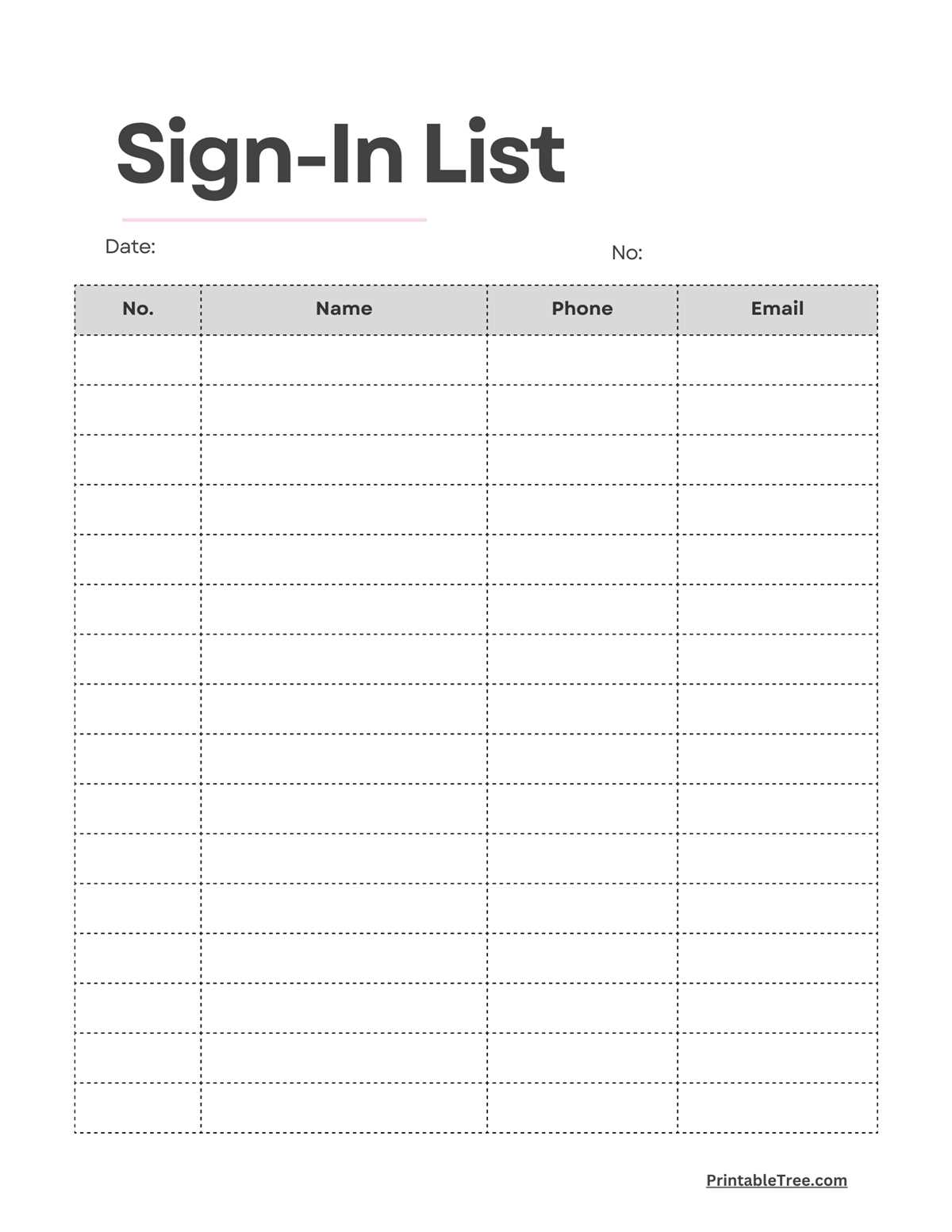
Start by determining the key information you need from participants. A typical tracker should include:
- Full Name: This is essential for identifying each attendee.
- Email or Contact Information: Useful for follow-up communications.
- Time In: This helps you note when people arrive.
- Signature: An optional addition to confirm the attendee’s presence.
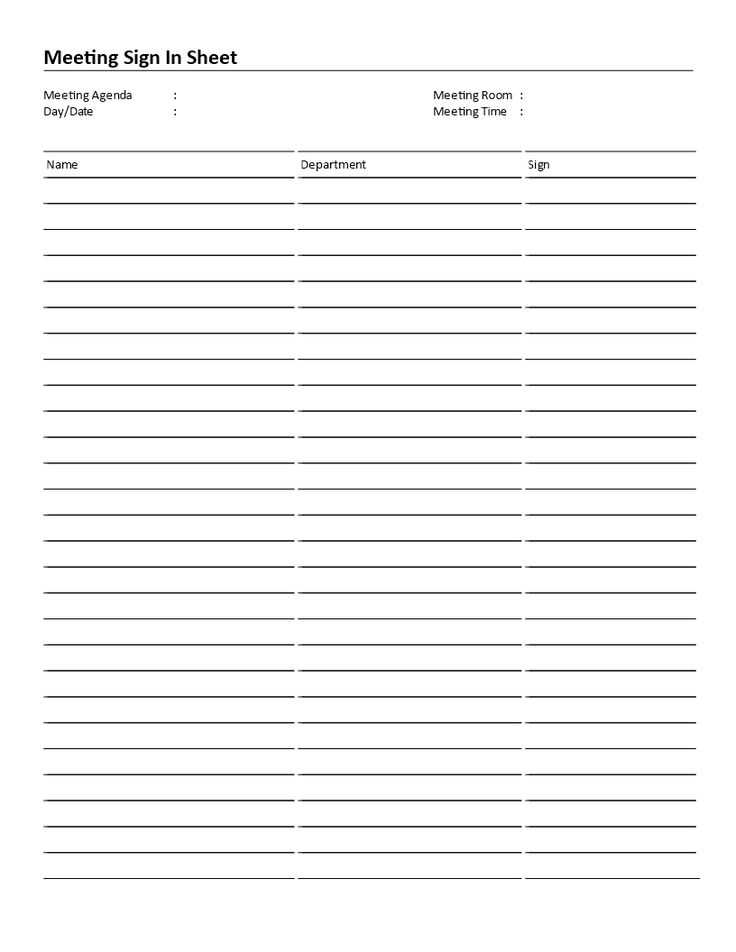
Once you’ve identified the necessary columns, use a word processor or spreadsheet software to format the tracker. A simple table layout will suffice, with each row representing a new attendee. Save the template for future use, so you don’t need to recreate it each time.
How to Collect and Organize Data
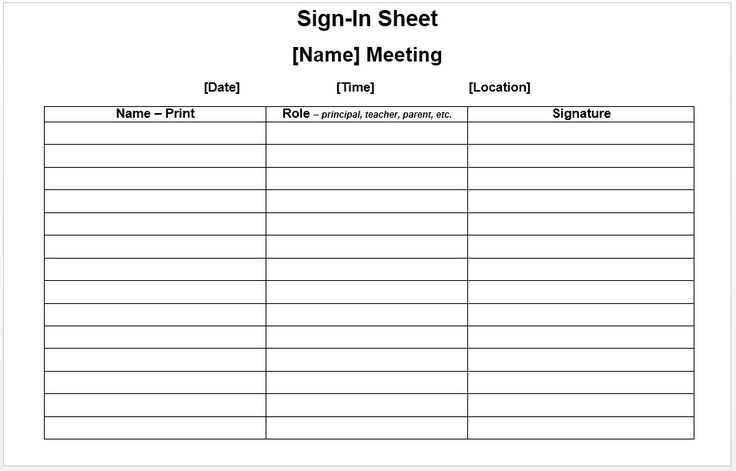
Once your tracker is ready, distribute it at the start of your gathering. Here are some tips for effective collection and organization:
- Place it in a visible spot: Ensure the sheet is accessible, such as at the entrance or on a central table.
- Designate someone to monitor it: A staff member can ensure everyone signs in promptly, reducing confusion.
- Review the list after the event: Double-check for missing information, particularly contact details, to ensure you have accurate records.
Once the event is over, save the tracker digitally. This can be useful for future communication or reports.
Printable Attendance Tracker Guide
Begin by determining the exact information needed for participant tracking. A typical tracker should include full name, email, arrival time, and a space for additional notes. Having all this data helps in following up with attendees and ensures accurate records.
When formatting your document, choose a table layout with clear, labeled columns. Make sure the font size is large enough for easy reading and filling out by participants. Typically, a basic layout with three to five columns works best for most events.
Save the tracker template in a file format that’s easy to edit, such as a Word or Excel document. This allows for quick adjustments based on your specific needs. It’s also helpful to have it saved in a digital format for quick printing at any time.
If you’re working with a large group, consider breaking the document into smaller sections. For example, group attendees by the time they arrive or by department to streamline the process and reduce errors. This can make the collection process smoother.
Provide clear instructions on how participants should fill out the tracker. If the list is long, ensure there are enough spaces between lines to avoid crowding and to make the information legible. Simple instructions on the top of the document will save time and confusion.
When distributing the document at the event, place it in a visible spot near the entrance or registration area. If you’re expecting a high volume of people, consider assigning someone to oversee the tracker and assist attendees with filling it out as needed.
After the event, take the time to review the data. Cross-check the names and contact information to ensure completeness. Any missing or incorrect data should be updated before archiving the document for future reference.
Lastly, keep the document organized and easy to access for future events. Storing the tracker digitally and creating backups ensures that important records are never lost and can be referenced later when needed for communication or reports.