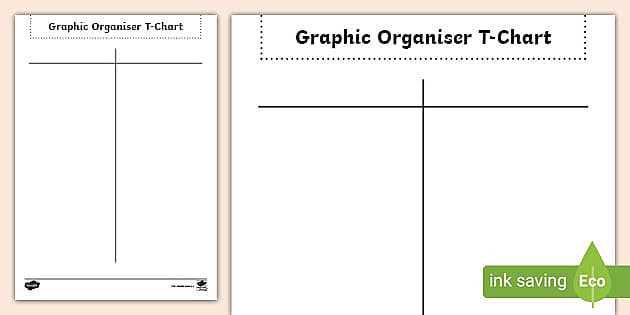
Select a simple template with two columns to help organize your thoughts clearly. This format is particularly useful for comparing pros and cons, listing options, or decision-making processes. You can design the layout in any basic word processing software or use ready-made templates found online. The goal is to have a clear separation between two contrasting ideas or categories to make your thoughts more structured.
Designing the Template for Printing
When creating your template, ensure that the columns are evenly spaced. You may want to leave some room at the top for a title or a brief description of what each column represents. It’s important to choose a material that works well with your printer–whether it’s a simple piece of printer paper, or thicker cardstock if you need more durability. Keep the background plain to ensure that text stands out clearly when printed.
- Column Width: Make sure the columns are wide enough to fit the information comfortably without overcrowding.
- Font Style: Choose a simple, readable font like Arial or Times New Roman for clarity.
- Color: Use contrasting colors for headings or categories, but keep the text black for easy reading.
Practical Applications of a T Template
Using a two-column layout is an efficient way to compare choices when making decisions. For example, if you are deciding between two products, list the features, benefits, and downsides of each option. It can also be used to organize a set of ideas or arguments for a debate, separating different perspectives side by side. You can also use this format for brainstorming by grouping related concepts or thoughts under each heading.
Another practical use of this format is for visual learners, as the layout helps to visually separate information. It’s also a great tool for group projects, where each person can contribute their point of view on one side of the columns. Once your information is organized, you can evaluate it and make a more informed decision or conclusion.
Using a T Template for Better Organization
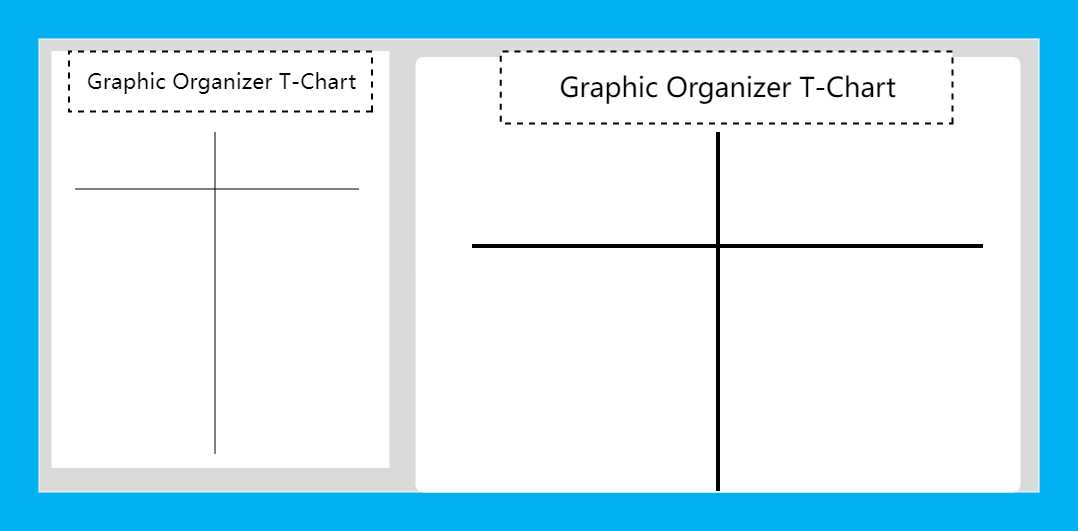
To get started with this simple tool, draw a vertical line down the center of a blank sheet. This will create two columns that you can use to categorize or compare ideas. For clarity, label each column with a relevant heading that reflects the content you plan to organize. For instance, use headings like “Pros” and “Cons” when weighing options or “Facts” and “Opinions” for separating different types of information.
Keep the spacing between the columns wide enough so that the content in each section doesn’t feel cramped. You should leave enough room for several bullet points or short sentences under each heading. This layout makes it easy to see which points are stronger or weaker, depending on the task at hand.
When you print this setup, ensure your document is set to high quality for clear, sharp text. If you want a more customized look, you can add colors to the column headers or use a subtle background shading in each section to differentiate them visually. The idea is to keep the document both practical and appealing to the eye.
This tool works well for a variety of tasks. For example, you could use it to make decisions about purchasing, like comparing two products, listing their benefits and drawbacks. It’s also useful for planning, such as comparing different approaches to a project or brainstorming ideas with a team.
Finally, once the comparison is made, the simplicity of this layout lets you quickly analyze your choices. You can take immediate action based on what stands out most, whether that’s choosing the best option, revising an idea, or simply organizing thoughts for further consideration.