
If you’re looking to add a personal touch to your vehicle or simply want a customized design for your ride-hailing car, start by finding a reliable digital template. Many online platforms offer free designs, but make sure to choose one with a high resolution to ensure clear and crisp prints. A simple search for vehicle decal templates will give you plenty of options to select from, ranging from minimalist designs to vibrant, eye-catching graphics.
Where to Find Quality Templates for Your Vehicle Decals
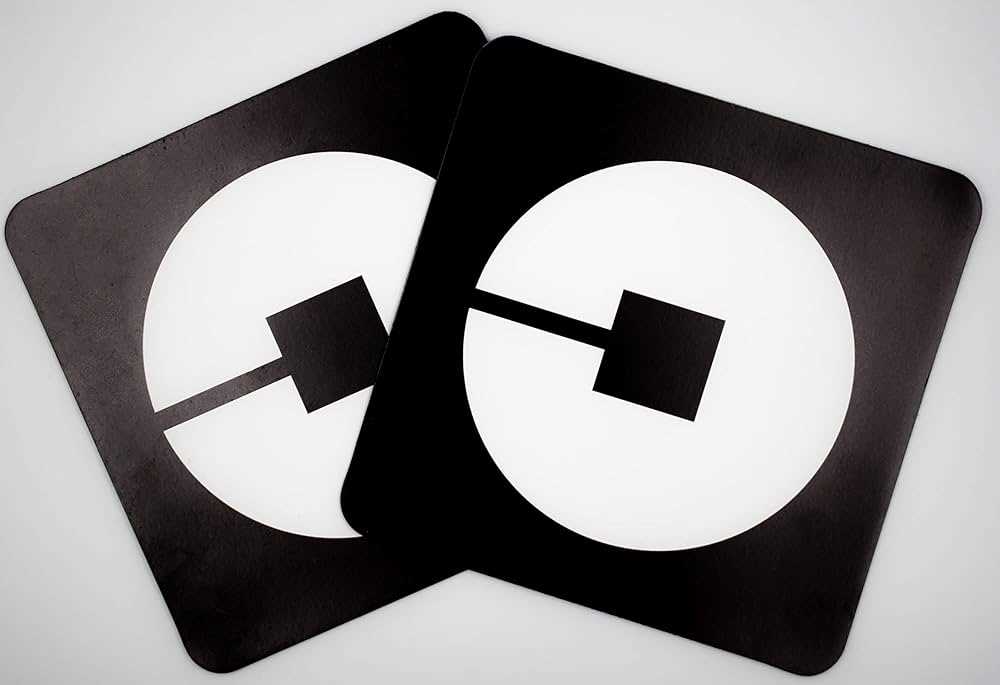
The first step is to search for a reputable website offering free or paid downloads of high-quality templates. Websites like Freepik, Canva, and even Google Fonts offer customizable designs that can be resized and edited to suit your preferences. Ensure the format is suitable for your printer–PDF and PNG files are most commonly used for clear and professional-quality prints.
If you’re looking for something specific, consider using a vector-based design tool like Adobe Illustrator or Inkscape to create your own unique version. These tools allow you to scale the designs without losing quality, making them ideal for larger prints, such as those used on vehicle windows or bumpers.
Printing and Cutting Your Custom Decal

After printing, you’ll need to carefully cut around your design. Using a craft knife or precision scissors will ensure clean, straight edges. For a more professional finish, consider using a cutting machine like a Cricut or Silhouette, which can automatically cut along the lines of your design for a perfect finish.

Finally, once your decal is cut, apply it to your vehicle using the transfer tape. This will help you position the design without it sticking prematurely. Press it down carefully to avoid air bubbles, and ensure the decal adheres firmly to the surface.
How to Create Your Own Custom Vehicle Decals for Personal Use

To begin, choose a clear design template that suits the style you want for your car decoration. Many websites provide free downloadable designs that can be edited according to your preferences. Look for high-resolution graphics to ensure the final print is crisp and professional. You can also create your own from scratch using graphic design software like Adobe Illustrator or Canva.
Once you’ve selected or created the design, ensure it fits the size of your vehicle window or surface. It’s crucial to scale the design appropriately to avoid any pixelation when it’s printed. Most templates come with guidelines for resizing, but always check the print preview before finalizing it.
Next, decide on the material you’ll use for printing. For durability, vinyl sheets are the best option, as they can withstand weather conditions like rain, sun exposure, and wind. Choose adhesive-backed vinyl for easy application and secure attachment to your vehicle. If you plan to remove the design later, opt for a non-permanent adhesive vinyl option.
When printing, ensure that your printer can handle thick materials like vinyl. If you don’t have access to a professional printer, look for print shops that offer large-format printing for vinyl materials. They can print designs with high-quality color accuracy, ensuring the graphics appear vibrant and sharp when transferred to your car.
Once printed, it’s time to cut out the design. Using a craft knife or precision scissors, carefully trim around the edges to match the design. For a more precise cut, consider using a cutting machine such as Cricut or Silhouette. These machines can automatically cut your design, giving you clean, smooth edges and eliminating any inconsistencies from manual cutting.
After cutting, use transfer tape to move the design onto your vehicle. This tape helps position the decal correctly without it sticking prematurely. Carefully align the decal to the desired position on your car, and press down to smooth out any air bubbles or wrinkles. Take your time with this step to ensure an even and professional finish.
Finally, allow the decal to set for a few hours before driving. This ensures that the adhesive bonds properly with the surface. If you notice any edges peeling after a few days, you can gently press them back down or apply extra adhesive to ensure it stays in place.
With these steps, you can easily create and apply a personalized decal to your vehicle. This process not only saves money but also allows for full customization, making your ride stand out with a design that reflects your personal taste.