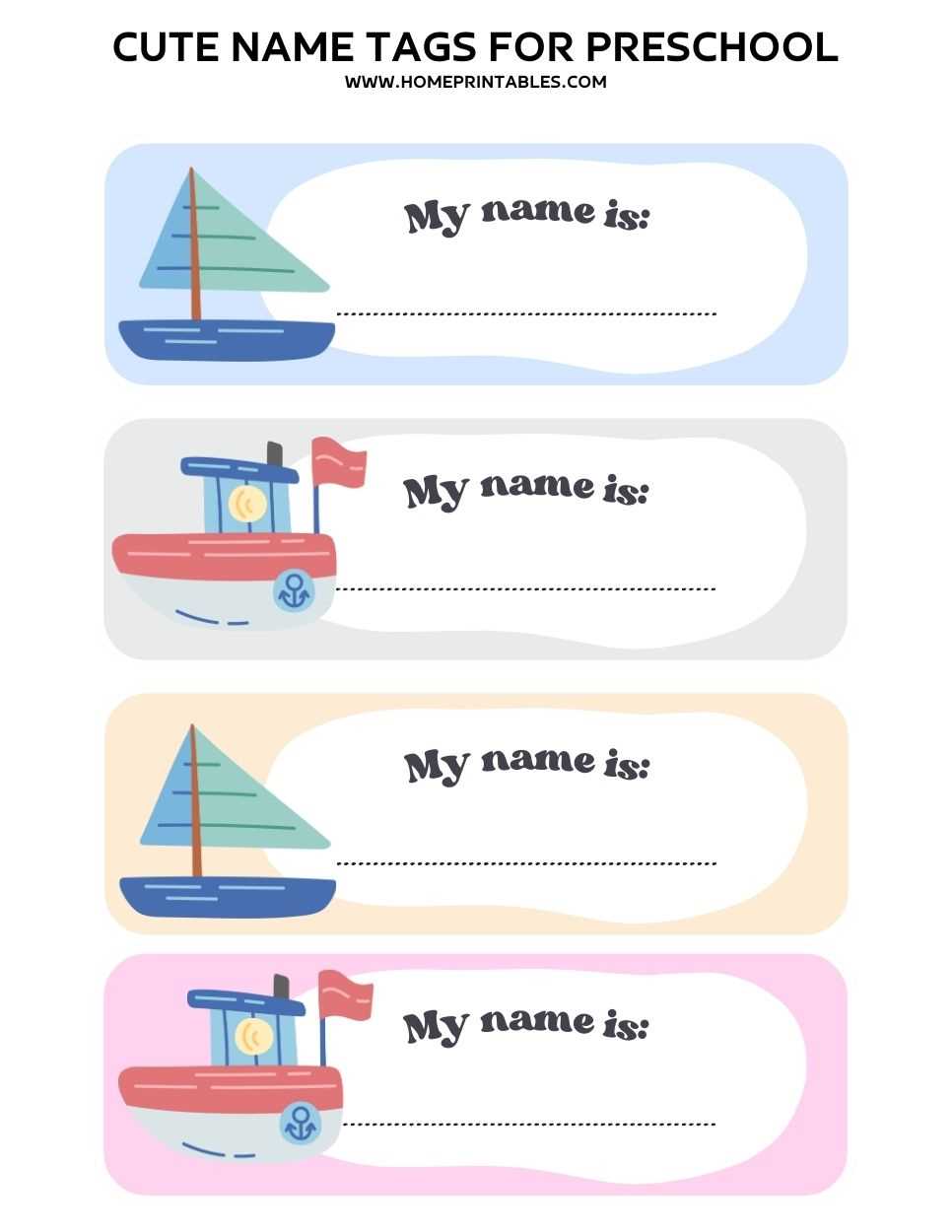
Begin by selecting a template with simple designs that suit your needs. These templates can be found online or created using basic software. Focus on keeping the layout clean and the font legible, especially for young learners.
Steps to Customize and Print Your Labels
After choosing your design, open it in your preferred software. Customize it by adding the child’s name and perhaps an image that matches the classroom’s theme. Use large, clear fonts for better readability, and opt for bright colors that appeal to children.
Next, print the labels on durable paper or adhesive sheets. If you plan to use these on items that will be handled often, consider using laminated sheets to ensure they last longer and maintain their appearance throughout the year.
Choosing the Right Material
For items that will stay in one place, like cubbies or lockers, regular paper or cardstock is sufficient. For materials that will be handled frequently, such as folders or backpacks, opt for waterproof labels or laminated versions. This ensures they remain intact even with frequent use.
Printing Tips
Make sure your printer is set to the highest quality for a clear printout. For adhesive sheets, use a laser printer to prevent smudging. If you’re printing on standard paper, cut the labels carefully for neat edges. After printing, let them dry for a few minutes before use to avoid any ink smearing.
Creative Ways to Use Labels in the Classroom
Once your custom labels are ready, you can use them for various purposes in the classroom. Label personal items like cubbies, lunch boxes, and backpacks to help children recognize their belongings. This also helps with organizing materials in a way that children can easily understand.
- Storage Areas: Label baskets and bins with both pictures and names, so children can associate the labels with objects.
- Classroom Stations: Place labels on different activity areas or centers to help children identify where to go for specific tasks.
- Personalization: Personalize the labels with the child’s favorite colors or animals to make them feel special and more engaged in the environment.
Using customized labels in this way can help with organization while also teaching young children how to recognize their name and learn about categorization. It creates a sense of ownership and responsibility for their things and space in the classroom.
How to Create and Use Custom Labels for Young Children
Begin by selecting a design template that aligns with the age group and classroom setting. Choose simple, bold fonts and bright colors that are easy for young children to recognize. Customize the labels with the child’s name, and consider adding small pictures or icons to make them more engaging. Print the labels on durable materials such as adhesive paper or laminated sheets to ensure they last throughout the year.
Use these customized labels for organizing personal items like cubbies, lunch boxes, and folders. They also work well for classroom stations or activity centers, making it easier for young children to navigate and identify their belongings. This simple organizational tool helps children develop a sense of responsibility and ownership over their items while making it easier for educators to manage the classroom environment efficiently.