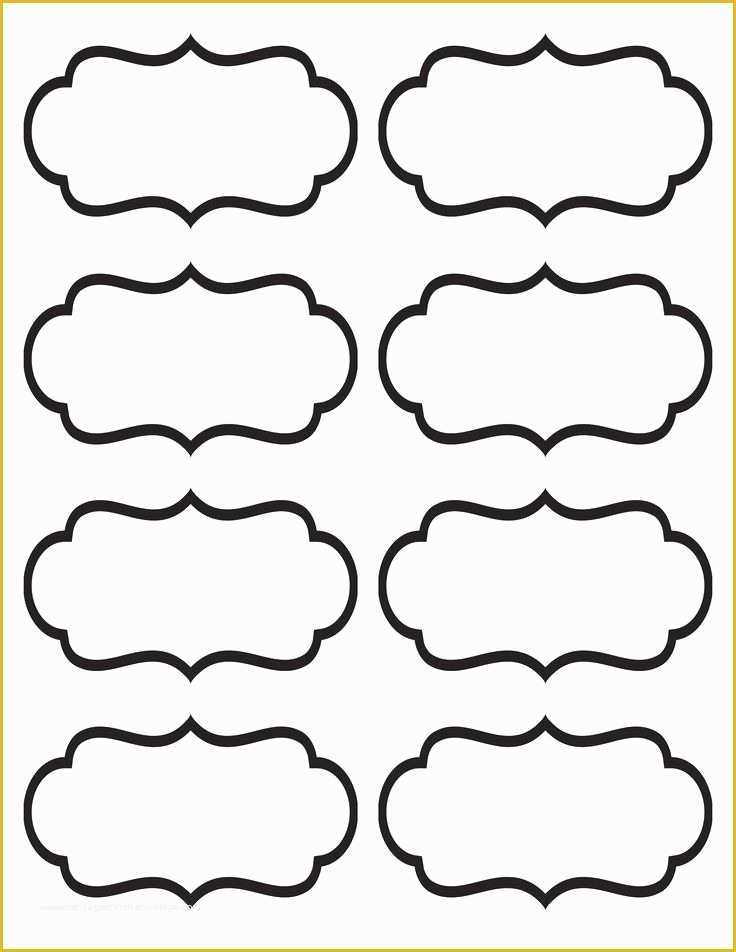
For a quick and efficient way to organize your home, office, or school materials, downloading ready-to-use designs is the best solution. Multiple websites offer designs that can be easily customized to suit your needs. These printable templates are perfect for anyone who wants to create their own organization system without needing specialized software or skills.
Where to Find and Download Templates
Several websites offer downloadable designs for organizational tags that can be printed at home. Some popular options include:
- Canva – Offers a user-friendly platform with customizable designs. You can change fonts, colors, and even add images or logos to make the designs unique.
- Microsoft Word – Provides templates that are easy to use and print directly from the software. You can find them by searching for “organization tags” or “sticker templates” within the program.
- Online Printing Services – Websites such as Vistaprint and Avery provide templates that you can adjust to specific sizes and print directly from their platform.
Once you have found a suitable design, simply download it in a file format like PDF or PNG. Most sites will allow you to choose the resolution, so you can ensure that the text remains sharp and clear when printed.
How to Customize and Print the Designs
After downloading the design, you can open it in your preferred editing program to make adjustments. If you’re looking to add specific text, like product names or categories, make sure the font is clear and readable. Many designs allow you to insert icons or symbols for easier identification, so you can make the tags as informative as needed.
When you are satisfied with the design, it’s time to print. Use a high-quality printer to ensure that your stickers come out looking crisp and professional. For better durability, print on adhesive paper. These sheets are available at most office supply stores and can be fed directly into your printer.
If you don’t have an adhesive printer sheet, you can print your design on regular paper and use glue or double-sided tape to affix it to your containers or files. However, using adhesive-backed sheets will save you time and provide a cleaner look, especially for larger projects.
Once printed, carefully cut out each tag, making sure to follow any borders or guidelines to ensure uniformity. Depending on your needs, you can use these designs for organizing kitchen items, labeling school supplies, or marking boxes during a move. Customizing and printing your own organizational tags is an affordable way to bring order to your space.
How to Create Custom Organizational Tags
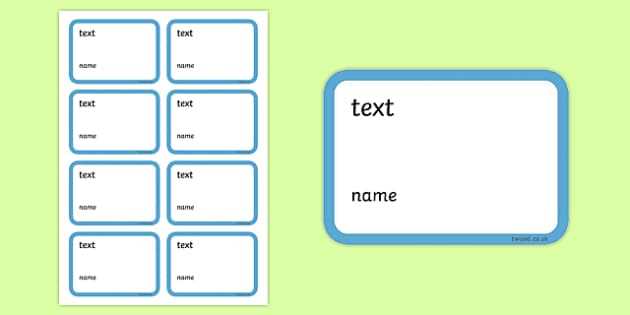
To design your own organizational tags, start by selecting a template from websites like Avery or Canva. These platforms offer easy-to-use designs that you can edit by adding text or images. Make sure to choose a layout that matches the size of your containers or files. Once the design is set, save it in a format like PDF or PNG for easy access and printing.
After finalizing the design, print it on adhesive paper for easy application. For those without adhesive sheets, regular paper will work if you use glue or double-sided tape. Adjust your printer settings for high resolution to ensure the text is clear and sharp. After printing, simply cut out the tags and affix them to the desired items for a more organized and efficient space.