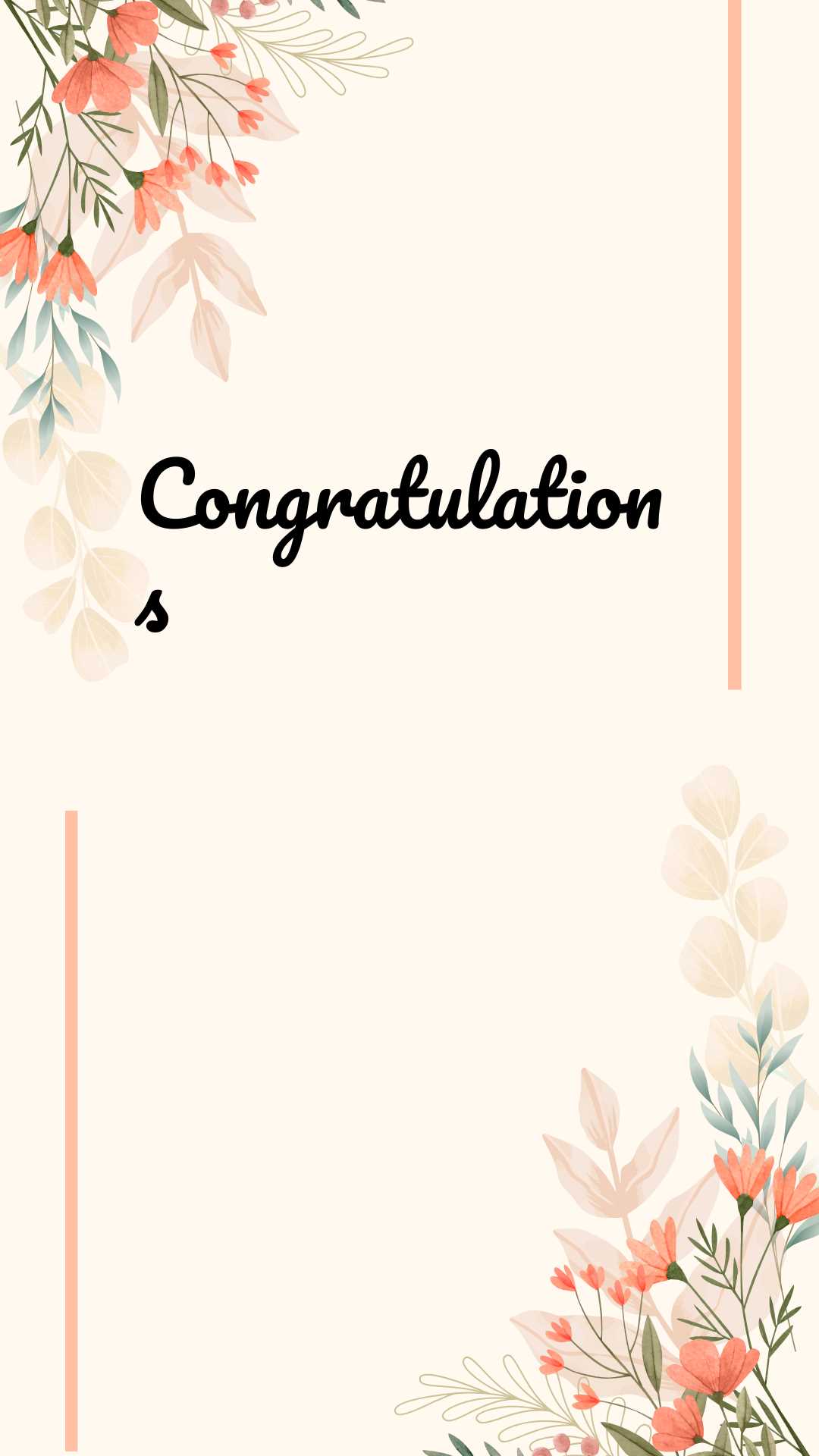
Choose a high-resolution greeting template in PDF format (300 DPI) and set your printer to the best quality mode before pressing print. Use thick matte paper between 200–300 gsm to prevent ink bleed and ensure the finished greeting looks neat and durable.
Digital greeting designs allow you to adjust text, colors, and layout within minutes. Add the recipient’s name, date, and a short personal message using standard fonts such as Arial, Georgia, or Times New Roman for clear readability at 10–14 pt size. Keep margins at least 0.5 inches to avoid trimming important elements after printing.
For birthdays, weddings, graduations, and corporate milestones, select layouts with fold lines marked in light gray to guide accurate folding. After printing, cut along crop marks with a metal ruler and craft knife for straight edges. Store finished pieces flat for several hours so the ink fully sets and the paper retains its shape.
Printable Congratulation Cards
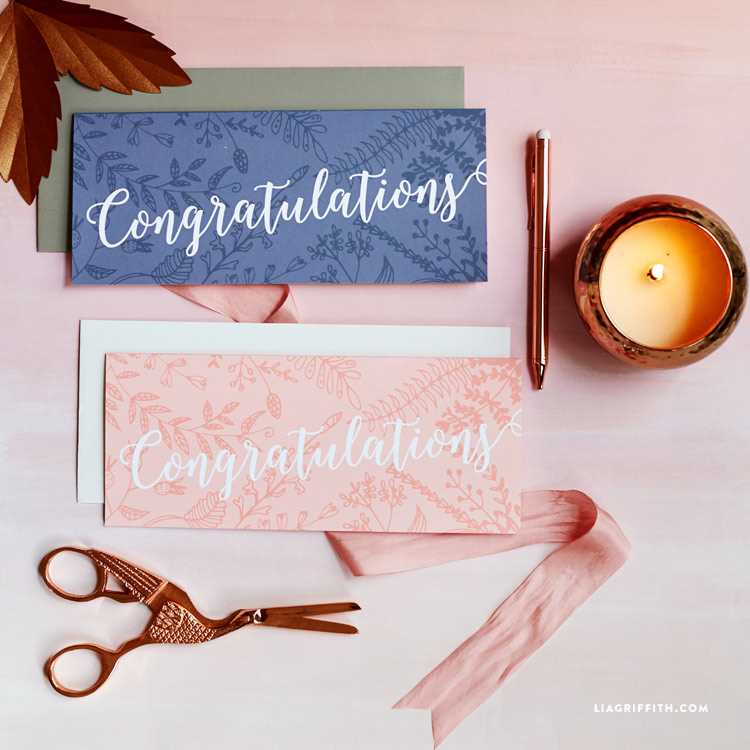
Select a folded A5 or 5×7 inch layout with a clear central message and balanced white space. Files prepared in PDF or high-resolution PNG at 300 DPI provide sharp text and graphics without pixelation during home printing.
Use cardstock between 220 and 300 gsm for a firm feel. Matte stock reduces glare under indoor lighting, while light satin paper enhances color depth for celebratory designs with photos. Always print a single test sheet on regular paper to check alignment before using thicker media.
Keep text blocks within safe margins of at least 12–15 mm from each edge. This prevents accidental trimming of names or dates. Choose readable fonts and avoid combining more than two typefaces in one greeting to maintain clarity.
For birthday themes, apply bright color palettes and large headline lettering sized 24–36 pt on the front panel. Wedding or anniversary layouts benefit from neutral tones, subtle patterns, and script fonts for names paired with a clean serif for the body text at 11–13 pt.
Set the printer driver to heavy paper mode to slow down the feed mechanism and improve ink placement. Disable automatic scaling so the design prints at 100 percent size. If your device supports borderless output, confirm that crop marks remain visible for accurate cutting.
After printing, score the fold line using the blunt edge of a butter knife and a ruler before bending the sheet. This prevents cracking along the center. Trim edges with a sharp craft blade on a cutting mat for straight, professional results.
Store finished greeting sheets in a dry folder for several hours to allow ink to cure fully. Insert them into matching envelopes sized slightly larger than the folded format, leaving at least 3–5 mm clearance to avoid bending corners during handling or mailing.
How to Choose the Right Card Template for Specific Occasions
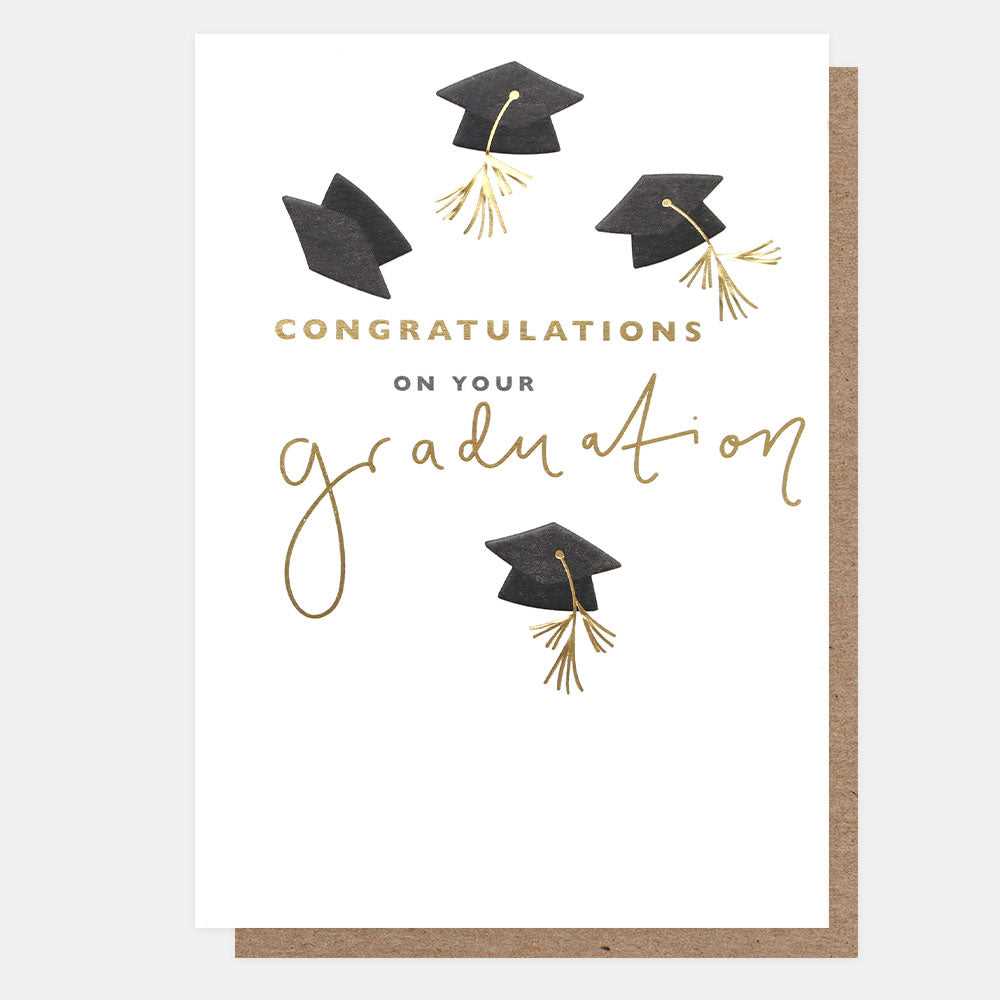
Match the layout format to the event type before editing any text. For birthdays and casual parties, select bright designs with bold headline areas and space for large numbers, while formal gatherings such as weddings or corporate anniversaries require restrained color schemes, symmetrical alignment, and structured typography.
Check the orientation and fold style. A bi-fold 5×7 inch design suits most personal celebrations and fits standard A7 envelopes, while a tri-fold layout works better for events that require extra space for schedules, venue details, or RSVP instructions. Verify that fold marks are clearly indicated in the file to avoid misalignment after printing.
Analyze the graphic density. Templates with heavy backgrounds and layered illustrations consume more ink and may appear darker on home printers. For long messages, choose layouts with light backgrounds and defined text zones to maintain readability at 11–13 pt font size.
Confirm file specifications before downloading. A resolution of 300 DPI and CMYK color mode provide accurate print results. Avoid designs scaled below 100 percent, as resizing can distort proportions and shift margins beyond safe trim lines.
Review customization options within the template. Editable text fields, replaceable image frames, and adjustable color accents allow you to adapt the greeting to a graduation, promotion, baby shower, or retirement without redesigning the entire layout from scratch.