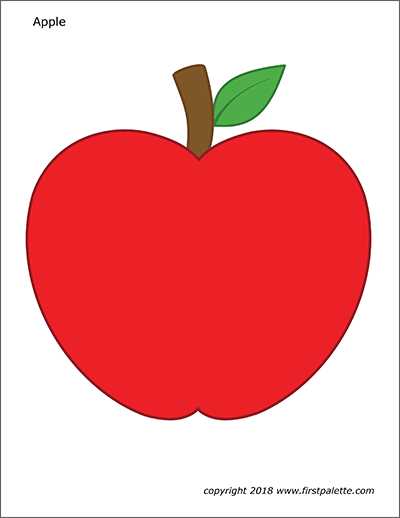
Download fruit shaped templates in PDF format at 300 DPI and print them at full scale with margins set to 0.5 inch. This keeps the outline smooth and prevents clipping along the edges of the page.
Choosing the Right Fruit Template
Select simple round designs with a single leaf for preschool crafts. For bulletin boards or seasonal displays, choose larger formats that fill half or a full sheet of US Letter or A4 paper. If multiple sizes are needed, adjust scaling to 75 percent or 125 percent instead of stretching the image manually.
Check line thickness before printing. Outlines between 2 and 3 pt remain visible after trimming and help children follow the contour with scissors. Avoid low contrast gray lines that may fade on standard home printers.
Paper and Printing Tips
Use 80–100 gsm paper for coloring tasks and 160–220 gsm cardstock for wall decor. Thicker stock keeps the fruit silhouette flat when attached to boards with tape or glue.
- Disable fit to page in the print dialog.
- Select high quality mode for sharper edges.
- Print one test page to confirm size accuracy.
Finishing and Craft Use
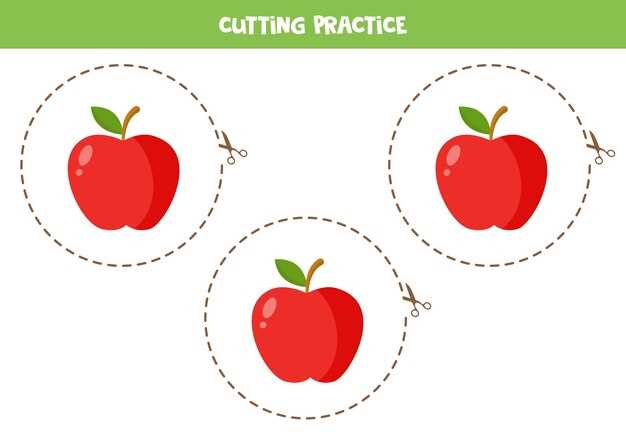
Trim along the outline with sharp scissors or a craft knife for clean edges. Add stems with brown construction paper and attach leaves using green cardstock for layered dimension. For reusable pieces, laminate the shapes and store them flat in labeled folders for future seasonal projects.
Printable Apple Cut Outs
Download fruit silhouette templates in high-resolution PDF (300 DPI) and print them at 100% scale with margins set to 0.5 inch to avoid edge trimming. Choose files formatted for US Letter or A4 so proportions remain accurate without manual resizing.
Select outline thickness between 2–3 pt to keep contours visible during trimming. For classroom crafts, use simple round shapes with a single leaf; for bulletin boards, select large half-page or full-page designs that remain clear from a distance of 2–3 meters.
Print on 90 gsm paper for coloring activities and on 200 gsm cardstock for wall displays or name tags. Disable “fit to page” in the printer dialog and activate high-quality mode to prevent jagged edges along curves.
For repeated use, laminate each fruit shape with 80-micron pouches and trim with a 2 mm sealed border to keep layers from separating. Store flat in labeled folders to prevent bending and maintain clean edges for future seasonal projects.