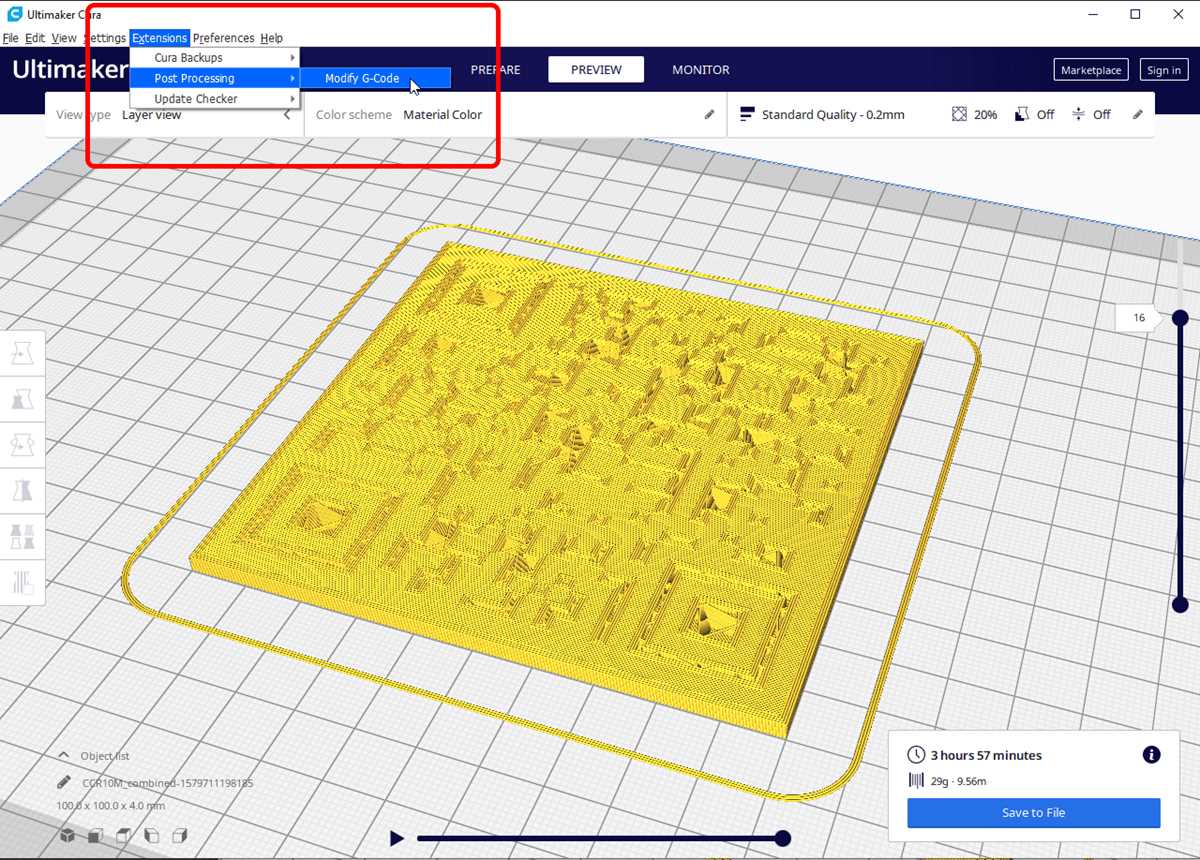
To create a physical version of a scannable QR pattern, start by designing the shape in 3D modeling software. Make sure the dimensions are suitable for scanning–too small or intricate details might result in unreadable designs. Online tools allow you to generate the QR pattern, which can then be transformed into a 3D object using a modeling program.
After generating the model, use a 3D printer to bring it to life. Choose a material that provides durability and smoothness, as rough surfaces may interfere with readability. PLA or ABS are common options, offering both ease of printing and stability.
Once printed, test the scanability of the item with a smartphone or QR scanner. If the scan doesn’t work, adjust the size or simplify the design. Sometimes a larger or less complex pattern is more reliable. The final product can be used as an interactive piece for displays, marketing tools, or educational materials.
3D Printable QR Code
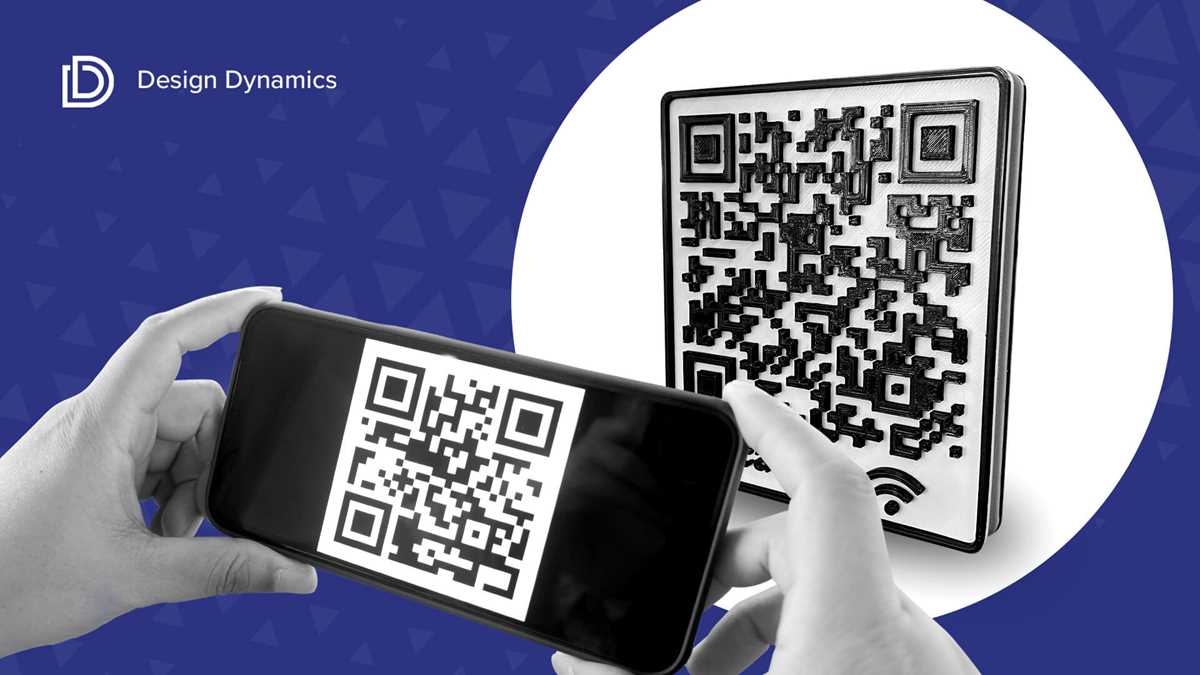
Start by choosing a 3D design tool like Tinkercad or Blender to create your scannable object. You can either build the pattern from scratch or convert an existing 2D image into a 3D model. Many tools offer free templates that can be customized to meet your needs.
Once you have your model ready, ensure that the pattern’s details are clear and simple. Smaller designs can be difficult to scan, so aim for a larger size with prominent features. Keep in mind that complex shapes might impact the scanability, so testing is necessary after each adjustment.
Before printing, use software like Fusion 360 or Meshmixer to refine the model. This is where you can ensure the object’s dimensions are correct and that the model is supported for 3D printing. Make sure to check that the surface is smooth and free of errors.
Once your object is ready for printing, choose the appropriate material. PLA is a popular option due to its ease of use and smooth finish, which can help with scan accuracy. Avoid using rough or textured materials that might interfere with the scanner’s ability to read the pattern.
Printing a QR pattern requires careful calibration of the printer. Set your layer height to a smaller size for better detail resolution. If the design is too small, increase the print size to ensure the final product is large enough for easy scanning.
After printing, it’s important to test the scannability of the 3D object. Use a smartphone or QR reader to check if the information can be accessed easily. If the object doesn’t scan properly, you may need to enlarge the model or simplify the design.
If you’re planning to use these objects for marketing, consider adding small details or branding elements that align with your message. This could include logos, company colors, or additional decorative touches that make the object more engaging.
Finally, 3D QR items have a wide range of applications. They can be used as part of a marketing campaign, as interactive museum pieces, or as educational tools for students to explore information in a physical form. The possibilities are limited only by your creativity and the scanner’s capacity to read the design.
Steps to Design a 3D QR Code Model
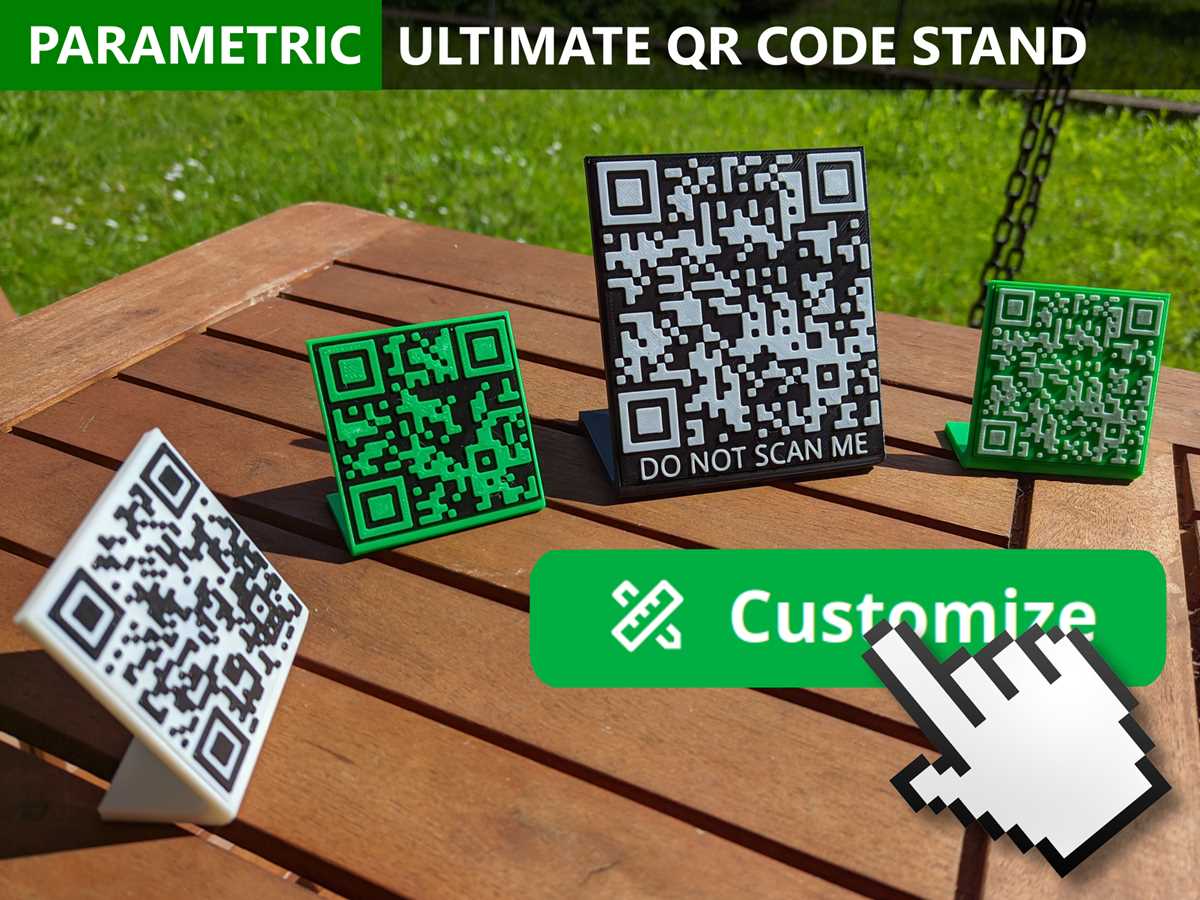
Begin by selecting a 3D modeling software such as Blender or Tinkercad. First, generate a 2D version of your pattern using online QR generators. Then, import the 2D image into your 3D software and convert it into a 3D object. Scale the design appropriately–making sure the individual blocks are large enough to be scanned. Focus on a simple structure to avoid complications during printing.
Once the basic model is created, refine the design by adding thickness to each block and ensuring the structure is solid. Use tools like extrusion and offset to adjust the depth and smoothness of the surface. Be sure to test the model in a virtual 3D printer simulator before exporting it, as this will help identify any potential issues with scanability or printer compatibility.