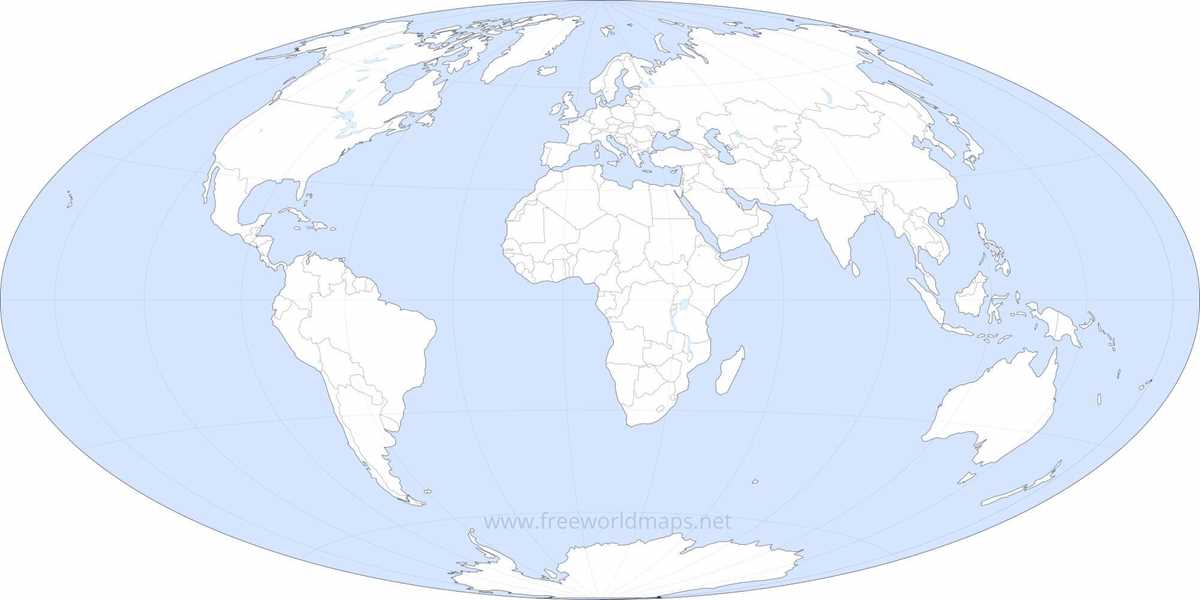
For an elegant and minimalist style in home decor or educational settings, choosing a simple monochrome layout of geographical areas can make a lasting impression. Whether you need something for a personal project or a large-scale wall decoration, following a few basic design principles will help you create an eye-catching yet subtle visual experience.
Choosing the Right Resources
The first step in creating your design is selecting a high-resolution template. Ensure that the source provides clear outlines of each area without unnecessary details. This will allow for a clean and sharp look once printed, maintaining the integrity of the design. Various online platforms offer free resources that can be easily downloaded and edited in graphic software. Look for high-quality vector formats like SVG or EPS, which offer flexibility in resizing without loss of detail.
Adjusting the Tone for Maximum Effect
While some may prefer a muted grey-scale theme, others might lean towards using a deep contrast between the landmasses and the water bodies. By manipulating the levels of shading, you can control the intensity of the final visual outcome. A monochrome design doesn’t mean it has to be flat or dull–experimenting with gradients can add depth and interest to the final output.
Elements to Consider
- Scale – Maintain proportional accuracy to reflect realistic dimensions.
- Location Labels – Add names of key places or cities, but ensure they don’t overwhelm the overall simplicity of the design.
- Borders – Outline countries or regions using thin, subtle lines for a refined look.
Color Contrast
Although monochrome is the focus, consider the impact of contrasting shades. Use dark tones for the landmasses, and keep the bodies of water in a lighter hue, or vice versa. This ensures clarity without cluttering the visual experience. The key here is to maintain a balance between the two areas, avoiding extreme lightness or darkness that could strain the eyes.
Printing Tips
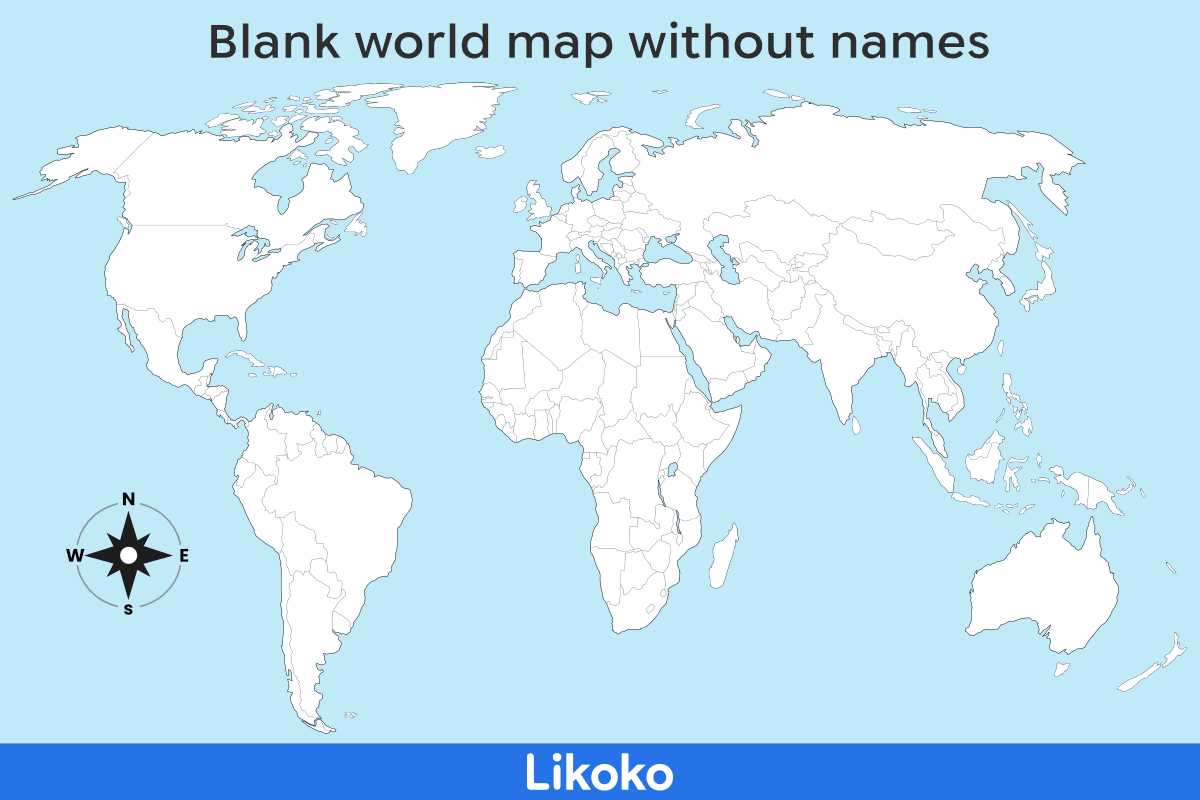
When printing, always check that your printer settings match the size you intend to use. For larger prints, opting for a professional printing service is advisable to ensure high quality. Consider the paper type as well–matte finishes often work well with minimalistic designs, reducing glare and offering a soft, refined texture.
Final Touches
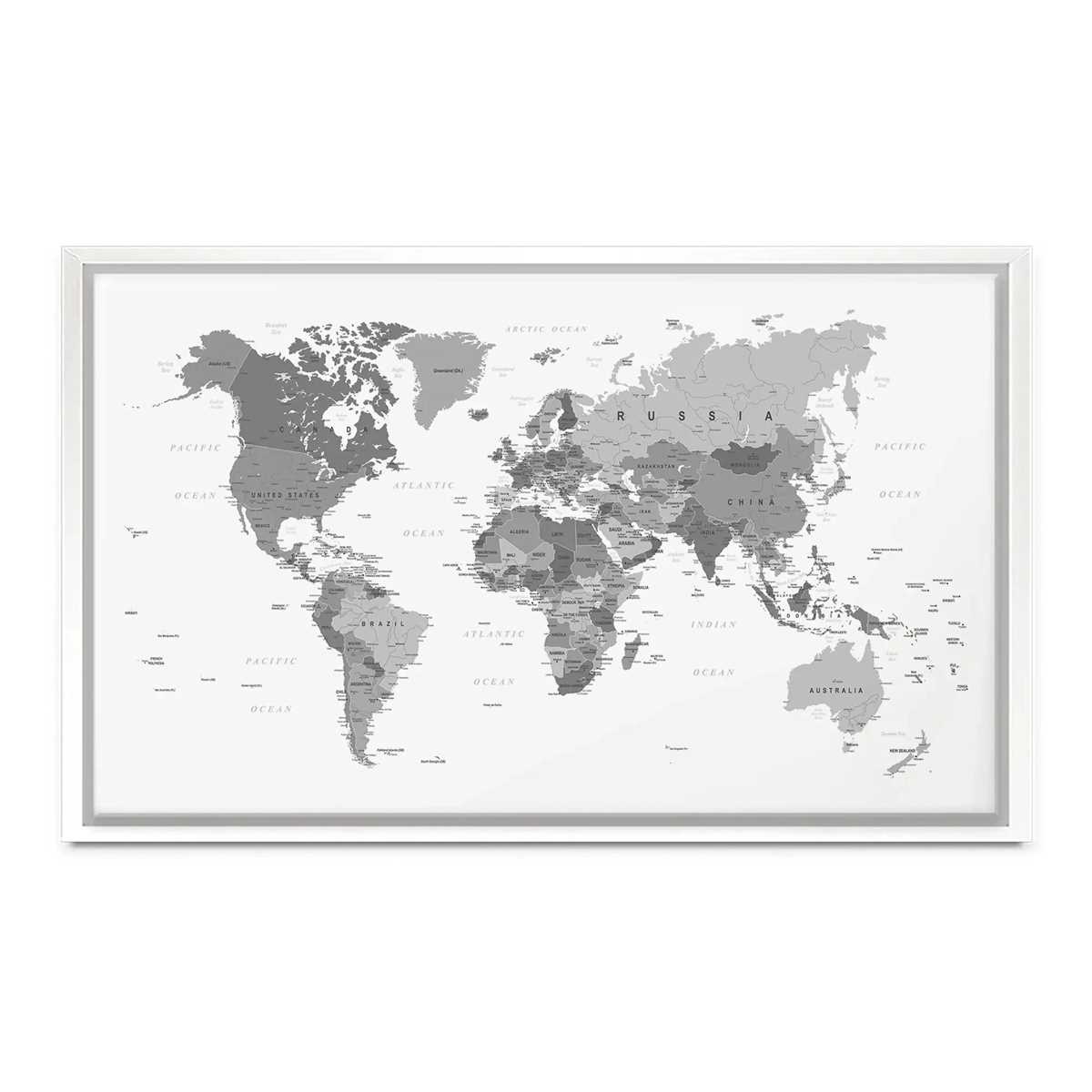
Once printed, frame your design in a simple frame or mount it directly on the wall. The simplicity of the design itself will ensure that it fits into any room or setting, from home offices to living rooms. Additionally, a clean design can seamlessly blend with various color schemes in the surrounding environment.
With these tips, you can create a sleek and sophisticated geographical layout for any purpose, whether it’s for learning, decoration, or personal projects. The beauty lies in the simplicity and the subtlety of the design itself.
Simple Black and White Geographical Outline
The best option for creating a clean, minimalist layout is a high-quality, high-resolution outline of geographic territories. This type of design allows for easy customization or annotations, particularly useful in educational contexts or presentations. Make sure to choose a design that has well-defined borders and clear country demarcations for accurate referencing.
If your goal is clarity, opt for a layout with no additional details. A stark contrast between the continents and surrounding areas ensures that key regions stand out without unnecessary distractions. A design with a white background and black lines provides excellent visibility in both print and digital formats.
Ensure that the regions are labeled in a simple, straightforward font. Avoid overly decorative typography, as it can obscure the legibility of the names and territories. Use a font size that fits well within the space of each country or continent for a balanced appearance.
For those looking to print large-scale versions, ensure that the resolution is high enough to maintain sharpness even at poster sizes. A resolution of 300 DPI (dots per inch) is ideal for detailed prints. Make sure the outline remains crisp and clear, even when zoomed in.
In educational settings, this design can serve as an interactive tool. By keeping it basic, instructors and learners can easily fill in or highlight areas of interest, such as countries or geographical features. This makes it versatile for multiple subjects and levels of learning.
When considering how to use this design, avoid clutter. Too many annotations or additional elements can make the layout feel crowded. Focus on the essentials: borders and labels, keeping the aesthetic clean and straightforward. This minimalism adds to the visual appeal and enhances focus.
If you’re looking to incorporate this design into a project, consider pairing it with a color-coded key or additional textual resources. This allows users to associate each area with specific data or other visual representations. Maintain the simplicity of the design, while offering opportunities for interaction.
Lastly, check for compatibility with different printers. Ensure that the file format is suitable for both home and professional printing services. PDFs often work well due to their scalability and precision, ensuring a high-quality print regardless of the printer model used.