
Start by selecting a high-quality paper that suits the occasion. For example, choose a heavier weight if you want durability or a lighter one for an elegant touch. Look for smooth surfaces that allow clear prints, avoiding anything too textured as it may affect the final result.
Next, consider the design you want to create. You can either select from pre-made designs online or come up with your own. Popular themes include minimalist patterns, vibrant illustrations, or even customized designs that fit personal preferences. If you’re using graphics software, ensure the file is in a high-resolution format for sharp images once printed.
Before printing, check the dimensions of the paper and your printer’s capabilities. Some home printers may not support larger sheets, so consider using smaller paper sizes and aligning multiple sheets for a larger design. If you need multiple copies, ensure you adjust the settings accordingly for batch printing.
For the best print quality, use a printer that supports color printing and make sure the ink levels are sufficient. If you want to give your creation a polished finish, you can laminate or use a gloss coating after printing, giving the design a shiny look.
Finally, trim the paper according to the size of the items you plan to wrap. Make sure to leave some excess for folding edges. Using a sharp pair of scissors or a paper cutter will ensure clean cuts, giving your wrapping paper a professional, neat finish.
Guide to Custom Wrapping Paper for Special Occasions
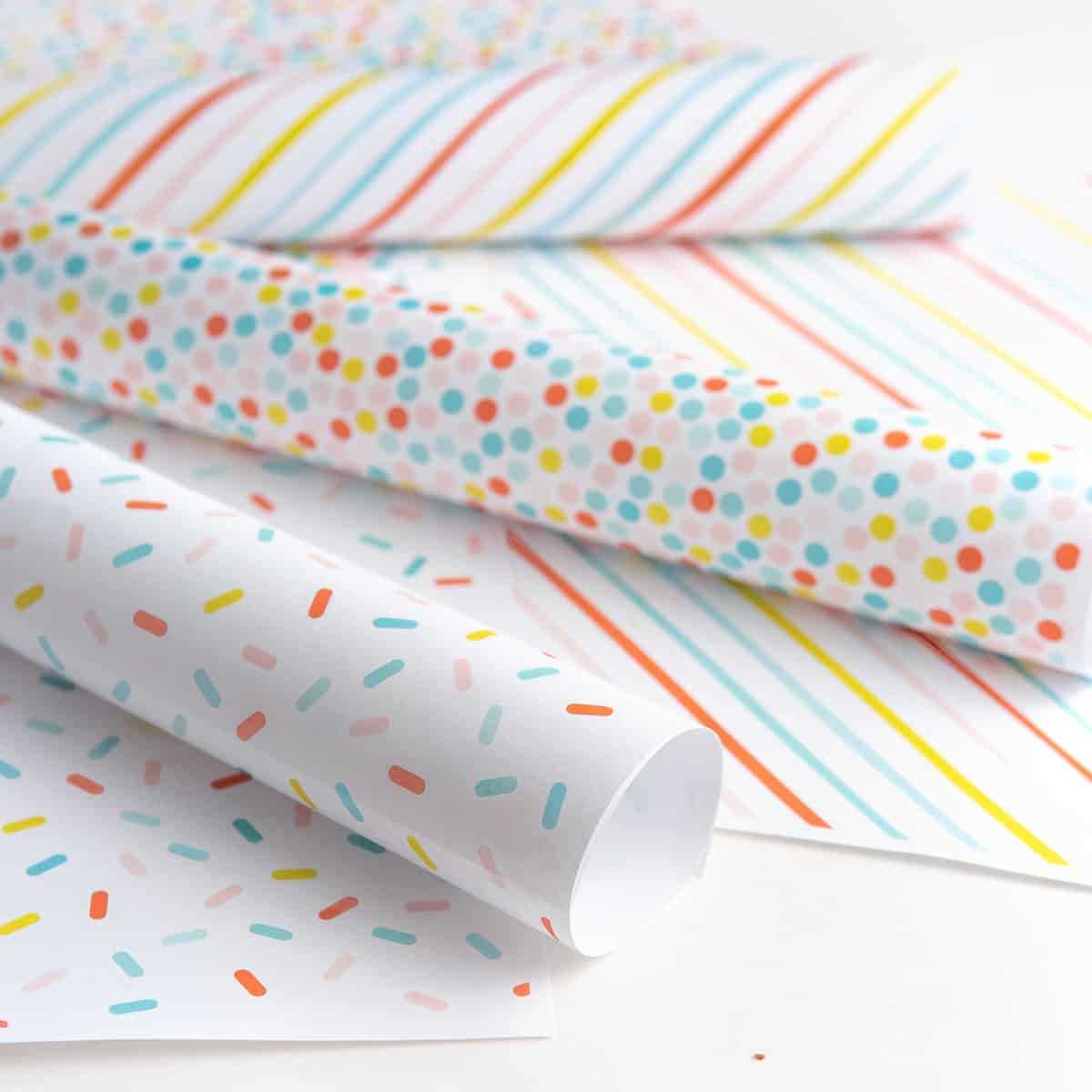
Start by selecting high-quality sheets that will hold your design well. Choose paper that has a smooth texture to allow for crisp, clear prints. For a polished look, opt for medium to heavyweight sheets, as they tend to hold their shape better during wrapping.
Consider the theme of the celebration. Popular choices include patterns featuring balloons, confetti, or even personalized designs with the recipient’s name. Using software like Photoshop or Canva, you can create your own design that aligns perfectly with the occasion.
Before printing, ensure that the design is high resolution. This will prevent blurry images, which can make your custom wrapping paper look unprofessional. Set the image to at least 300 DPI (dots per inch) for the best result on both color and black-and-white prints.
Next, check your printer settings. Use the highest quality print option and ensure that your ink cartridges are full to avoid uneven prints. Some printers may not support large paper, so it’s a good idea to work with a standard size like letter or A4 and print multiple sheets if needed.
If you want to make the wrapping paper truly unique, consider adding special touches like metallic inks or patterns that pop out when wrapped. These can be done using specialty ink or paint after printing, giving your paper a more festive feel.
For an eco-friendly option, print your designs on recycled paper or use biodegradable ink. This way, you can celebrate a special occasion while minimizing your environmental impact.
When it’s time to wrap, ensure that your sheets are the right size for the items you’re wrapping. Use a paper cutter or sharp scissors for clean, straight edges. This makes the wrapping process smoother and avoids frayed corners.
To finish, consider adding a personalized touch by tying the wrapped item with ribbon or string that matches the theme. You can also add small embellishments, like stickers or tags, for a more polished presentation.