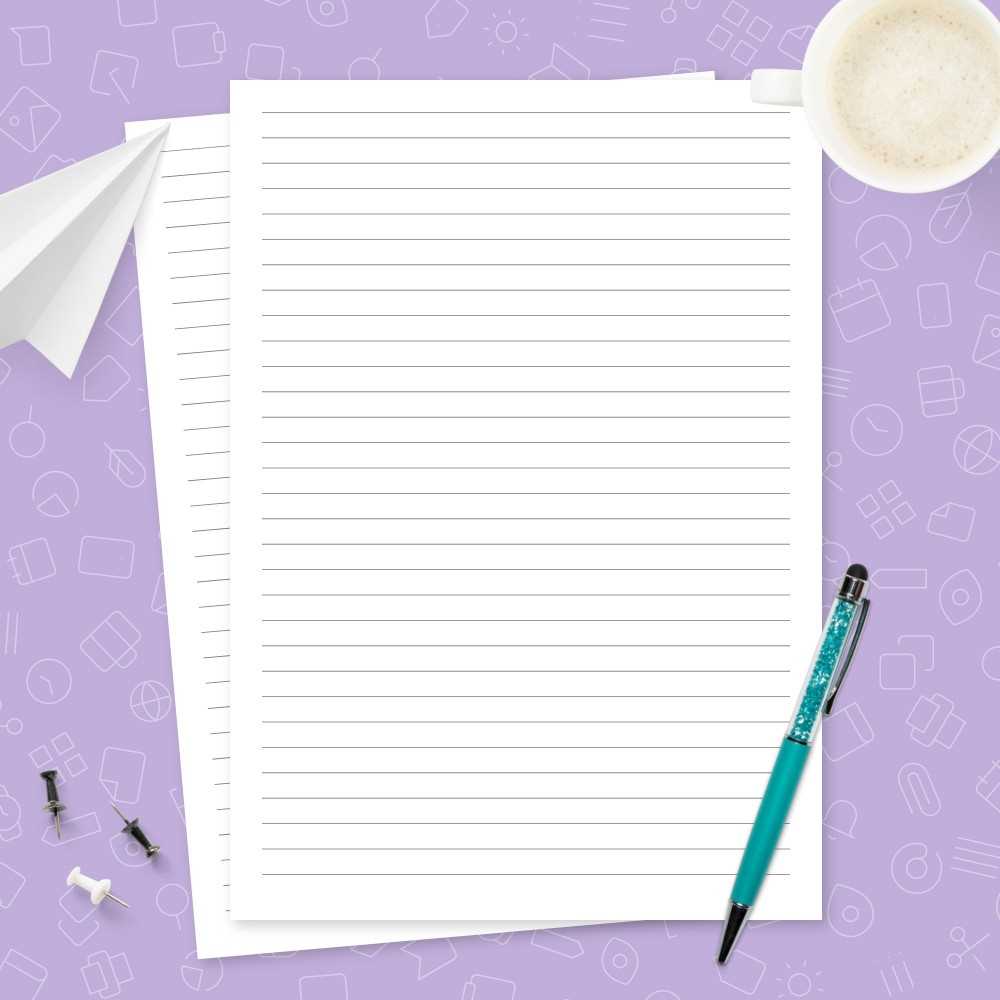
If you need custom sheets for jotting down notes, sketches, or lists, using an online template generator is your best bet. Simply search for options that fit your size and style preferences, from grid designs to dotted formats.
Many websites offer a variety of templates with customizable margins, lines, and spacing. You can tailor the layout to suit your specific task, whether it’s for bullet journaling or detailed diagrams. Make sure to choose the template based on your intended purpose, such as using more space for drawing or keeping text aligned for writing.
For high-quality results, ensure you use a good printer. Choose one that offers high resolution for clearer details on your template. Always select the right paper thickness for the task, whether you’re using it for daily notes or artistic sketches.
How to Use Template Designs for Custom Notes and Sketching
Start by selecting the correct layout for your needs. If you’re using templates for journaling or creative work, grids or dot-based formats might work better than ruled designs. Grids are great for drawing and mapping ideas, while dots help keep writing straight without being too distracting.
Make sure to choose the right dimensions for the task at hand. Common sizes like A4 or letter work for most uses, but if you’re planning to create specific types of artwork or diagrams, a larger format might be necessary. Many online tools allow resizing to fit custom projects.
Ensure that the template you download is in a format that is easy to print. PDF files are often ideal as they preserve layout integrity across devices. Some sites may offer direct-to-print options, while others require you to download and set up your printer settings.
If you are printing a large batch, ensure your printer can handle the volume. Using a printer with a higher yield will save you time, especially when you need multiple copies. A laser printer is typically better for printing large quantities, while inkjets are better for high-quality results on individual sheets.
- Choose templates that match your paper thickness. Lighter weight sheets are ideal for writing, while thicker ones work better for drawing or painting.
- Check for margin settings to avoid cutting off important parts of the design.
- If you’re printing designs for sketches or diagrams, ensure that the background remains clean, without unnecessary lines or elements that could clutter the page.
If you’re planning on using these sheets for professional work or presentations, choose templates that allow for annotation or note-taking. A blank grid or line format will give you ample space to add details later, making the page versatile for various needs.
For more creative or personal projects, consider adding decorative borders or headers to your sheets. This can enhance the overall appearance while maintaining the simplicity of the layout. Some online platforms let you personalize the design before printing, so take advantage of those tools.
Lastly, always preview the template before printing. Adjust any settings related to margins, scale, or color to ensure the printed sheet matches what you need for your specific task. A small preview step can save you paper and ink in the long run.