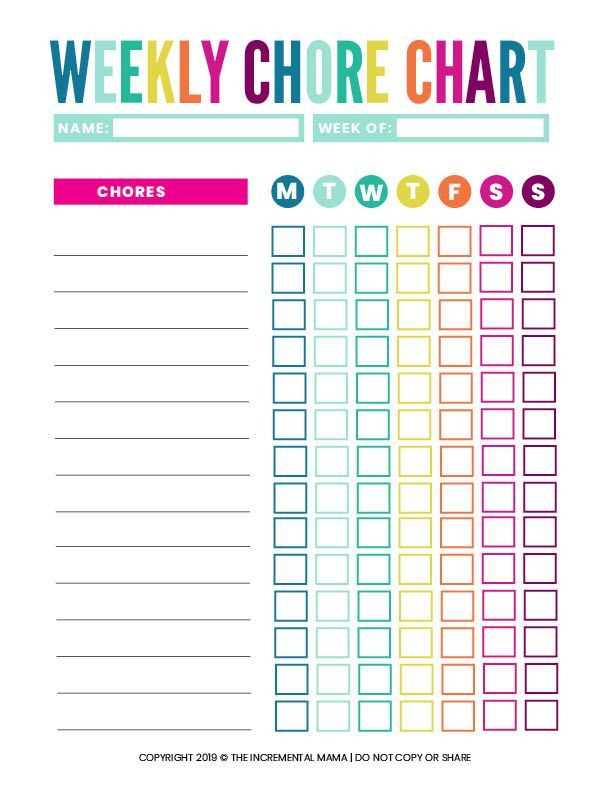
Creating a Personalized System for Task Assignment
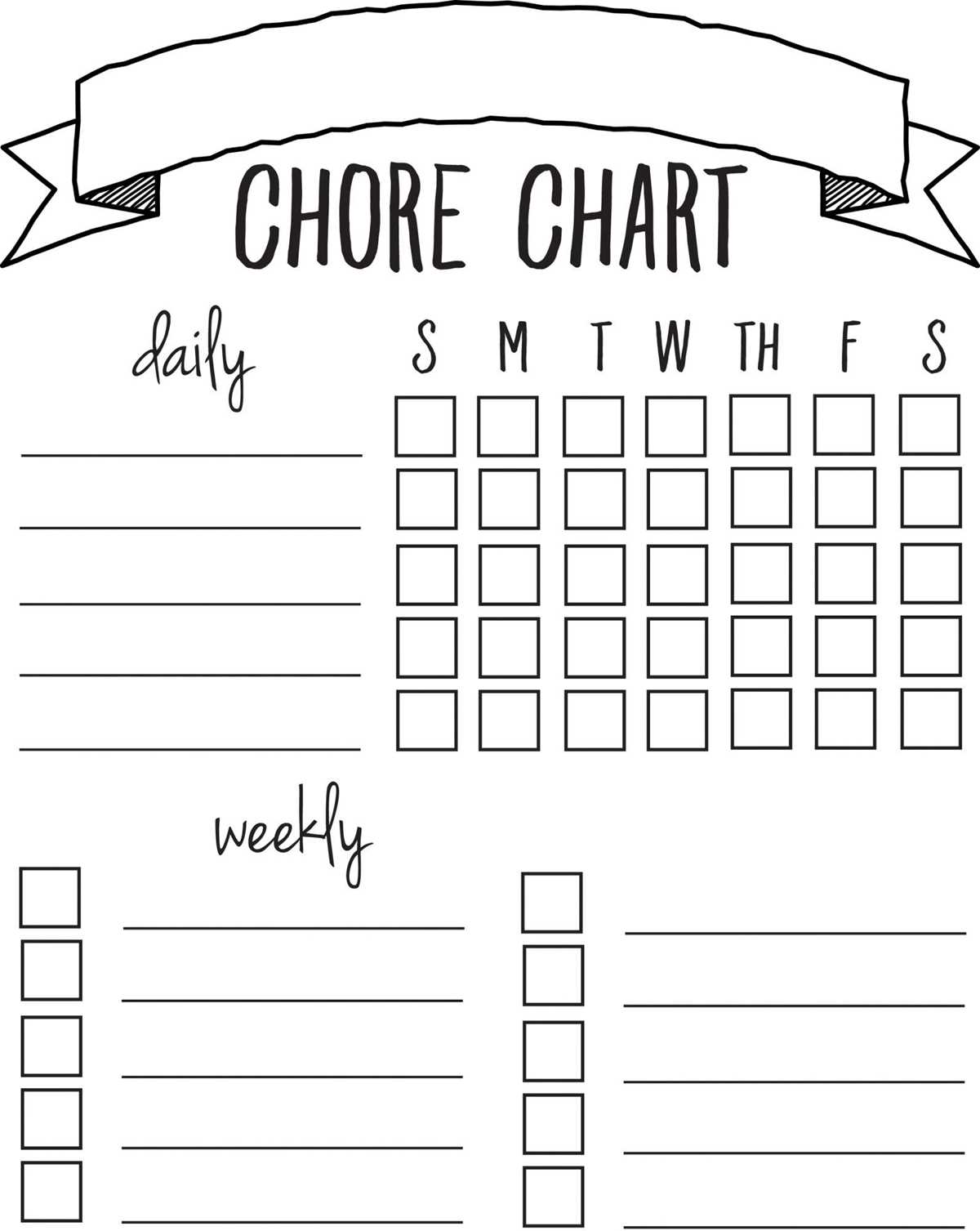
Start by identifying the tasks that need to be done around the house. Break them down into categories such as cleaning, cooking, maintenance, and organization. Grouping them helps prioritize and ensures nothing is overlooked. Once categorized, assign tasks based on frequency–daily, weekly, or monthly. This makes it clear for everyone in the household when and how often each task needs attention.
Consider each family member’s strengths or preferences when delegating responsibilities. For instance, younger children can assist with sorting laundry, while older kids can help with dishes or vacuuming. Make sure to keep the assignments flexible, allowing for adjustments when needed.
Tracking Progress and Maintaining Accountability
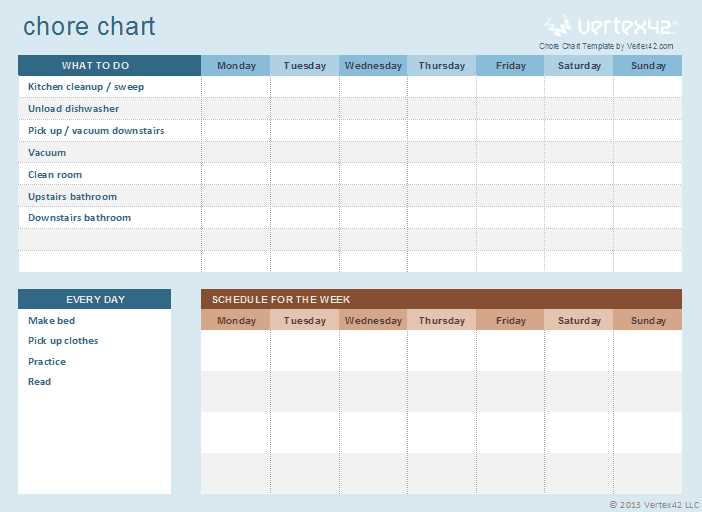
To stay on top of everything, create a space where tasks can be checked off once completed. A visual tracker, like a chart or a simple sheet, is effective in showing progress. The act of crossing off completed tasks not only keeps things organized but also motivates family members by providing a sense of accomplishment.
Keep the system simple–either use a weekly or monthly tracker depending on the number of tasks to be completed. Include columns for the person responsible, the task, and the date of completion. A simple design makes it easy for everyone to follow without feeling overwhelmed.
Lastly, review the system regularly. Adjust tasks as needed to fit the changing schedule of the household. Be consistent in tracking and provide gentle reminders to keep everyone accountable. This will ensure that responsibilities are shared fairly and nothing gets forgotten.
How to Create a Task Management Tracker
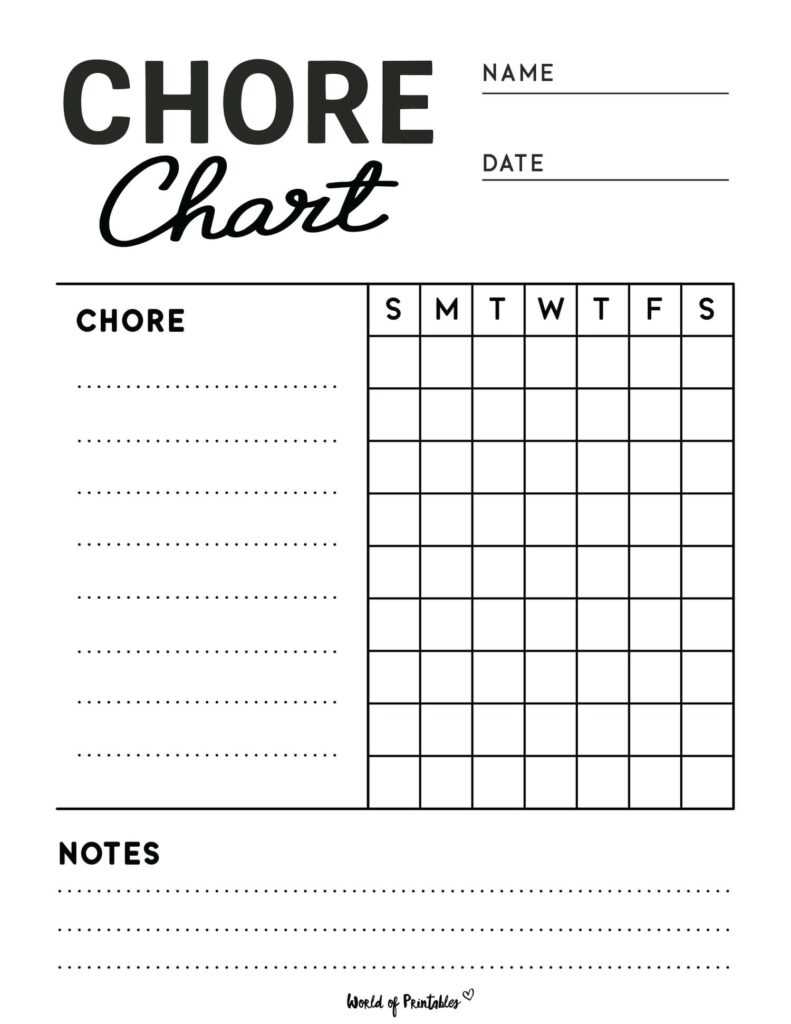
For a straightforward approach to managing household responsibilities, begin by organizing tasks based on frequency. Assign daily, weekly, or monthly categories to help prioritize what needs attention. Include spaces for names, deadlines, and completion status so everyone knows exactly what they’re responsible for. A simple format with clearly labeled columns will keep things transparent and manageable for all members of the household.
Once the structure is in place, ensure that the system is flexible enough to adapt to any changes in schedules. Consider adding a notes section where tasks can be updated or adjusted, helping to keep the tracker relevant. Regularly checking the tracker ensures everyone stays on track and provides a quick overview of completed tasks. This approach minimizes confusion and promotes responsibility within the household.