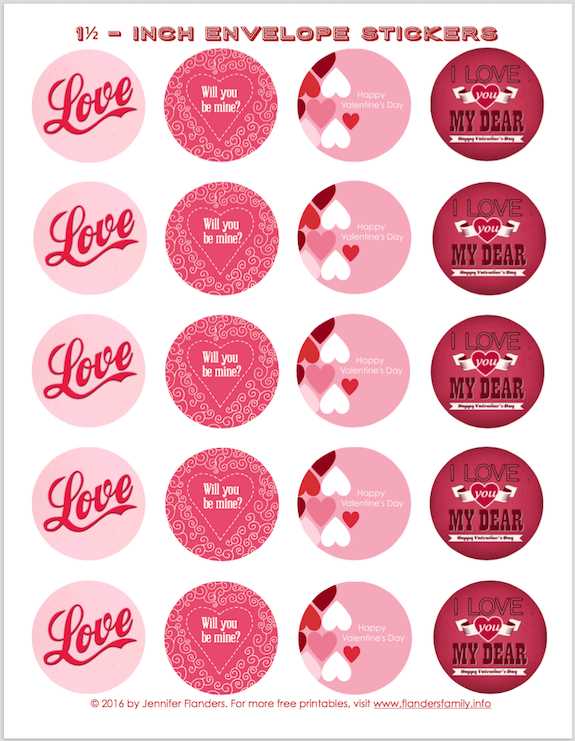
For high-quality designs that can be quickly printed at home, start by selecting the right template. Many websites offer a variety of patterns and shapes that cater to different preferences, from simple geometric designs to intricate illustrations. Browse trusted sources and download the images directly to your device for easy access.
When preparing your materials, ensure you’re using the proper paper or adhesive sheet for the task. For projects requiring a durable finish, opt for thicker sheets that can handle intricate details and resist wear. Regular printer paper works well for temporary uses, while adhesive-backed sheets are perfect for long-term applications like labeling or decoration.
Additionally, consider the types of printers that best suit your needs. Inkjet printers offer high-quality color printing, which is ideal for vibrant designs, while laser printers provide sharper lines for more detailed work. Make sure the settings are adjusted for optimal print quality, particularly when working with fine designs that require accuracy.
Creating Your Own Labels and Designs
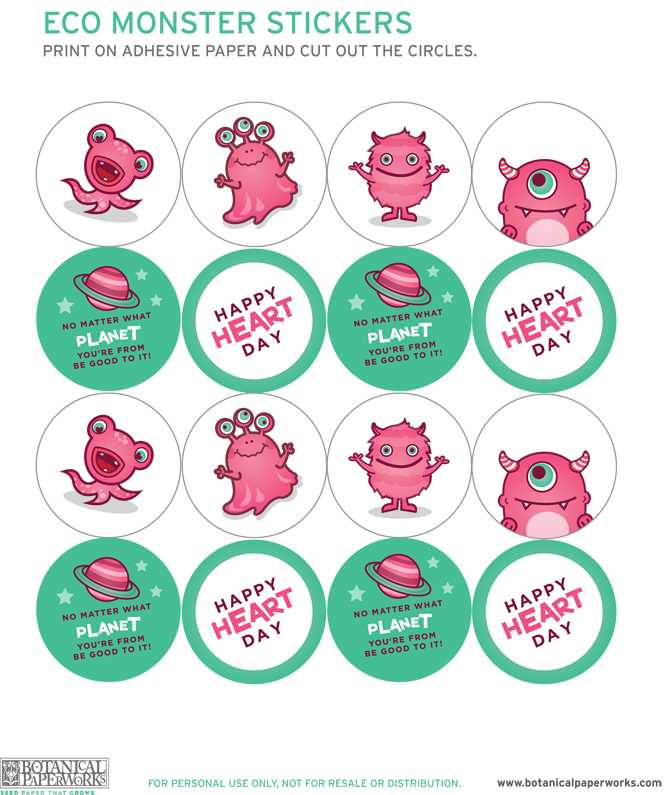
For quick and easy projects, you can design and print your own labels at home. Using simple design tools like Canva or Adobe Spark, you can create customized shapes and illustrations. Whether you’re looking for decorative elements or organizational tags, these tools allow you to adjust size, color, and font easily, creating endless possibilities for personalization.
Ensure that you select the right material for your print job. For temporary applications like crafting or scrapbooking, lightweight paper is sufficient. For more durable needs, such as labels or decorative accents for items like water bottles or laptops, consider using adhesive-backed sheets that ensure a strong hold. These materials can be found at most office supply stores and come in various finishes, such as matte or glossy.
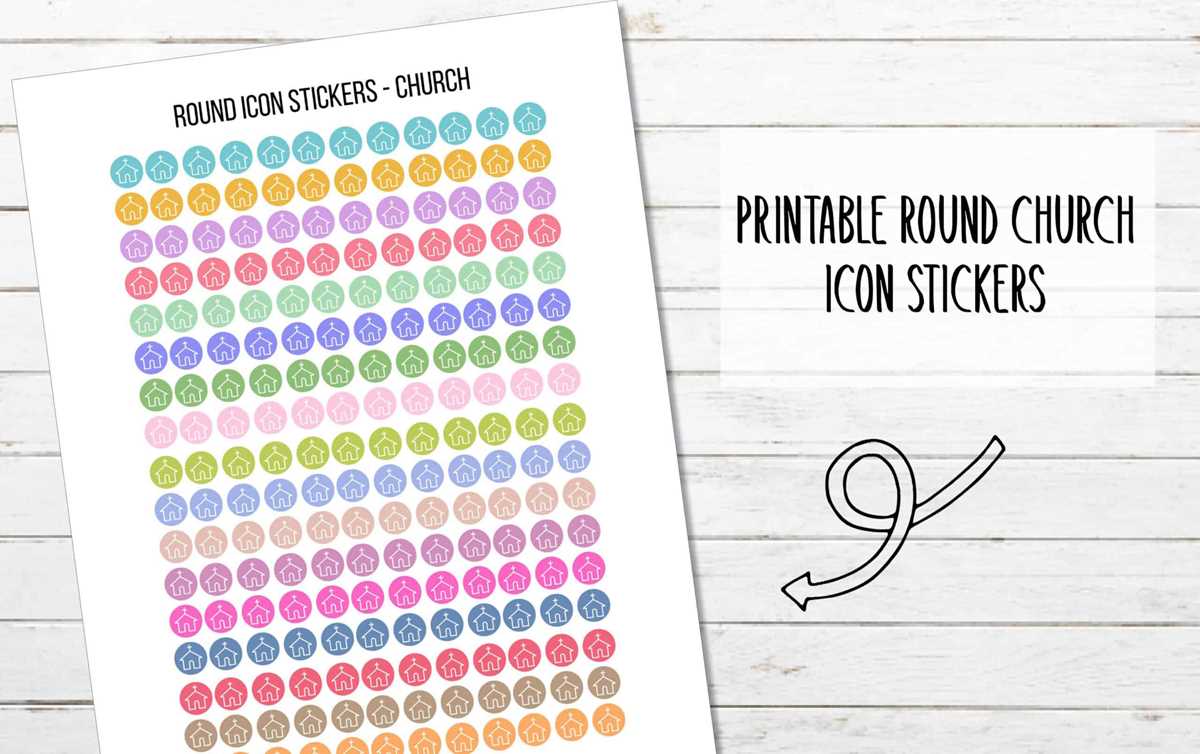
Before printing, make sure your printer settings match the paper type you’re using. Choose the highest print quality available to capture every detail of your design. For inkjet printers, a setting like “Best” or “High Quality” will give your designs sharp lines and vibrant colors. If using a laser printer, make sure the resolution is set high for crisp edges and solid colors.
Consider using templates from trusted online resources. There are many websites offering free designs, where you can download and modify them to suit your needs. These designs typically come in various categories, such as holiday themes, fun quotes, or nature-inspired motifs. With the right search terms, you can find the exact style you’re looking for with minimal effort.
Lastly, when printing, test your design on a regular sheet of paper before committing it to adhesive sheets. This allows you to check for any errors, misalignments, or color issues before printing on the final material. By doing so, you’ll ensure that your custom designs come out looking exactly as planned.