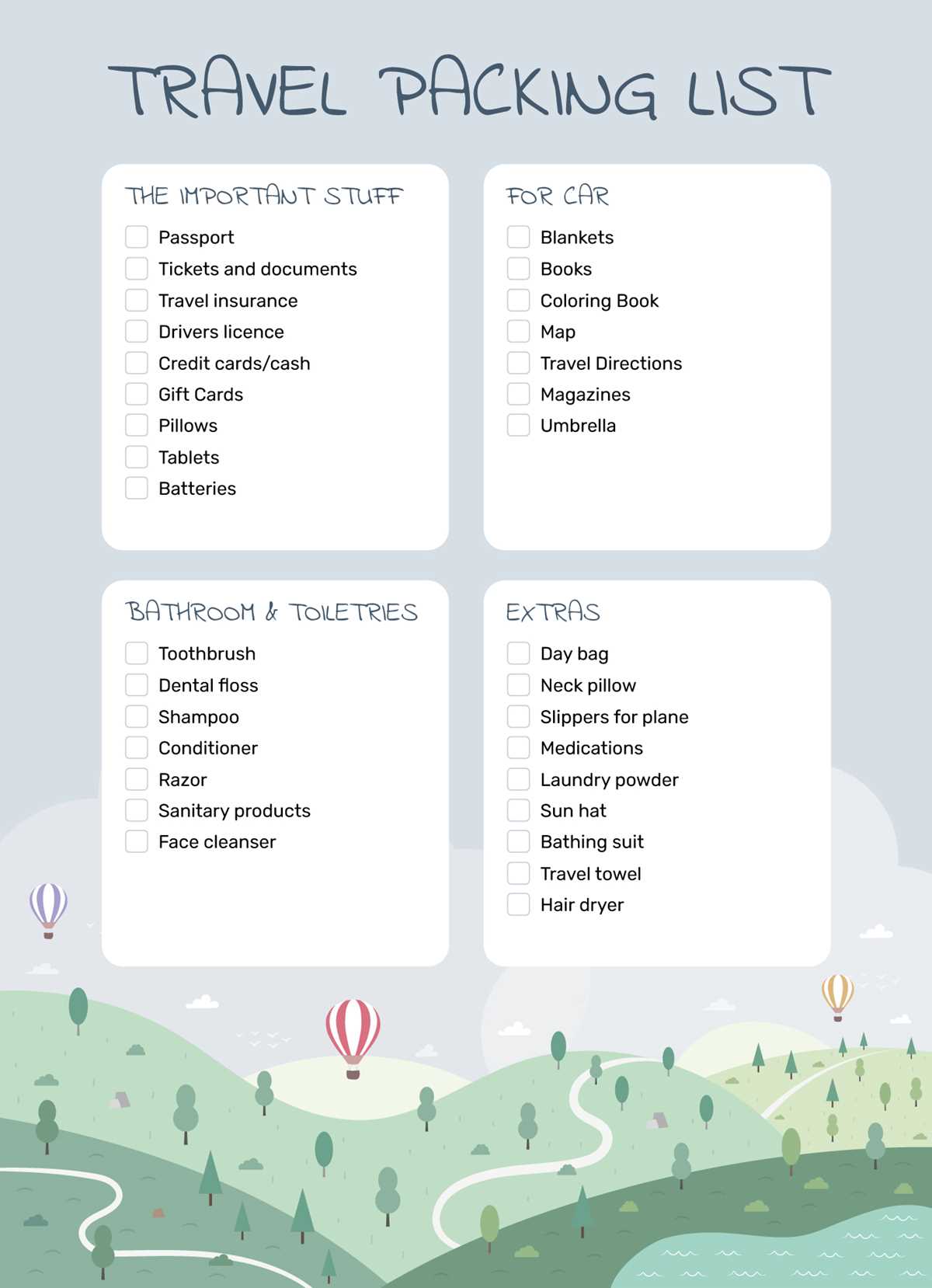
Start by setting up a detailed list that includes all the items you need for your trip. Organize your list into categories like clothing, toiletries, documents, and electronics. This helps you easily see what’s been packed and what still needs attention. The more specific the categories, the more streamlined the packing process will be, reducing the chance of forgetting important items.
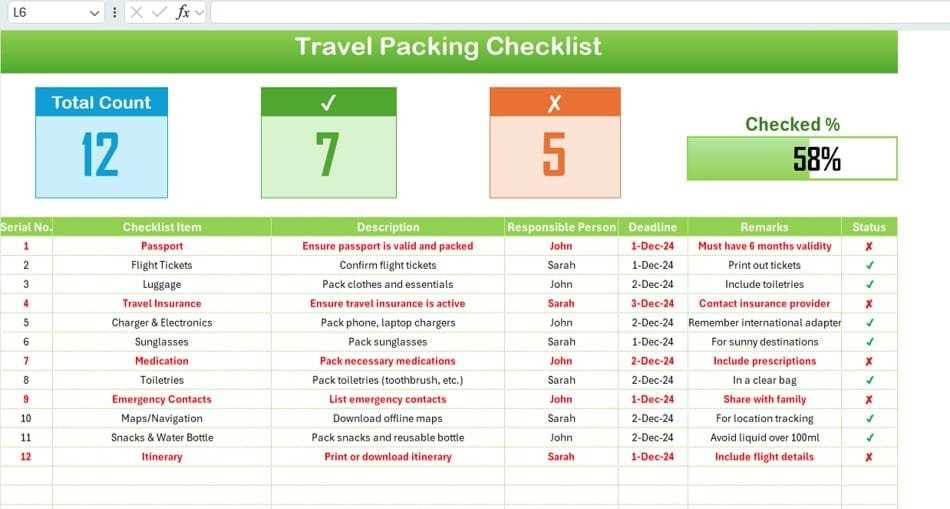
Once the basic structure is in place, add specific items under each category. For example, under “Clothing,” list the exact number of shirts, pants, socks, and shoes you’ll need. Under “Toiletries,” include everything from toothpaste to shampoo. This level of detail ensures that you’re prepared for all aspects of your trip and doesn’t leave anything to chance.
Utilize features like checkboxes or color coding to make tracking easier. For instance, as you add items to your luggage, simply mark them off the list. This visual confirmation ensures that everything is packed and ready for your travels. With a little upfront planning, you’ll have everything organized and packed efficiently, making your trip stress-free.
How to Create a Travel Packing Organizer in Excel
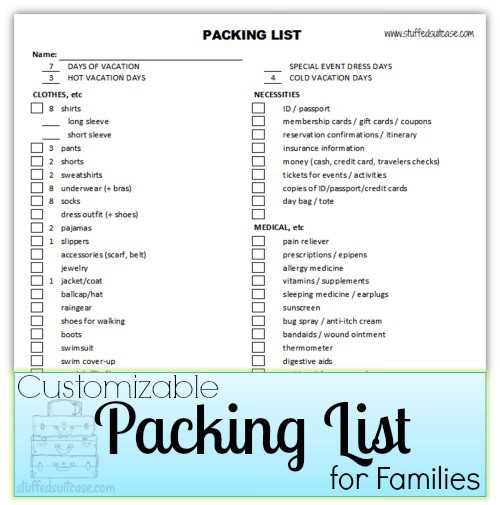
Start by organizing your list into main categories such as clothing, toiletries, electronics, and travel documents. This helps break down your trip into manageable sections, making it easier to keep track of what has been packed and what is still left. Each category can have sub-items that detail every necessary item for that category, like shirts, shoes, socks, and toiletries like toothpaste, shampoo, and deodorant.
Within each category, assign columns for the quantity needed and the actual item. For example, under “Clothing,” you might include columns for “Item,” “Quantity,” and “Packed” to check off once you’ve added it to your bag. This level of organization ensures nothing is forgotten, and you don’t overpack. Use conditional formatting to highlight any items that haven’t been marked as packed, making them stand out.
If you’re traveling for a specific purpose, like hiking or business, add custom categories relevant to your needs. For a hiking trip, you might want a category for gear like tents, sleeping bags, or trekking poles. If it’s a business trip, add another for work documents, chargers, and appropriate attire. This will ensure that all aspects of your trip are covered and that you’re prepared for every activity or event.
Consider grouping items that are easy to forget or need special attention, such as medications, chargers, or any specific travel documents like passports or tickets. Creating a dedicated section for these items will remind you to double-check these essentials before heading out. These are often the items that slip through the cracks when packing in a hurry.
Another useful tip is to include a “Notes” column where you can add any specific instructions or reminders. For instance, if there’s an item that needs to be packed last (like a toothbrush), write that note in the same row. This will help you plan your packing in a more logical order and avoid last-minute packing confusion.
As you pack, simply check off items on your list to confirm they’ve been packed. If you’re packing with a partner or family, make a copy of the list for everyone involved. This ensures everyone stays on track and nothing gets left behind. Additionally, you can share the list digitally if needed, allowing everyone to update their packing progress in real-time.
For frequent travelers, it might be beneficial to save your packing organizer as a template. This way, you won’t have to start from scratch each time. You can modify the template for different trips, whether you’re heading on a business venture, vacation, or an adventure. A pre-made template ensures consistency and reduces stress when preparing for future trips.
Lastly, remember to update your list after each trip. Add any new items you’ve found useful or remove items that didn’t make it into your bag. By adjusting your list as you go, you’ll always have an updated and tailored guide to help you prepare for your next adventure without missing anything.