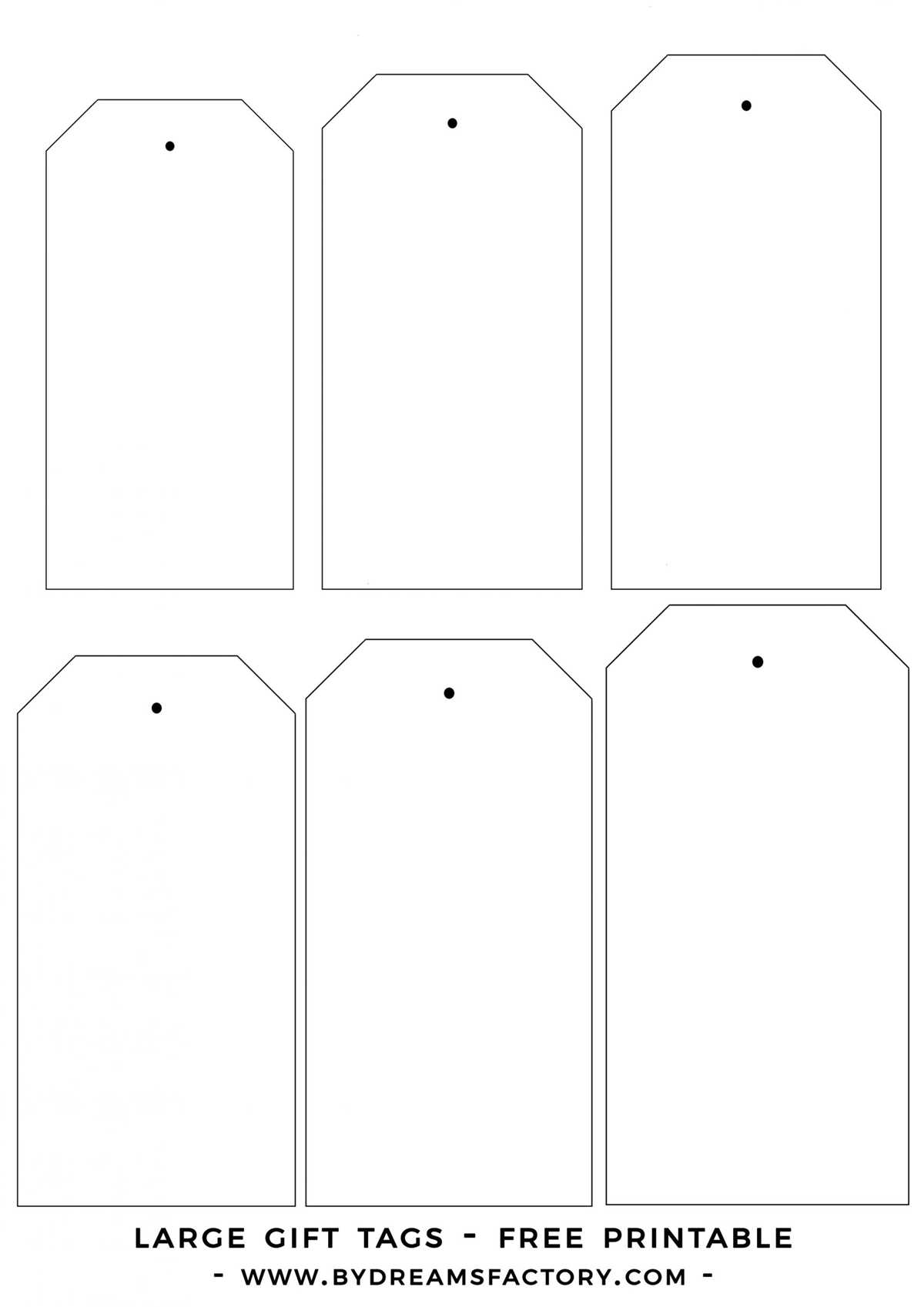
To design personalized labels for your events or gifts, start by selecting a clean sheet of adhesive paper or card stock. You can choose from various sizes based on the final design and purpose. The beauty of custom labels lies in their versatility–whether you’re preparing for a birthday, a wedding, or just a thoughtful surprise, designing your own is an excellent way to add a personal touch.
Steps to Create Your Own Labels at Home
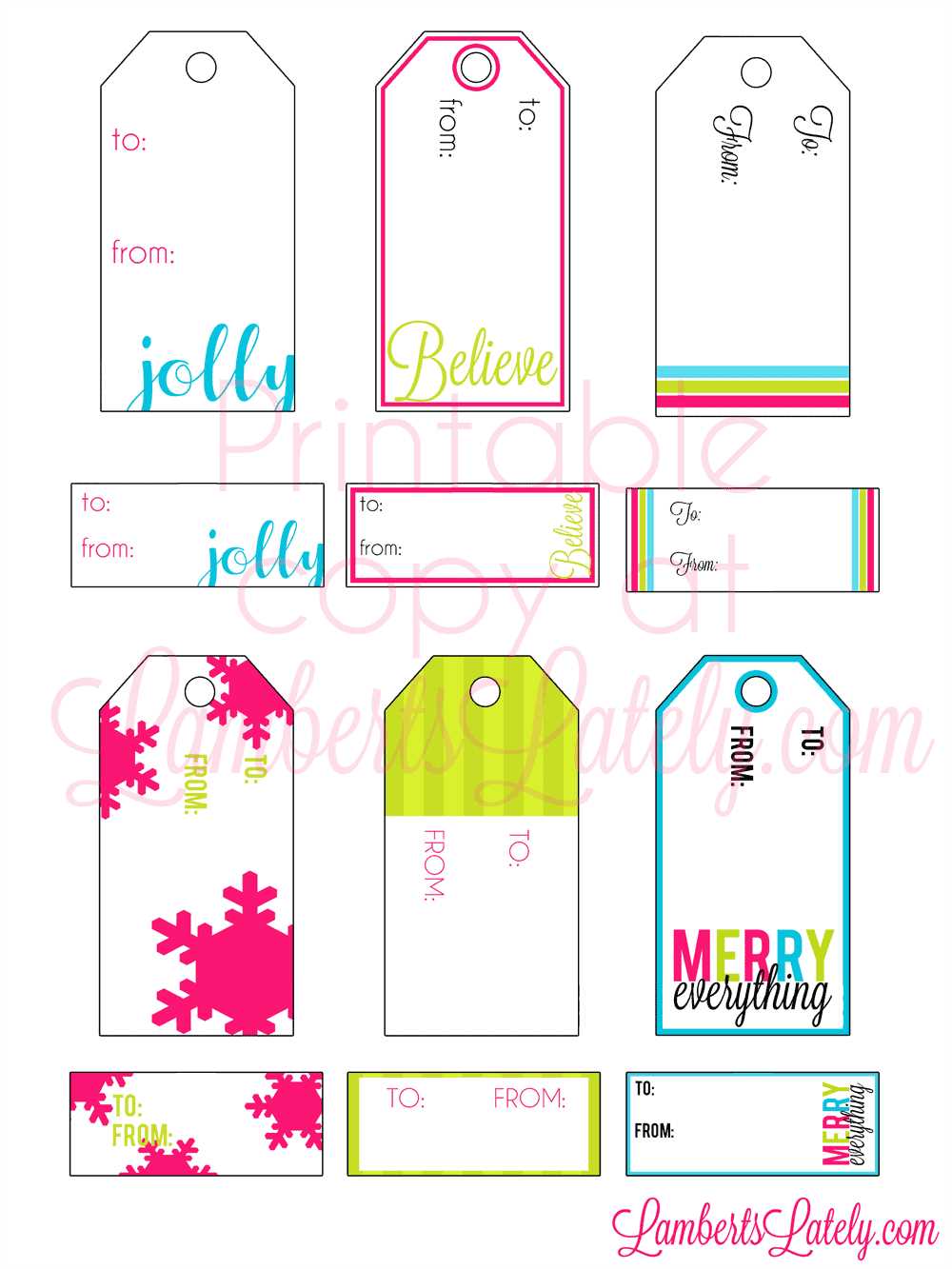
First, decide on the theme or message you want to convey with your labels. Whether it’s festive or minimalist, this will guide your choice of color schemes, fonts, and illustrations. After that, use a word processor or graphic design software to set up the layout. You can select from simple rectangular or square formats or get creative with round or custom-cut shapes.
Next, print your design on the selected paper. Make sure your printer settings match the paper’s specifications for optimal results. If you’re using adhesive paper, ensure that the printer is set to handle thicker materials for smooth printing.
Once printed, carefully cut out your labels using scissors or a paper cutter. If you want to create a professional-looking finish, you can add a layer of laminating film to protect the design and make it more durable, especially for items that might be exposed to moisture.
Tips for Enhancing Your Custom Labels
To elevate your designs, consider adding special touches like ribbons, decorative borders, or stamps to give them a unique flair. You can also use metallic markers to write names or messages by hand for a more personal feel. Experiment with different textures or materials–such as glitter or fabric–to add dimension to your designs.
Another great way to customize your labels is by printing a few templates and testing them on various items like jars, bottles, or bags. This will help you determine how the design fits and allows for adjustments before you finalize your batch.
Creating your own custom labels at home not only saves money but also lets you get creative with your projects. By following these steps, you can easily craft labels that match the mood or theme of any occasion, making them both functional and memorable.
Guide to Blank Labels for Customization
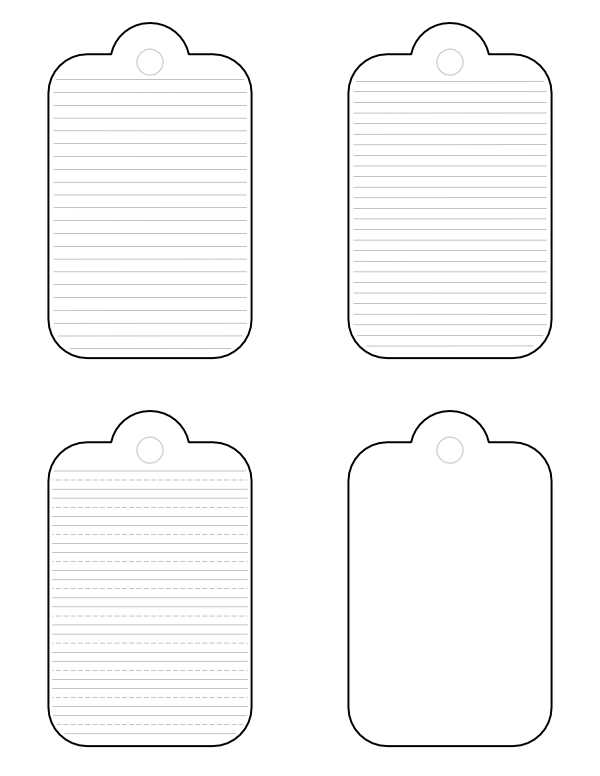
To create personalized labels, start by selecting a basic design template that suits the size and shape of your items. Choose an appropriate size for the labels to ensure they fit neatly on boxes, jars, or bags. If you’re using software, you can adjust the dimensions according to your needs.
Next, pick the materials you want to print on. Cardstock or adhesive paper are ideal for this task. If you plan to use adhesive labels, make sure your printer settings are set to handle thicker materials to avoid any issues during printing.
Once your template is ready, customize it with relevant information, such as names, special messages, or artwork. For a more personal touch, consider incorporating hand-drawn designs or handwriting over the printed text. Experiment with fonts, colors, and borders to match your theme.
For extra durability, consider laminating the labels after printing. This adds a layer of protection, especially if the labels will be exposed to water or moisture. If you don’t have a laminator, you can use clear tape or a laminating pouch to achieve a similar effect.
After printing and cutting out the labels, test them by attaching them to a sample item. This allows you to make sure the design fits well and gives you an idea of how they will look when used. Adjust the design as needed before finalizing your batch.