
Start by searching for a website that offers high-quality design patterns for your craft needs. These patterns are available in various formats such as PDF, SVG, and PNG, all of which can be easily edited or printed. Once you’ve chosen your preferred design, download the file and ensure it matches your printer’s capabilities. Always verify the resolution before printing for crisp, clean results.
Editing the Design for Custom Projects

After downloading the design, open it in an editor that supports the file type. For example, PDF files can be opened in Adobe Acrobat, while SVG files require a vector editing tool like Inkscape or Illustrator. You can modify text fields, change colors, or adjust the size of the image to suit your needs. If your project involves adding custom elements, use the editor’s layering tools to place graphics or text exactly where you want them.
Adjusting the Size and Layout
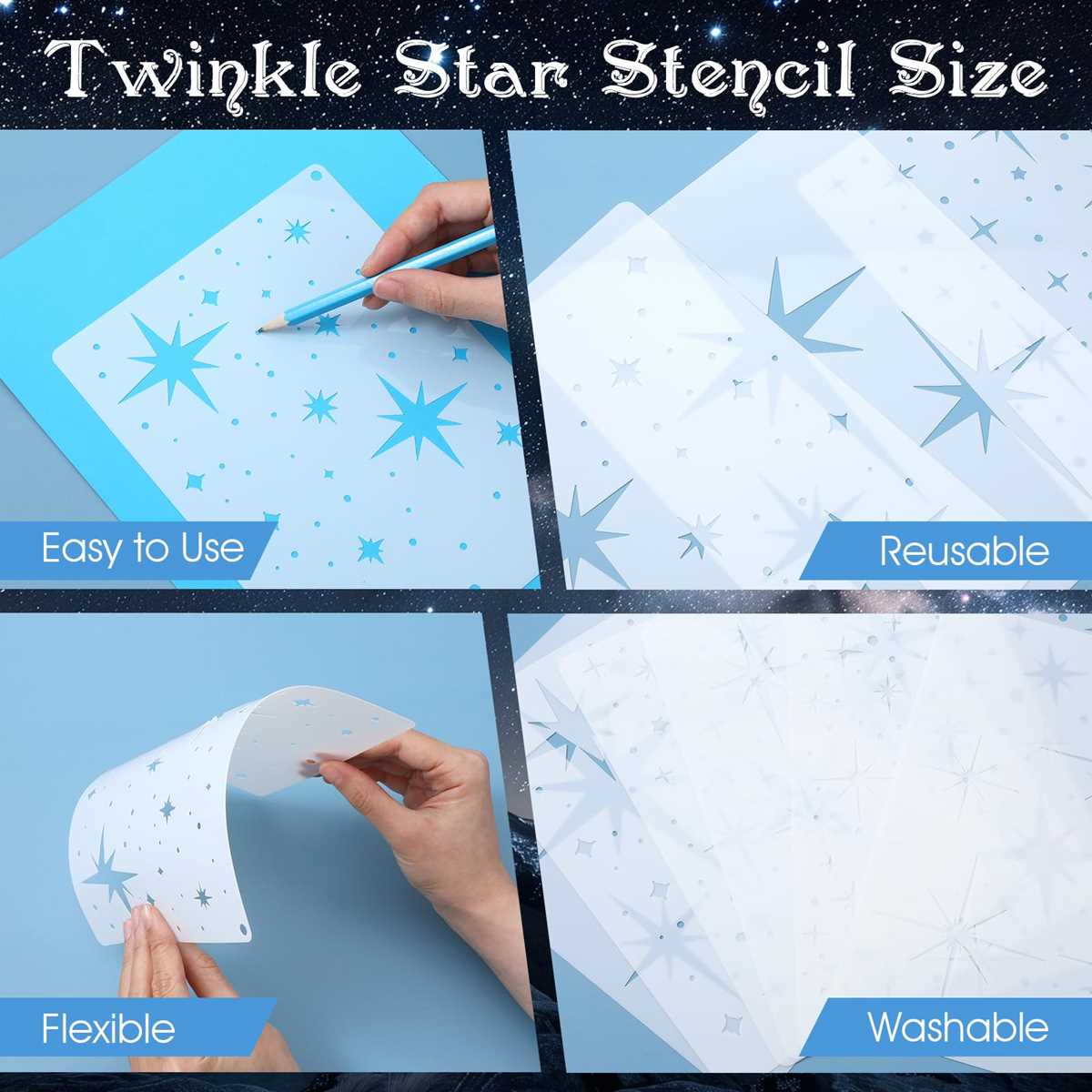
If your design doesn’t fit your desired project dimensions, adjust the size in the editor. Be sure to check the print preview before committing to print. Most editors allow you to scale the design to fit different paper sizes, so you can create everything from small accents to larger focal points for your crafts.
Adding Personalized Touches
To make your project truly unique, incorporate personal details such as names, dates, or even custom artwork. Some design editors also let you add textures or backgrounds that complement your project’s theme. For more intricate details, such as borders or embellishments, consider adding them manually after printing.
Materials for Assembling Your Craft
Once your design is customized and ready for printing, it’s time to gather your materials. Use thick cardstock for a more durable result, especially if your project will be handled often. If your design has intricate details, consider using a cutting machine or precision knife for clean, sharp edges.
Choosing the Right Paper
For smaller, delicate designs, opt for photo paper or lightweight cardstock. These materials are ideal for maintaining fine details. If the project requires more durability, go for a heavier weight paper that can support more decorative items like embellishments or paints.
Printing and Cutting
Before printing the final design, run a test print on regular paper to ensure that everything aligns properly. Adjust the print settings for high-quality results. After printing, carefully cut out the design using scissors or a craft knife. If the project involves multiple pieces, take care to organize them in the correct order for assembly.
Adding Decorative Elements
If desired, decorate the pieces after cutting them out. Use markers, glitter, or ribbons to add a personal touch. This is also a great time to glue any additional pieces together, such as layering components for depth or adding textures like fabric or foam accents.
With a little effort, you can transform a simple design into a one-of-a-kind creation. By following these steps, your craft project will not only stand out but also showcase your personal style and creativity.
How to Use Templates for Decorative Projects
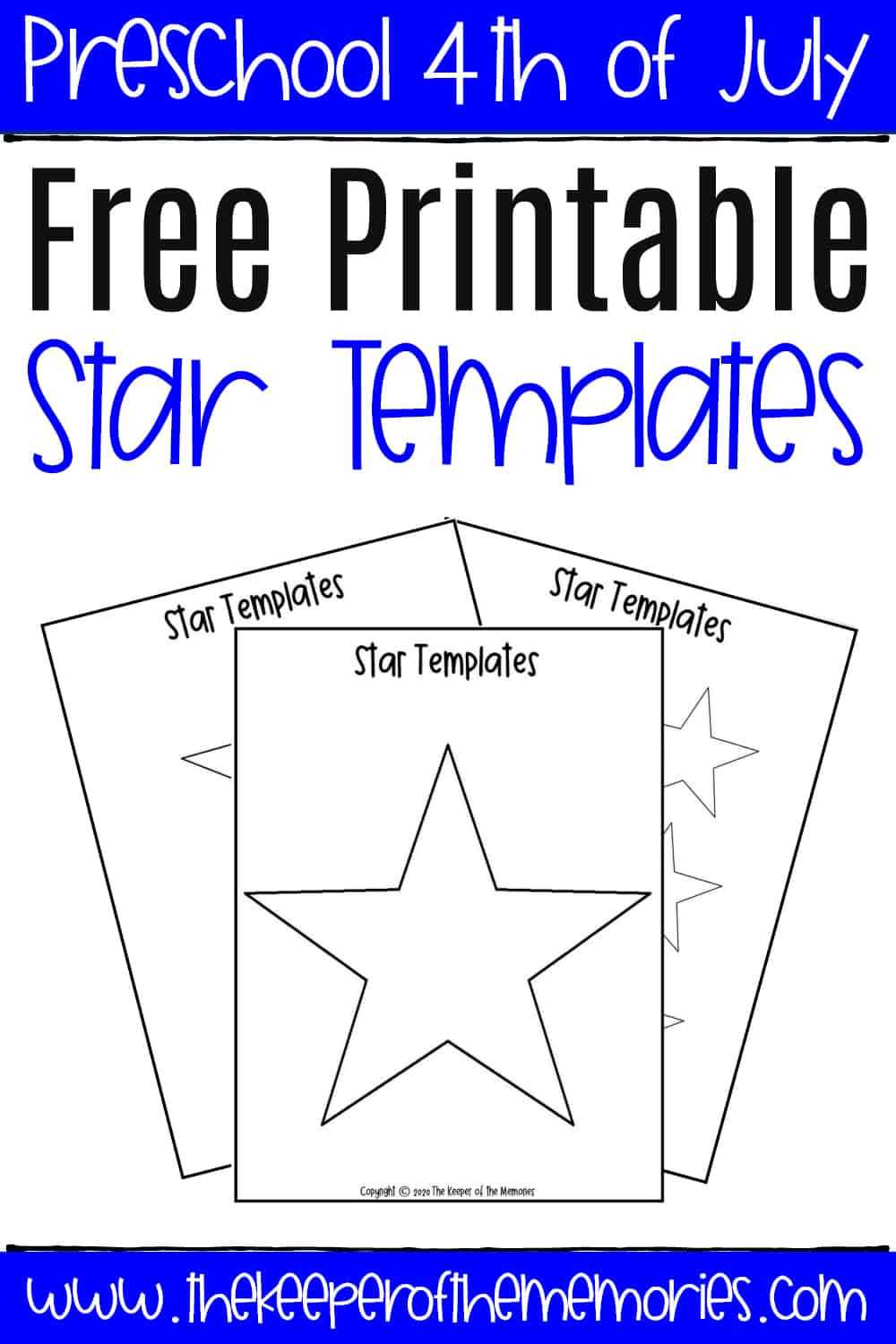
To begin, download the design from a trusted source, ensuring that the file is in a format like PDF or SVG. These types are easy to adjust and can be opened using most graphic editing software or a PDF reader. Verify the scale of the image before proceeding with printing to ensure it matches your preferred size.
After downloading, open the design in your editing tool. If using an SVG file, programs like Inkscape or Illustrator are ideal for easy modifications. For PDF files, Adobe Acrobat or other PDF editors work well for simple edits like adding text or resizing elements. Ensure the layout fits your paper size before printing.
If the design doesn’t fit your project dimensions, adjust the scaling settings in your software. This allows you to change the overall size of the pattern to match your requirements. Some editing tools also allow you to crop the design to eliminate any unnecessary space around the edges, making it more efficient for smaller applications.
After making your adjustments, save the file with a new name to avoid overwriting the original design. This way, you can always access the unmodified template if needed. Ensure you save the file in a compatible format for your printer.
Now that your file is ready, it’s time to choose the right materials. For sturdier projects, such as creating a decorative piece that will be handled frequently, use heavier cardstock or thick paper. For lighter projects, regular printer paper will suffice.
Before printing, conduct a test print on regular paper. This allows you to double-check alignment, colors, and overall appearance before committing to more expensive or thicker paper. Adjust the printer settings to ensure high-quality output, particularly if your design has intricate details.
Once the design is printed, carefully cut out the elements using sharp scissors or a craft knife. If you’re using a cutting machine, make sure the file is correctly formatted to work with the machine’s software. This ensures clean, accurate cuts for your project.
For added detail, you can decorate your design after it’s cut out. Use markers, paint, glitter, or stickers to add color and texture. This step adds a personal touch and transforms the design into a unique item for your craft project.