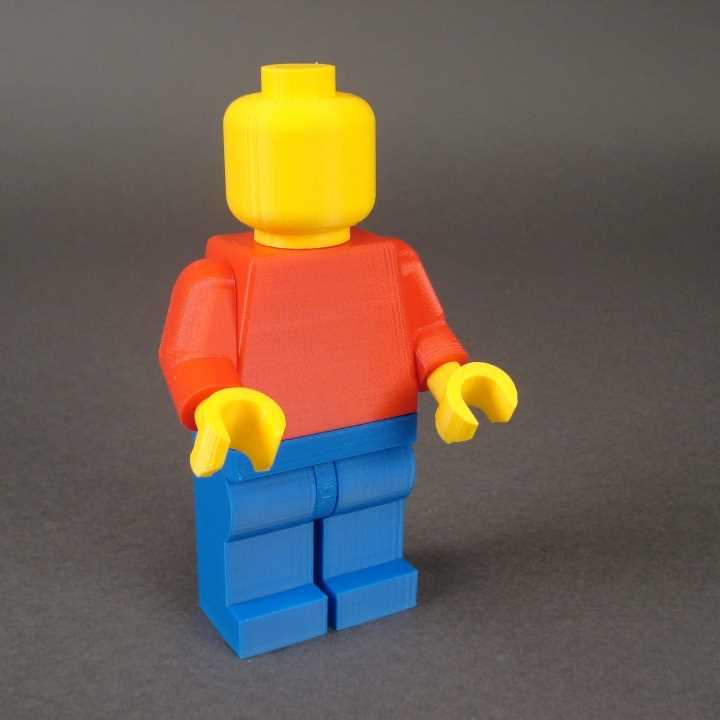
To get started with making your own custom building blocks, you need a 3D printer that can handle detailed designs. The most common printers for this task are FDM (Fused Deposition Modeling) and SLA (Stereolithography) printers. These printers work well with a variety of materials such as PLA, ABS, and PETG. PLA is a popular choice due to its ease of use and good surface finish. If you plan on creating durable parts that can withstand heavy use, consider using ABS or PETG for their strength and resilience.
Designing Your Own Building Blocks
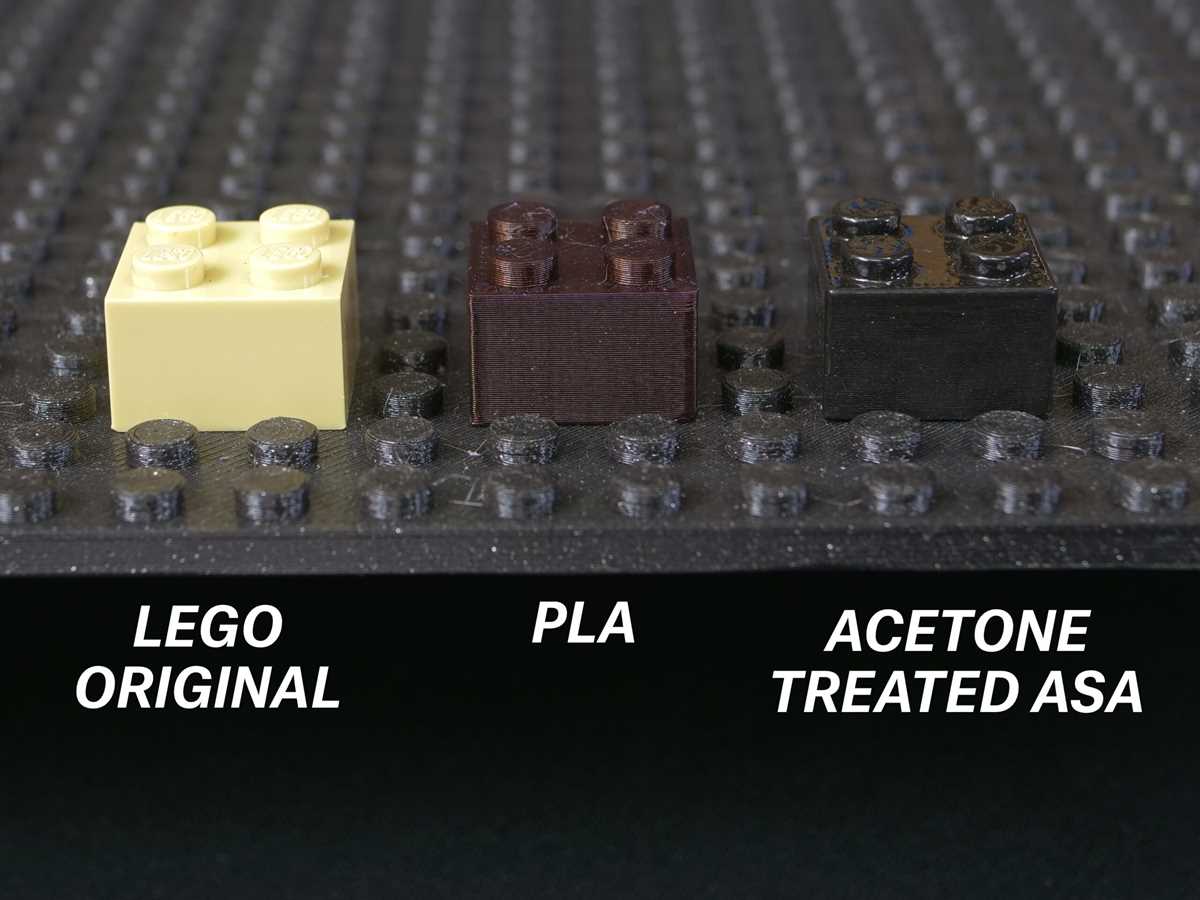
Begin by choosing a software for designing your pieces. Tinkercad is a great option for beginners due to its user-friendly interface. For more advanced users, Fusion 360 and Blender offer more customization and complex design features. Once you have your design software ready, start by creating basic block shapes, ensuring the dimensions align with standard connector sizes. Most block systems follow a specific grid, so maintaining the right proportions will ensure compatibility with existing blocks or other custom designs.
Be mindful of the tolerances, or the slight gaps required between pieces for easy assembly and disassembly. If the pieces fit too tightly or loosely, it may affect their usability. Many 3D printers have adjustable resolution settings, so experiment with layer height and print speed to find the optimal combination for a precise fit. Consider adding small design features like knobs or grooves that can increase functionality or add aesthetic appeal.
Printing Your Custom Blocks
After finalizing your design, it’s time to prepare the file for printing. Most printers use STL or OBJ file formats, which can be exported from your design software. Use slicing software like Cura or PrusaSlicer to convert the design into instructions the 3D printer can understand. These programs will also allow you to adjust settings such as infill density, print speed, and support structures for overhangs.
When you’re ready to print, load the chosen filament into the printer and start the process. Keep an eye on the print, especially during the first few layers, to ensure adhesion to the print bed. If your design has complex features, using supports may be necessary, but they can be removed after the print is complete. After the print finishes, let the parts cool down before removing them from the bed to avoid warping.
Testing and Refining Your Designs
Once you have your printed blocks, test them for fit and functionality. If pieces don’t connect as expected, you may need to tweak the design and print again. Consider running multiple tests with slight variations to improve the overall quality of your blocks. Refining your designs might include adjusting tolerances, adding more or less infill, or optimizing the geometry to increase strength without sacrificing weight.
Exploring Advanced Techniques for Customization
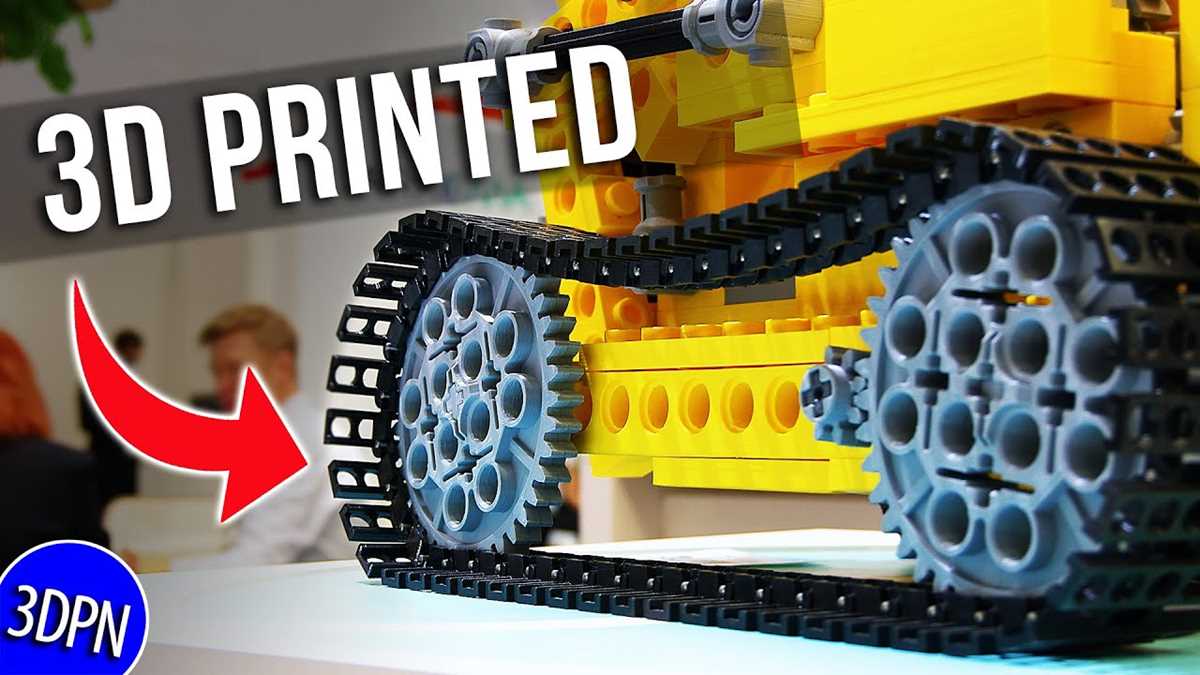
For those looking to take customization further, consider experimenting with different materials and textures. Some 3D printers are capable of using flexible filaments, allowing you to create blocks with rubber-like properties, or you can use multi-material printers to combine rigid and soft materials in a single piece. Additionally, adding color gradients or incorporating 3D textures into your designs can give your blocks a unique look and feel.
Sharing and Collaborating with the 3D Printing Community
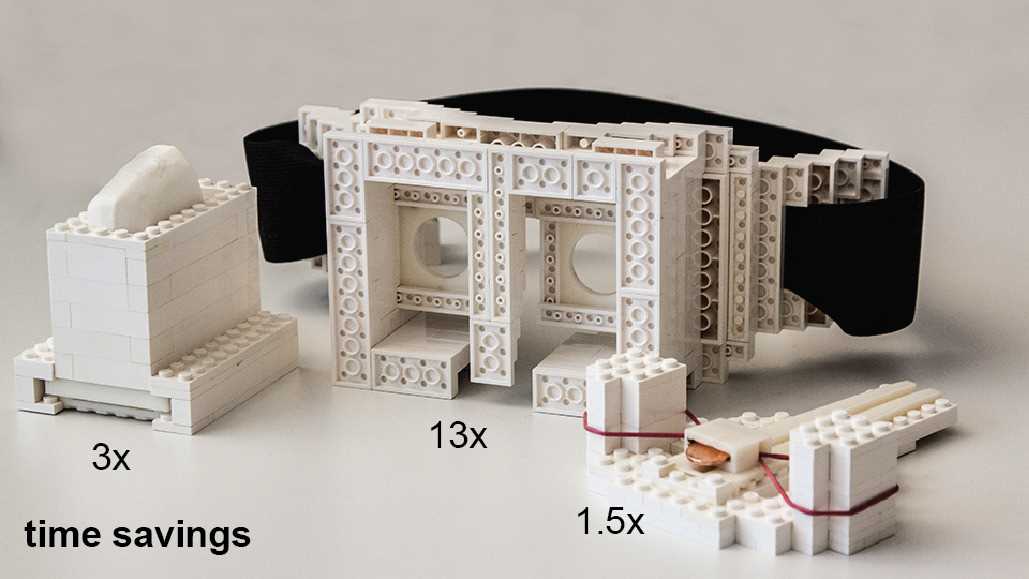
Once you’ve perfected your designs, consider sharing your creations with the 3D printing community. Platforms like Thingiverse, MyMiniFactory, and Cults are great places to upload your designs and receive feedback from other makers. You can also collaborate with others to create themed sets or compatible blocks that enhance the building experience. Sharing your designs not only helps you improve your skills but also contributes to a growing library of creative projects that others can enjoy.
3D Printable Building Blocks
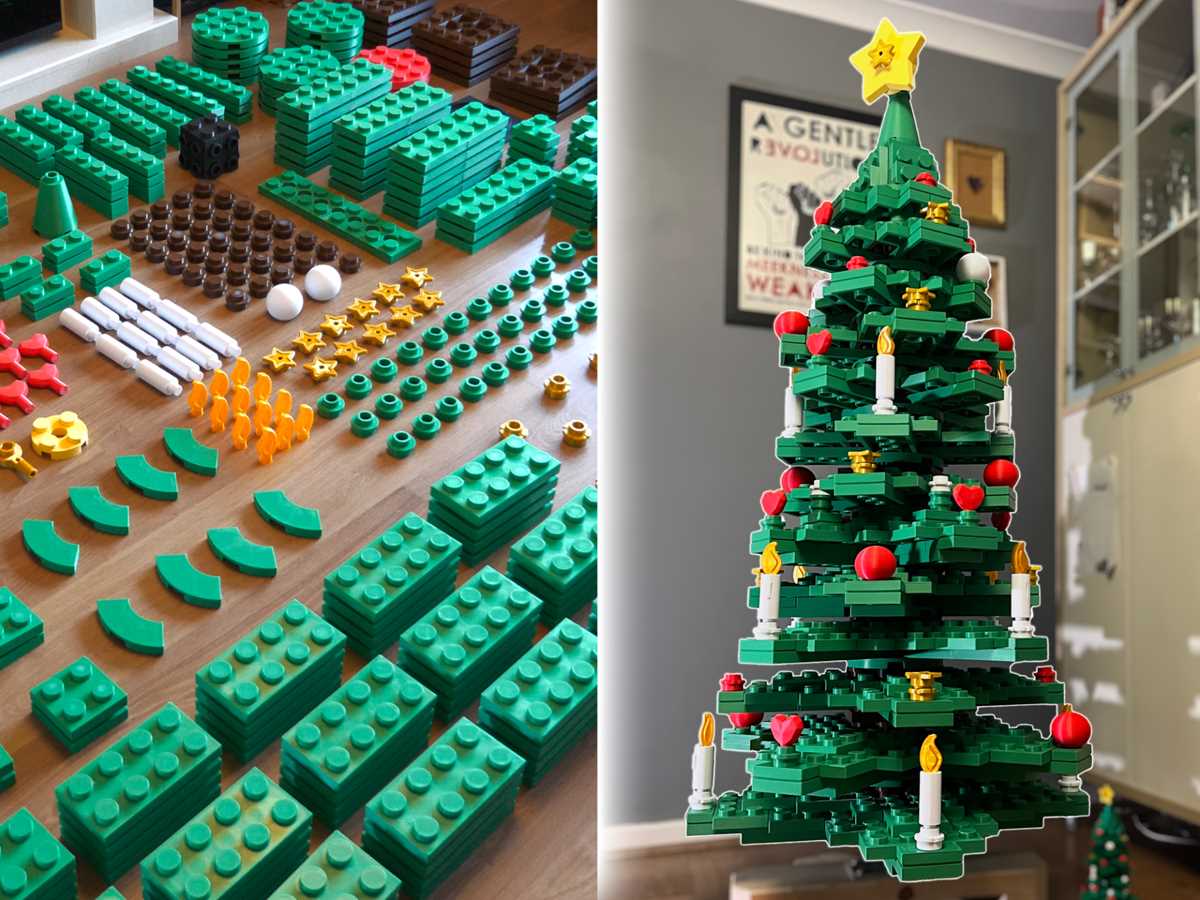
To create your own building pieces, you’ll need a 3D printer capable of handling intricate designs. FDM and SLA printers are both suitable for this task, with FDM being more common for hobbyists due to its affordability and ease of use. You should also ensure that your printer can accommodate materials like PLA, ABS, or PETG, which are ideal for creating durable, long-lasting components.
Start by choosing the right software for designing your blocks. Tinkercad is an excellent option for beginners due to its simple drag-and-drop interface. More advanced users can explore Fusion 360 or Blender, which allow for greater control over complex designs. These tools offer the ability to customize block shapes, sizes, and connector mechanisms to suit your needs.
When designing the blocks, it’s critical to maintain accurate dimensions. Blocks typically follow a standardized grid for compatibility, so keeping proportions consistent with the 4×4 grid system ensures that your pieces will interlock correctly with others. Pay close attention to the tolerances between parts. Too tight a fit can make assembly difficult, while too loose a fit may cause the pieces to fall apart.
Next, optimize your design for 3D printing. Use software like Cura or PrusaSlicer to prepare your design files. These programs slice the 3D model into layers and generate the necessary instructions for your printer. Adjust settings for infill, print speed, and layer height to achieve the best balance of strength, durability, and print quality. For intricate parts, consider using support structures to prevent overhangs from collapsing during printing.
Once the design is ready, load the appropriate filament into the 3D printer and start the print job. Make sure the print bed is level before you begin to avoid issues with adhesion. Keep a close eye on the first few layers to ensure they adhere correctly to the bed. If there are any issues, pause the print and adjust the settings as necessary.
After the printing is complete, carefully remove the parts from the bed and allow them to cool. You may need to remove support structures manually. If you used a flexible filament, such as TPU, your blocks will have a rubber-like texture, providing more grip during play or building. Regular filaments like PLA or ABS, on the other hand, will be more rigid, suitable for standard construction and stability.
Test the parts by assembling them with other blocks to ensure the fit is correct. If you find any tight or loose connections, adjust the design and reprint the components. Refining your designs will help improve overall functionality and give your builds a more polished, professional appearance.
Finally, experiment with different design variations and even multi-material printing. This will allow you to create components that combine rigidity with flexibility or use different colors for a more aesthetically pleasing result. Sharing your designs online, through platforms like Thingiverse, can also help you get feedback and improve your skills while contributing to a growing community of 3D printing enthusiasts.