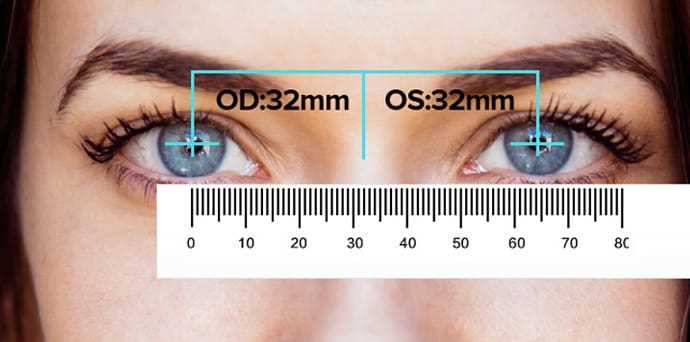
Open the PDF file, select “Actual Size” or 100% in the print dialog, disable page scaling, then output on A4 or US Letter paper to preserve true measurement proportions.
Setting Up the File for Accurate Measurement
Use a vector-based document rather than a low-resolution image to keep tick marks sharp at any zoom level. The scale should include millimeters, centimeters, plus inches divided into 1/8 or 1/16 increments. Confirm that the reference line labeled 5 cm measures exactly 50 mm after printing.
- Paper weight: 100–120 gsm for durability
- Orientation: landscape for 30 cm length
- Margins: set to minimum allowed by printer
If the sheet must extend beyond one page, align trim marks carefully and tape sections from the back to avoid shifting.
Verifying Calibration at Home
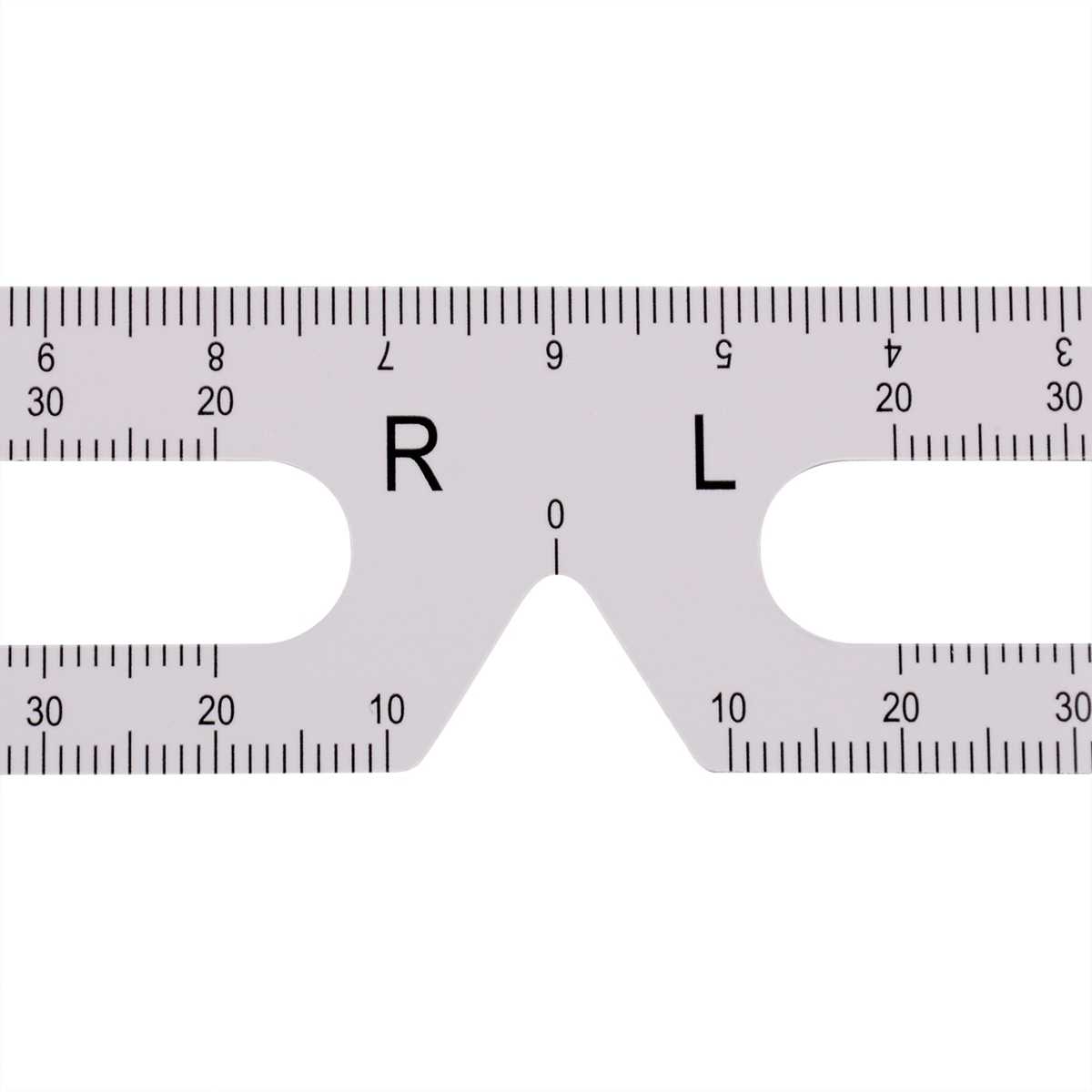
Using Standard Objects
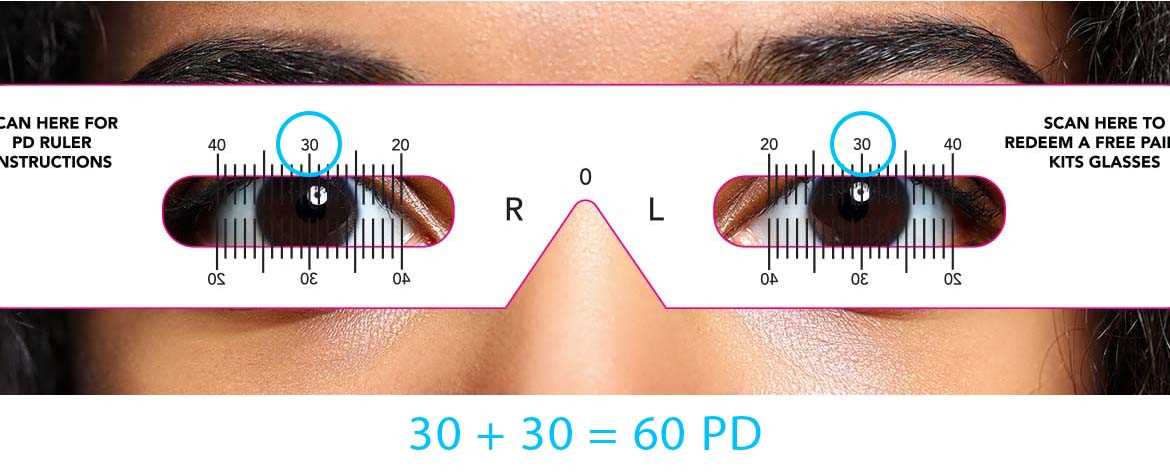
Place a credit card against the scale; its width should read 85.6 mm. A US quarter should measure 24.26 mm in diameter. If the values differ by more than 0.5 mm, reprint with scaling disabled.
Checking Long Distances
Measure a known 30 cm metal measuring stick against the paper guide. Compare the 0 mark alignment and the end point; discrepancies usually result from “Fit to Page” settings.
- Print one test sheet.
- Measure two fixed references.
- Adjust printer settings if deviation appears.
Store the calibrated PDF in a clearly labeled folder so the same file can be reused without repeating adjustments.
PDF Printable Ruler
Select 100% scale in the print dialog, disable “Fit to Page,” then output the PDF on A4 or Letter paper to maintain exact millimeter and inch proportions.
Use a vector-based file with clearly marked millimeter ticks every 1 mm, longer lines at each 5 mm interval, plus numbered centimeter marks. For inch units, include 1/16 subdivisions to support precise craft or sewing tasks.
Choose paper between 100–120 gsm to reduce bending during measurement. Thin 70–80 gsm sheets may curl, causing deviations of 1–2 mm across a 30 cm span. Trim edges carefully along crop marks if the scale runs to the border.
Verify accuracy with fixed references. A standard credit card width must read 85.6 mm. A US quarter diameter should align with 24.26 mm. Any mismatch above 0.5 mm indicates scaling distortion in printer settings.
For longer guides exceeding one sheet, align zero marks precisely before taping from the back side. Overlapping by 2–3 mm prevents gaps that would alter length readings.
Store the calibrated PDF in a labeled folder with notes on paper size, orientation, and confirmed measurement results. This avoids repeating test prints.
Replace the sheet after visible wear along edges or faded tick marks, since smudged lines reduce reading clarity during detailed measurement tasks.