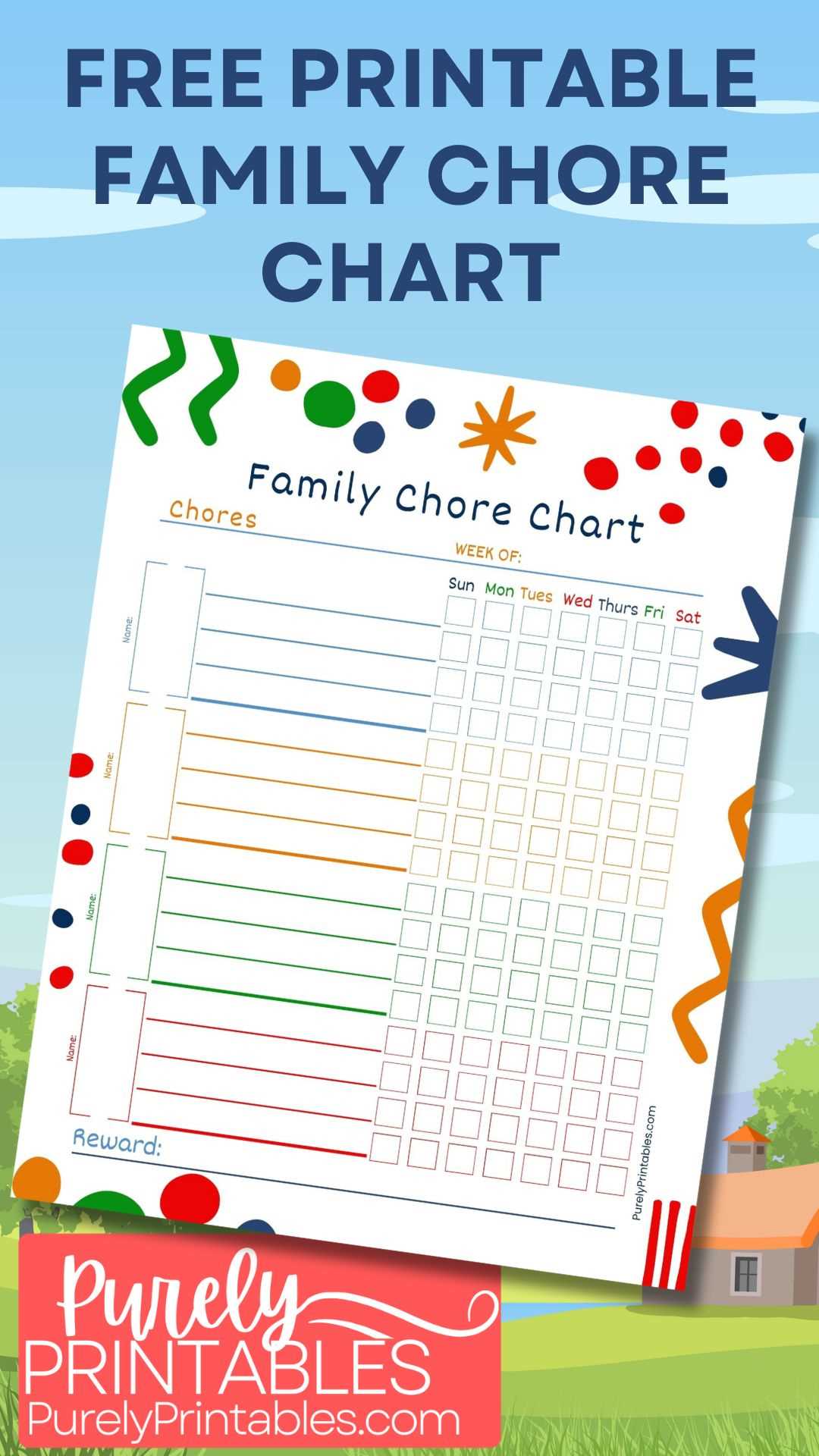
Start by selecting a clear format for assigning tasks and responsibilities within your team. A simple table layout works well for listing each team member and their corresponding duties. You can create this in a word processor or use spreadsheet software for flexibility in editing and updating.
Define specific tasks for each individual. Avoid vague descriptions; be as detailed as possible to ensure everyone knows exactly what they are expected to accomplish. This approach will help prevent misunderstandings and confusion.
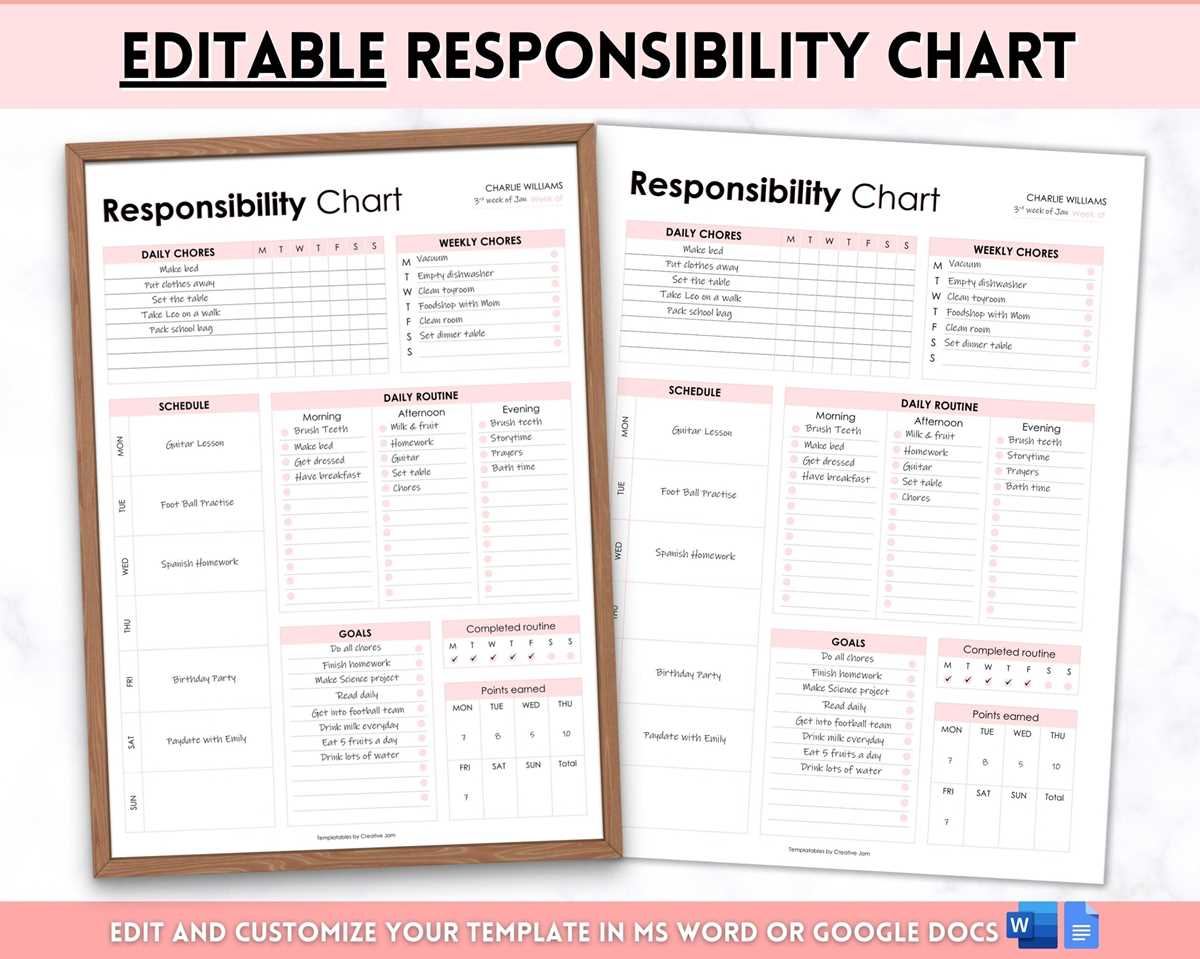
Consider adding deadlines next to each task to set clear expectations for completion. Whether the timeline is weekly, monthly, or project-based, a deadline will help prioritize efforts and improve accountability. Be realistic with time frames to avoid overwhelming your team.
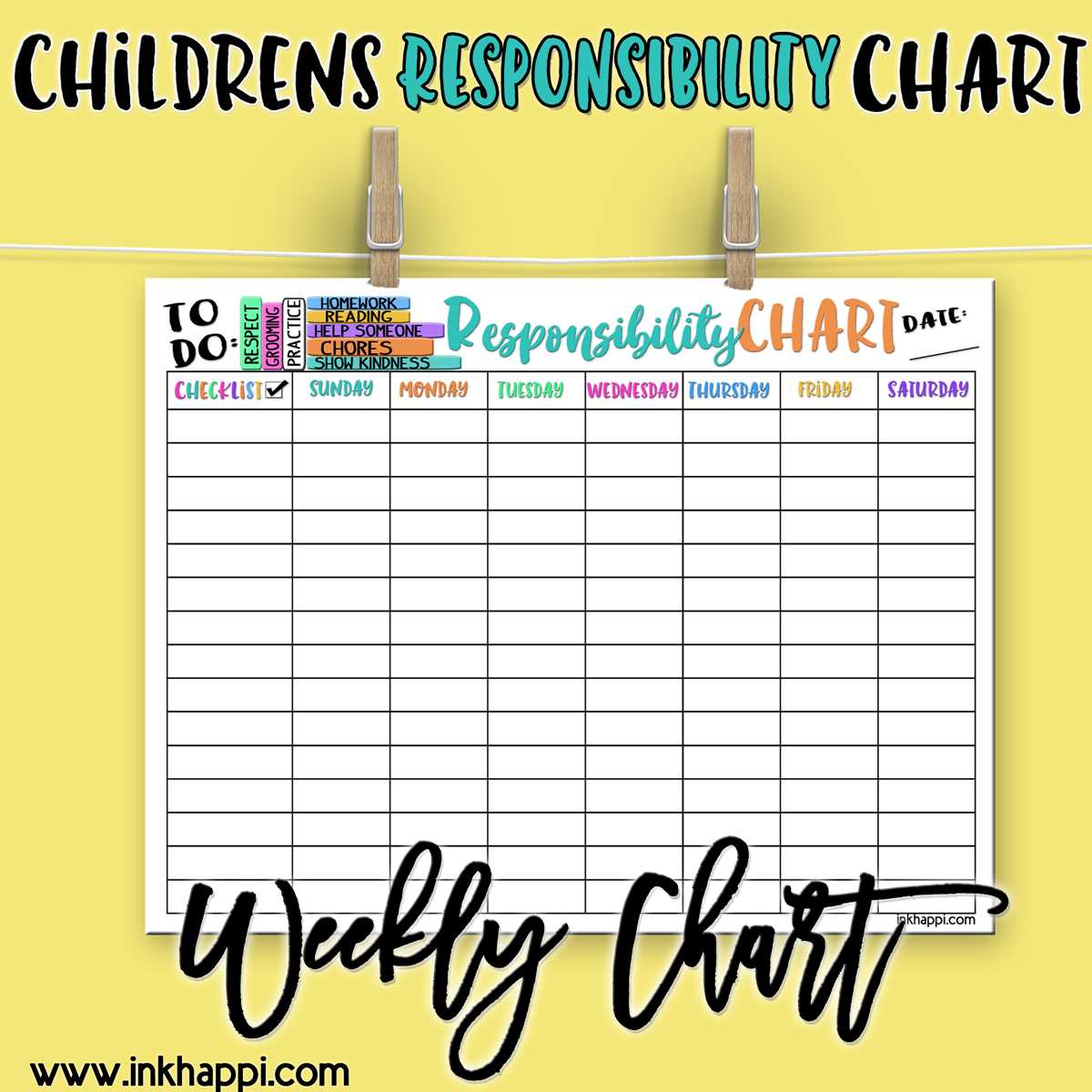
Use this tool to track progress. A printed version allows easy updates during team meetings or at a glance in the office. Reviewing the document regularly ensures everyone stays on track and can address any issues early.
Responsibility Assignment for Teams and Projects
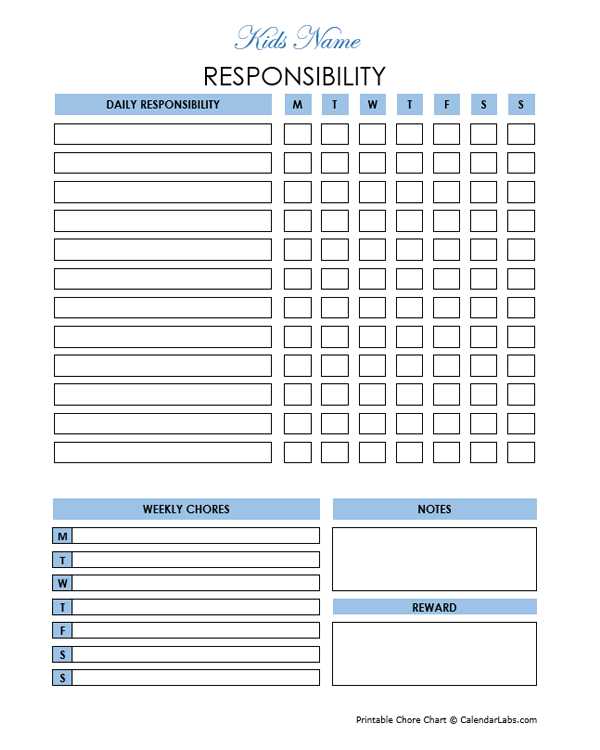
To organize and distribute tasks clearly, begin by outlining specific activities each team member will handle. A structured template allows you to track progress easily and ensures no duty is overlooked. Assigning clear roles from the outset sets a strong foundation for the project’s success.
Ensure you break down each task into smaller, actionable steps. This approach allows team members to focus on one objective at a time, improving clarity and reducing errors. Having well-defined actions creates a transparent workflow, making it easier for others to assist or take over tasks if needed.
Include key details for each responsibility, such as deadlines, task owners, and expected outcomes. For example, a task might be “Create weekly performance report by Friday 5 PM,” instead of a vague “Report creation.” This leaves no room for ambiguity and sets measurable expectations.
Make your layout adaptable. Whether it’s a grid with task names, owners, and deadlines or a column-based structure, tailor it to your team’s needs. If necessary, include space for notes or comments, which can be helpful during review meetings.
- Set clear deadlines for each task.
- Ensure each member knows their specific duties.
- Review and adjust as tasks evolve.
It’s helpful to update the document regularly. At team meetings or checkpoints, make adjustments to reflect changes in priorities or team member availability. This helps keep everyone aligned with project goals.
Consider using digital tools for easy sharing and updates. While printing a copy can be useful in team rooms or offices, digital formats allow quick edits and instant access for remote teams. Programs like Google Sheets or project management software like Trello can also track tasks in real-time.
Finally, a clearly laid out template aids in identifying any imbalances in workload. If one person is overloaded, you can quickly shift tasks around, ensuring no one is overwhelmed while others may be under-utilized.