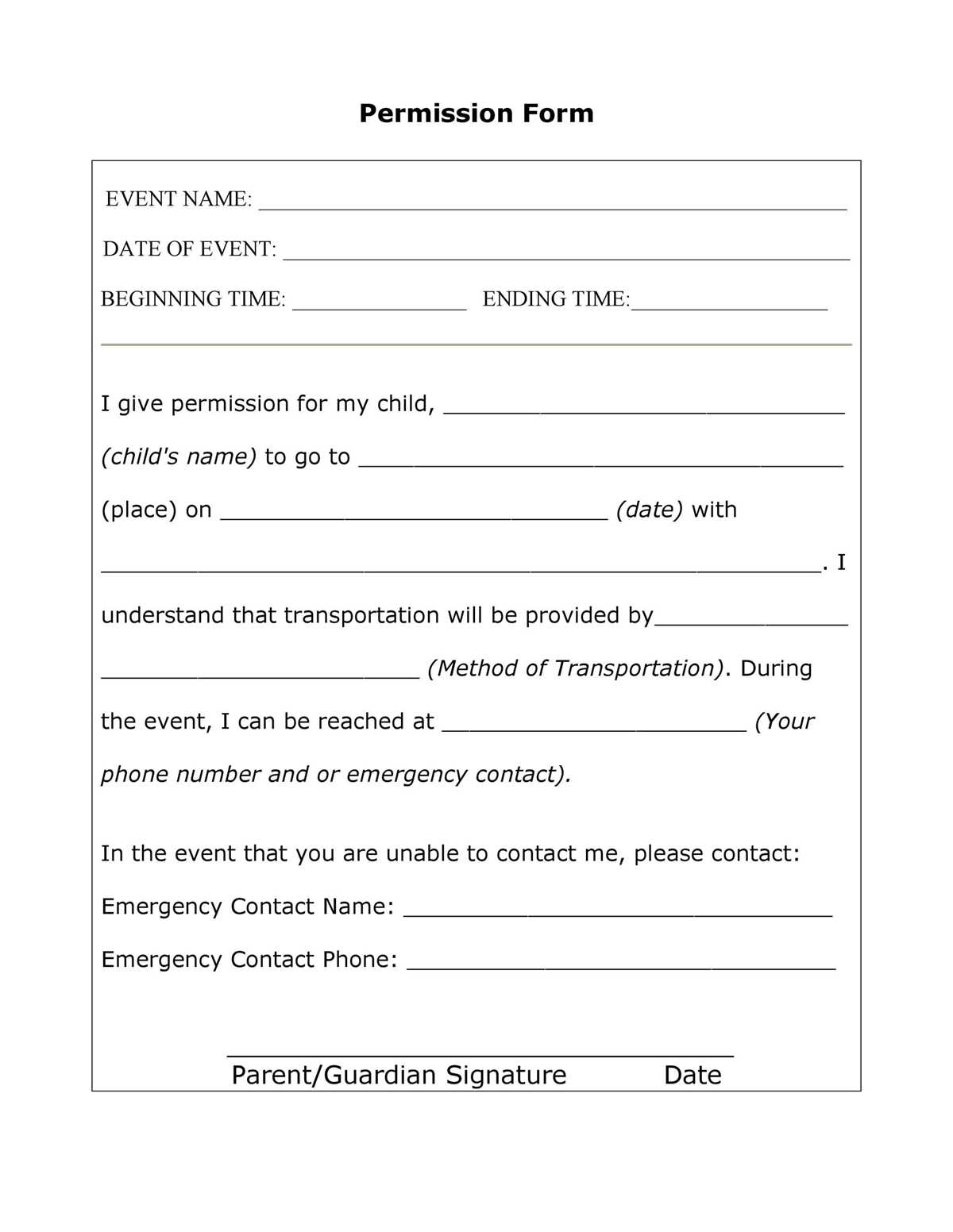
Start by locating a suitable template that matches the size and design requirements for your needs. Many online resources provide customizable options for creating consent forms. Once downloaded, you can easily modify the text, ensuring it includes all the necessary details such as event dates, activities, and emergency contact information.
Choose the right format–PDF or Word documents are often the most convenient for easy editing and printing. If you’re using a specific template, ensure that the fields are clearly defined so they can be filled out accurately. Customize the language to suit the tone of the event, whether it’s a family gathering, field trip, or group outing.
How to Distribute and Collect Consent Forms for Events
Once your form is ready, distribute it through email, physical copies, or any other preferred communication channel. Make sure to provide a clear deadline for submission to ensure all participants return their signed forms on time. This will help prevent any delays or complications.
Consider digital collection of forms if your participants are comfortable with it. Using platforms like Google Forms or email attachments can streamline the process, allowing for quicker responses and easier storage of completed documents. If you’re collecting physical copies, set up a designated drop-off point or collection date to keep things organized.
Before the event, review all consent forms to ensure all necessary fields are filled out and signed. Keep these forms securely stored, especially if personal information or medical details are included. Following these practices will help maintain a smooth process and ensure you have all required approvals in place for your event.
How to Create Custom Event Consent Forms
Start by downloading a template that matches the event type. Make sure the template includes necessary fields such as the participant’s name, emergency contact details, medical information, and the event schedule. Customize the form to suit your specific needs by adding or removing sections based on the nature of the event.
Once you have tailored the form, use clear and concise language to explain the event activities, risks, and required permissions. Make sure to include a section for parent or guardian signatures if minors are involved. This step ensures all legal and safety requirements are met, protecting both the participants and the organizers.
After finalizing the content, check that the form is easy to read and properly formatted for printing. Ensure that the font size is large enough for clarity, and that all fields are well-spaced for easy completion. Once printed, distribute the forms well in advance of the event to give participants enough time to review and sign the documents.