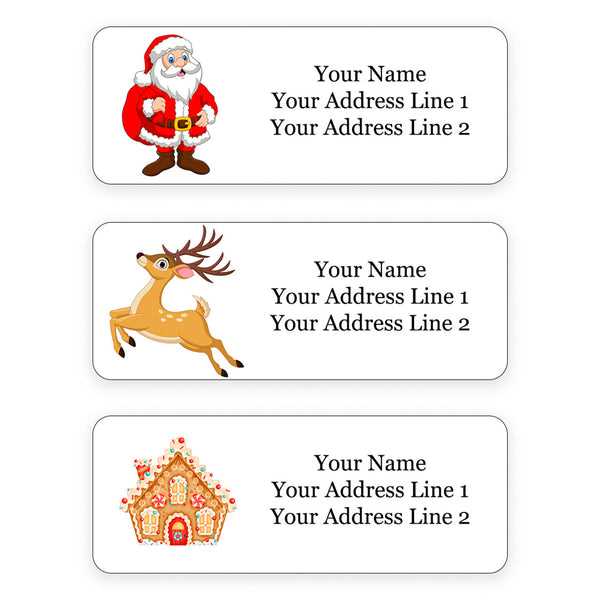
Use pre-sized templates that match standard Avery sheets such as 5160 or 8160 to avoid alignment errors. Set document margins to zero and select the exact product number in your word processor before inserting sender details. This prevents text from drifting outside die-cut boundaries during printing.
Design and Formatting Tips
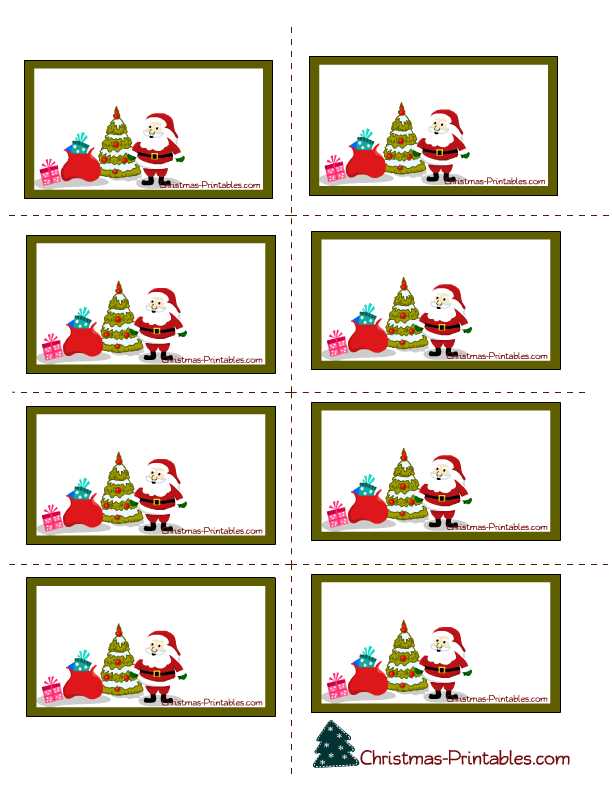
Keep the return line concise: name on the first line, street and number on the second, city state ZIP on the third. Limit fonts to one decorative script for the name and a clean sans-serif for the rest. Maintain at least 0.125 inch inner padding so text does not touch the edges.
- Font size: 10–12 pt for street and city lines
- Ink choice: pigment ink for water resistance
- Color mode: CMYK for accurate red and green tones
Paper and Printer Setup
Select matte adhesive sheets for fountain pen compatibility and glossy stock for bold graphics. Load one page at a time into the manual feed tray to reduce skew. Disable “fit to page” scaling and choose 100% size in the print dialog.
- Print a test page on plain paper
- Hold it behind the sticker sheet against light to confirm alignment
- Adjust vertical or horizontal offset by 0.02–0.05 inches if needed
Storage and Handling
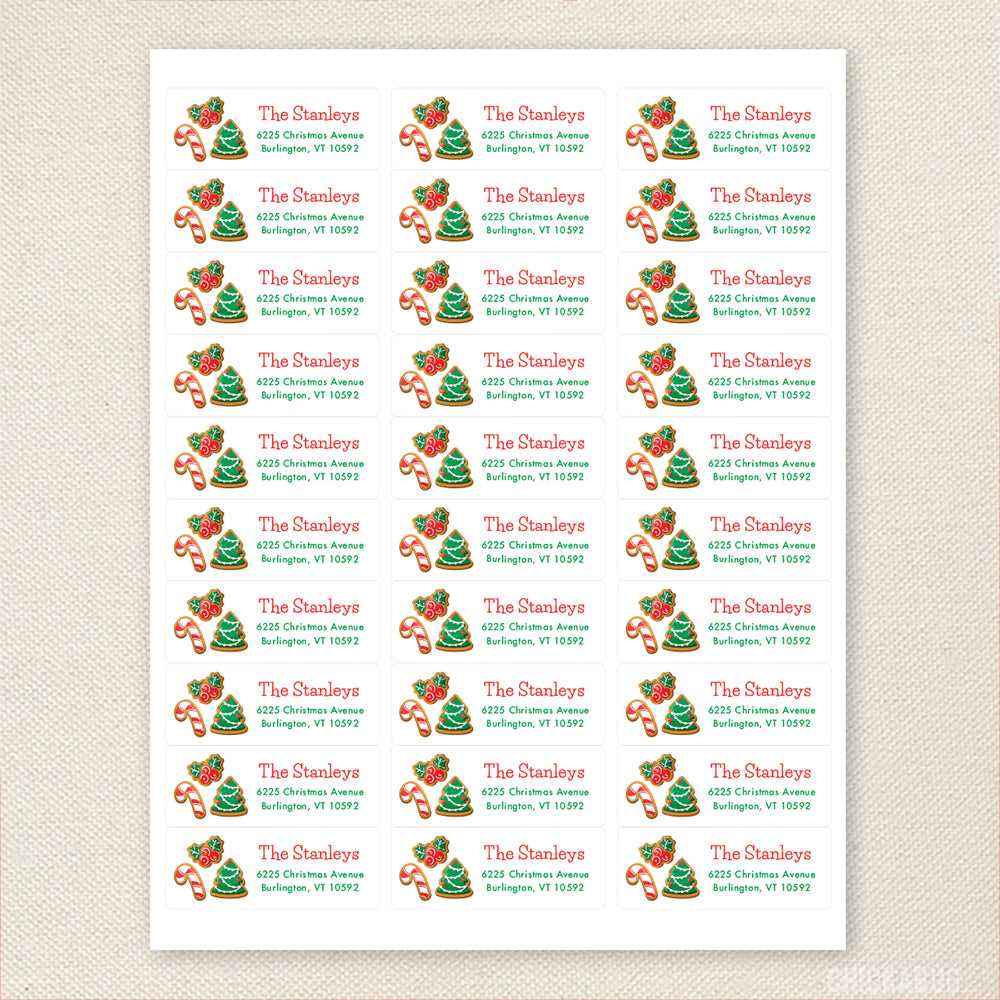
Store unused sheets flat in a dry area below 75°F to prevent curling. After printing, allow ink to dry for several minutes before peeling to avoid smudges. Keep finished mailings stacked with wax paper between layers if using dark ink coverage.
Printable Christmas Address Labels
Select a template that matches standard 30-per-sheet adhesive stock such as Avery 5160 and set scaling to 100% before printing to prevent misalignment. Enter sender details using a 10–12 pt sans-serif font for street and city lines and reserve decorative script for names only.
Keep text blocks centered within each sticker frame and leave at least 0.125 inch margins on all sides. Use bold only for the family name and avoid light gray text, which can fade against red or green backgrounds during inkjet output.
Choose matte self-adhesive paper for fountain pen compatibility and glossy sheets for saturated graphics. Pigment-based ink resists smearing better than dye ink, especially if envelopes may encounter moisture during delivery.
Print a single test page on plain paper first, then align it behind the adhesive sheet against a light source to verify placement. Adjust horizontal or vertical offsets in 0.02 inch increments if text sits too high or low.
Allow freshly printed sheets to dry flat for at least five minutes before peeling. Stack completed mail with wax paper between envelopes to prevent ink transfer.
Store unused sticker stock in a sealed plastic sleeve below 75°F and away from humidity to prevent curling and feeding issues in laser or inkjet trays.