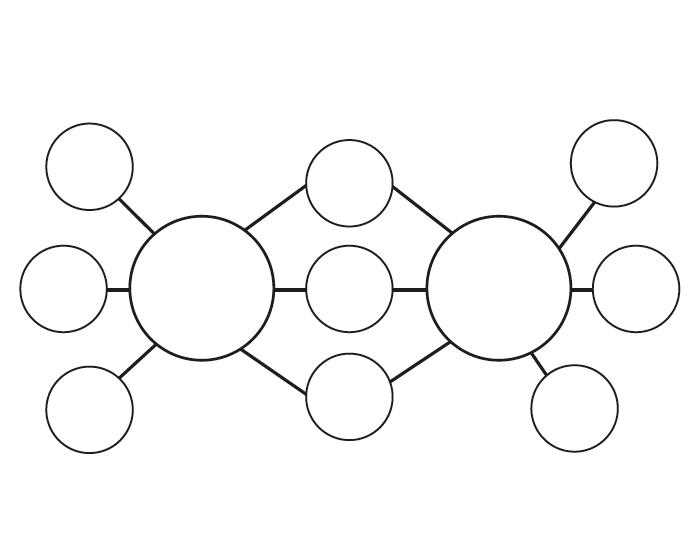
To make brainstorming sessions more structured, consider using a visual organizer. Download a template that helps you organize ideas by central themes and associated concepts. This method can be used for everything from project planning to creative writing, providing clarity and focus throughout the process.
Steps to Customize Your Organizer
First, choose a template that suits your needs. Many designs are available online, and most can be easily edited using a simple word processor or design tool. Ensure the document has clearly marked spaces for adding new ideas and connecting related topics. Some templates offer circles or shapes where you can place key concepts, with lines extending to secondary ideas.
After printing the template, begin with a central topic or goal. This could be anything from a work project to a personal challenge. Place this central idea in the middle of the page. Then, add your main supporting themes or subtopics around it. Keep the text minimal, using just keywords or short phrases for each idea.
Using Your Organizer Effectively
Once you’ve filled in the basic concepts, extend your structure by adding related ideas or details. Connect these secondary ideas to the main themes using lines or arrows. This will allow you to see how everything links together. For complex projects, break down major categories into subcategories to better organize your thinking.
This method is particularly useful for planning events, creating business strategies, or mapping out any topic that requires detailed exploration. By visually representing your thoughts, you can spot gaps in your logic, areas that need further exploration, and connections that may not have been initially obvious.
Benefits of Using an Idea Organizer
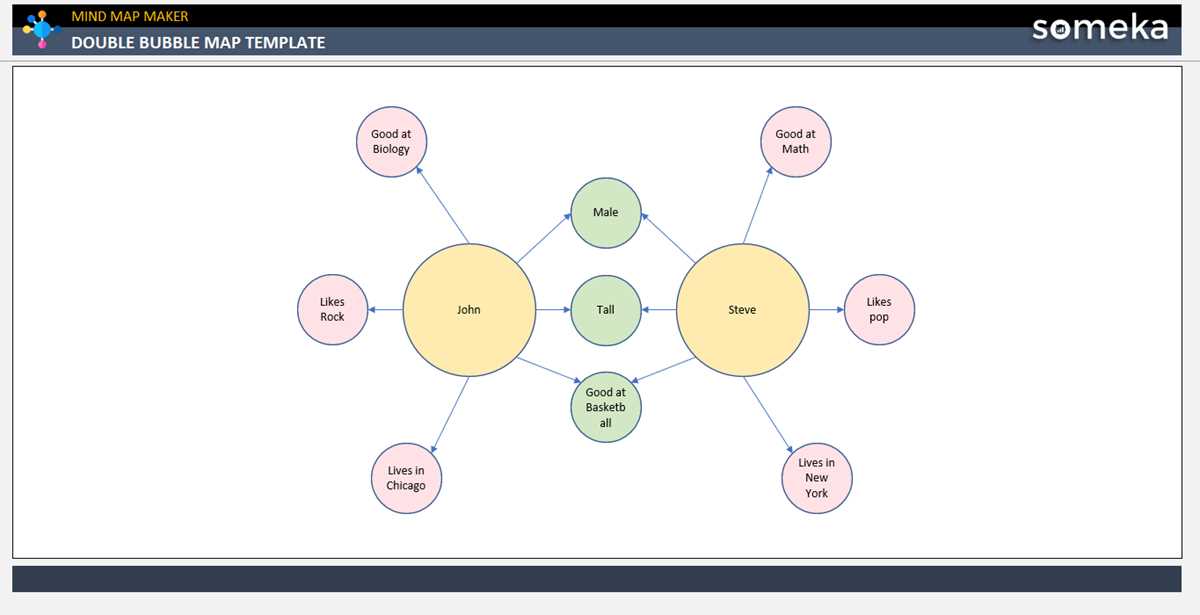
- Clarifies complex topics and projects
- Promotes creativity and new ideas
- Improves focus by showing how ideas are connected
By utilizing this approach, you’ll not only keep your ideas organized but also improve your overall planning process, whether for professional or personal use.
How to Use an Organizer for Better Idea Structuring
For easy visualization of your thoughts, use a design that allows you to place a central concept in the middle of a page, with related ideas branching out. Customize the space to fit your needs by adjusting the size of each section. Many templates available online offer editable fields, which makes it simple to tailor your organizer to fit personal or project-specific requirements. Print the layout on sturdy paper for durability and better handling during group activities or brainstorming sessions.
To ensure clarity, limit the amount of text you use in each section. Focus on keywords or short phrases that capture the essence of each concept. This layout helps maintain focus on the main idea while easily identifying secondary connections and areas that need further development. Whether you’re planning an event, mapping out a research project, or organizing your thoughts, this tool is an efficient way to stay organized and visually connected to your goals.