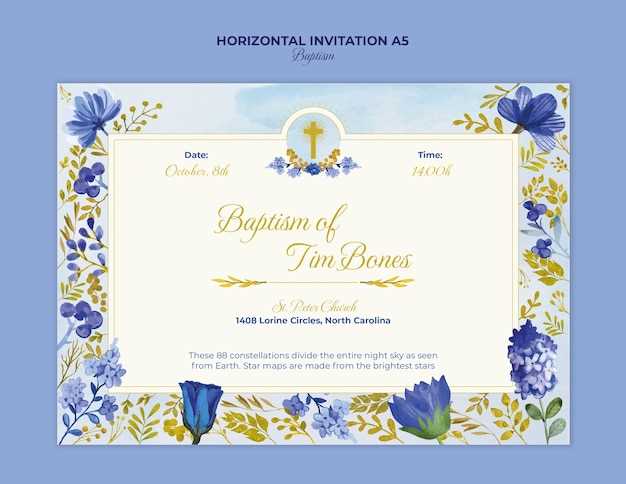
Choose an editable christening record template in PDF or DOCX format that allows direct text input, signature lines, and space for the officiant and parish seal. Files sized for US Letter (8.5×11 in) or A4 ensure proper alignment on standard printers.
Where to Get No-Cost Christening Record Templates
Church resource libraries, parish websites, and document template platforms often provide downloadable designs without charge. Select layouts that include:
- Child’s full name with a larger font field
- Date and location of the rite
- Name of minister or priest
- Godparents or sponsors section
- Church name and address
Prefer files with editable layers rather than flat images. Vector-based PDFs retain sharp text at 300 dpi. Avoid JPEG-only designs; they lose clarity when scaled.
How to Edit and Produce High-Quality Copies
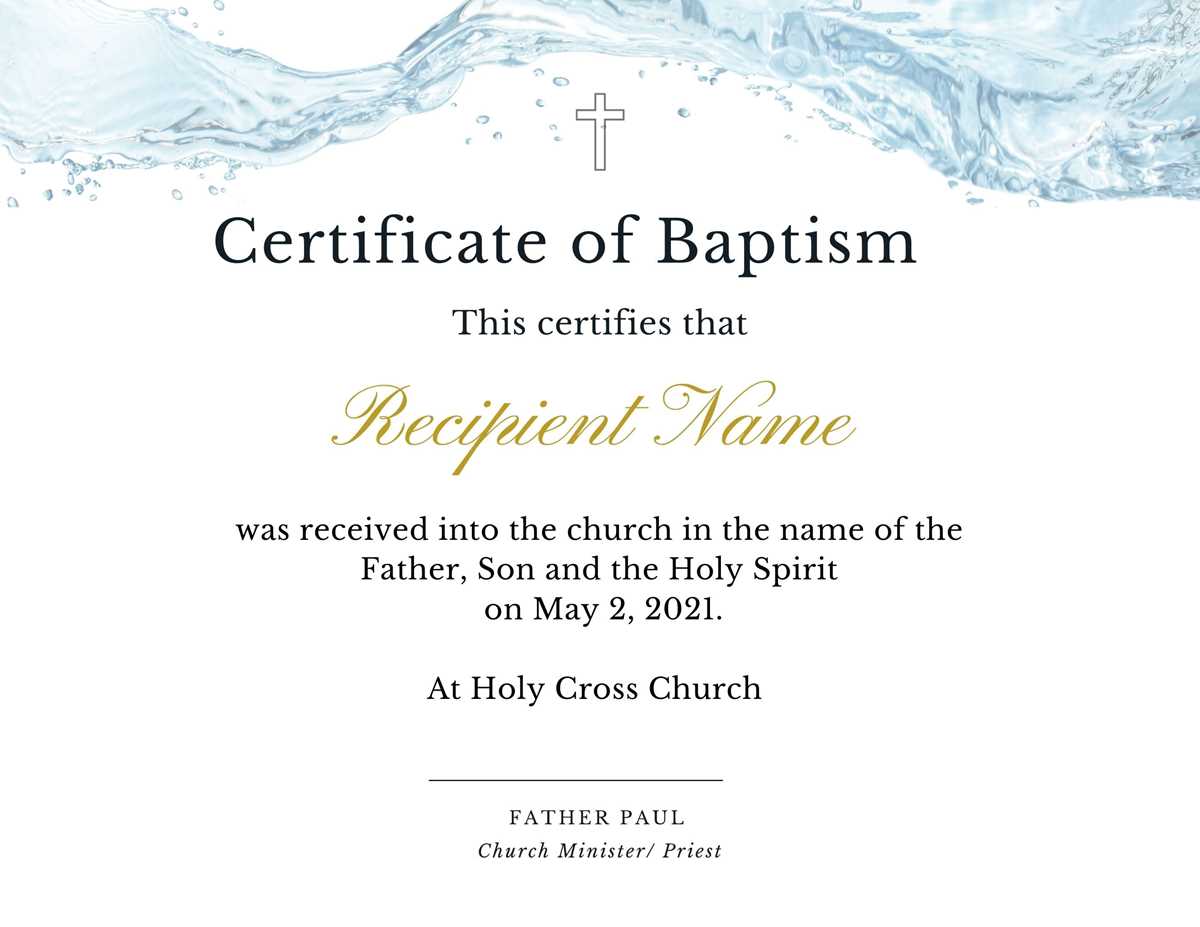
Personalization Tips
Use clear serif fonts such as Garamond or Times New Roman for a formal look. Keep font size between 16–24 pt for names and 11–12 pt for body text. Maintain consistent spacing of at least 1.15 line height.
Paper and Print Settings
- Select 200–250 gsm cardstock for durability.
- Choose matte or lightly textured stock for easier signing.
- Set printer to “Best” quality and disable scaling.
- Test on plain paper before final output.
Archiving and Digital Storage
Save a completed copy as a locked PDF and store it in at least two locations: local drive and encrypted cloud storage. Scan signed originals at 300 dpi in color mode to preserve seals and handwritten details.
Using structured templates with editable fields reduces errors, keeps records consistent across parish files, and provides families with a formal document suitable for framing or long-term storage.
No-Cost Christening Record Templates for Immediate Use
Select an editable christening record template in PDF or DOCX with fillable fields for child’s full name, date of the sacrament, church name, city, officiant, and sponsors. Choose files formatted for US Letter or A4 to avoid scaling issues during output.
Use cardstock between 200–250 gsm for a durable document suitable for framing. Matte white or ivory stock supports clean signatures and parish seals without smudging. Set printer resolution to at least 300 dpi and disable “fit to page” to maintain border alignment.
For typography, apply a classic serif font such as Garamond, Baskerville, or Times New Roman. Keep the child’s name between 18–24 pt, body text at 11–12 pt, and maintain consistent spacing. Avoid decorative fonts that reduce readability or interfere with official stamps.
Include structured sections: Child’s Name, Date of Rite, Location, Minister, and Sponsors. Add a signature line of at least 7–9 cm width and reserve a blank circle or square area for a parish seal.
Before final output, test alignment on plain paper. Check margins (minimum 0.5 inches on all sides) and verify that no text overlaps decorative borders. Review spelling carefully; corrections after signing reduce document credibility.
Store the completed file as a locked PDF and back it up in two locations. Scan signed originals in color mode at 300 dpi to preserve embossed stamps and handwritten ink details.
Providing structured, editable christening record designs without cost helps churches maintain consistent documentation while giving families a formal keepsake ready for archiving or display.