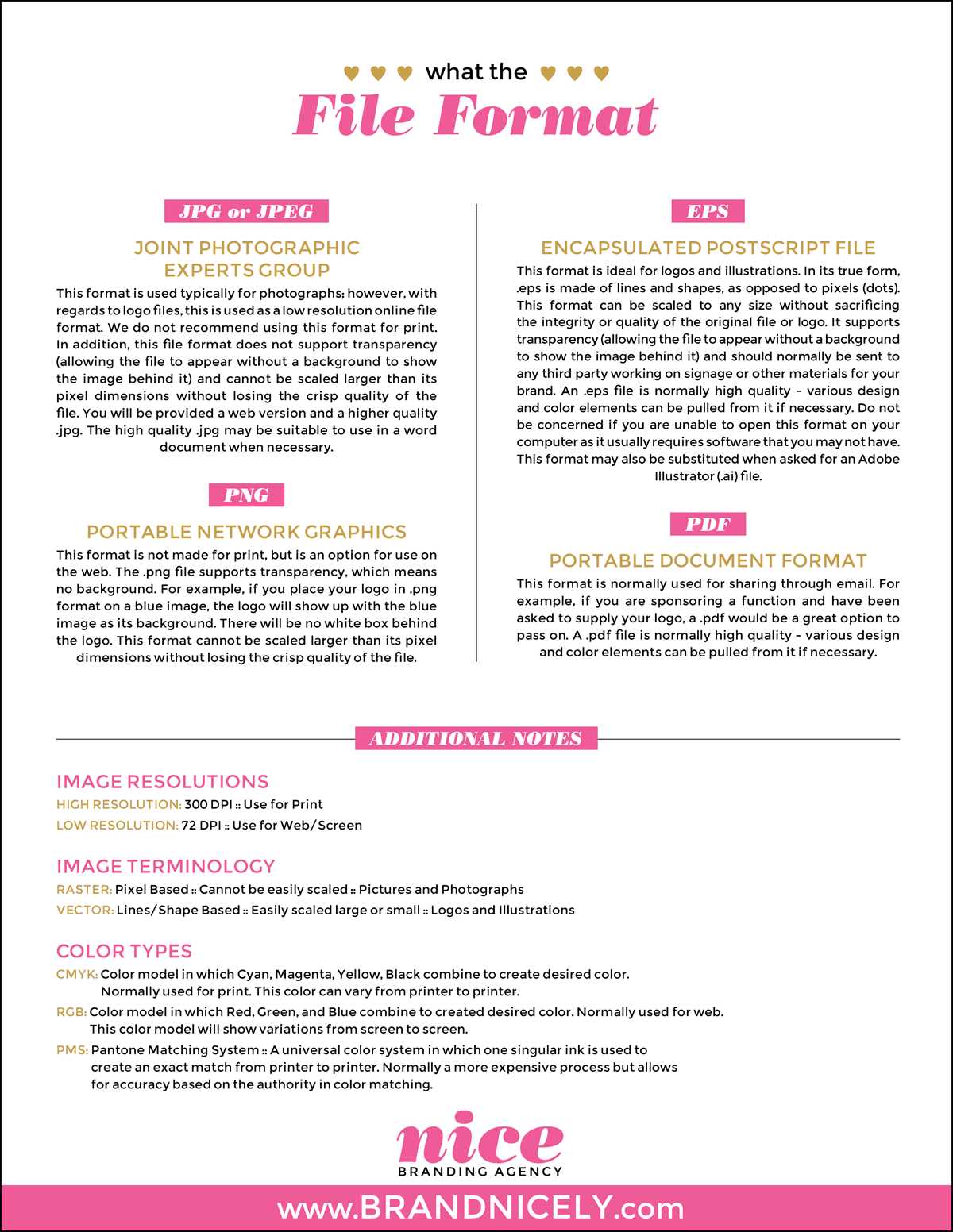
For high-quality prints, use PDF for detailed documents, as it preserves formatting across different devices and printers. For simple designs or images, JPEG or PNG work well, offering good color depth and quick printing.
Optimal Options for Different Printing Needs
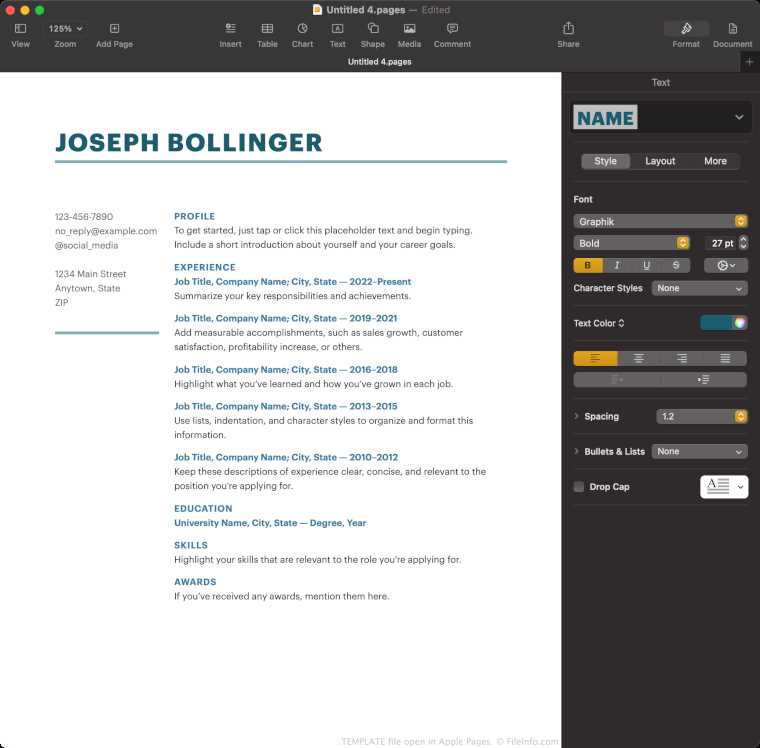
When preparing your document for physical output, choose based on content complexity:
- PDF is ideal for documents with mixed content, such as text, images, and graphs. It guarantees consistency across systems and printouts.
- JPEG is perfect for photographs or images with gradients. Use it when the file size needs to be reduced, but image quality should still be maintained.
- PNG is great for images that require transparency or sharp edges, like logos and graphics. It preserves high-quality details and supports a lossless format.
Best Practices for Printing Images
If you’re printing high-resolution images, always ensure the image is at least 300 DPI (dots per inch). For photos, JPEG works well with its compression options, but for images with transparent backgrounds, PNG is the best choice.
How to Prepare a Document for Large Prints
For posters or large banners, use vector-based formats like EPS or AI. These formats allow for scaling without losing image quality. Unlike raster formats, vector graphics remain crisp no matter the size of the printout.
Reducing File Size Without Sacrificing Quality
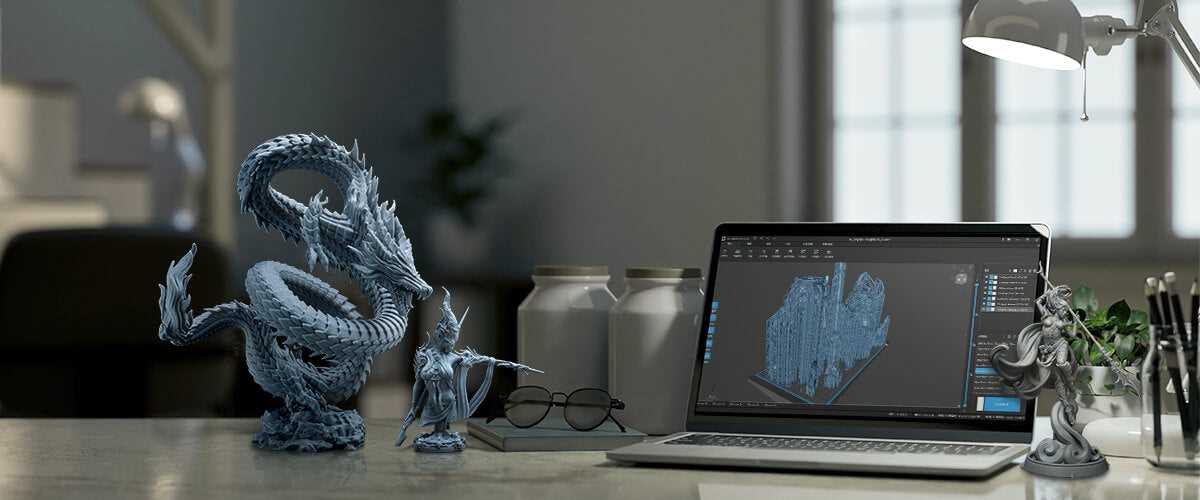
Large print files can cause issues with storage and transmission. Here’s how to manage file sizes:
- Compress JPEG files while maintaining an acceptable quality level. Tools like Adobe Photoshop or online compressors can help.
- For PDF files, use optimization options like reducing image resolution or removing unused elements.
- Consider using SVG for logos or graphics to maintain quality at any size, while keeping the file size low.
By choosing the right file type and optimizing it, you can ensure your prints come out clear, professional, and cost-effective.
Choosing the Right Document Type for Printing
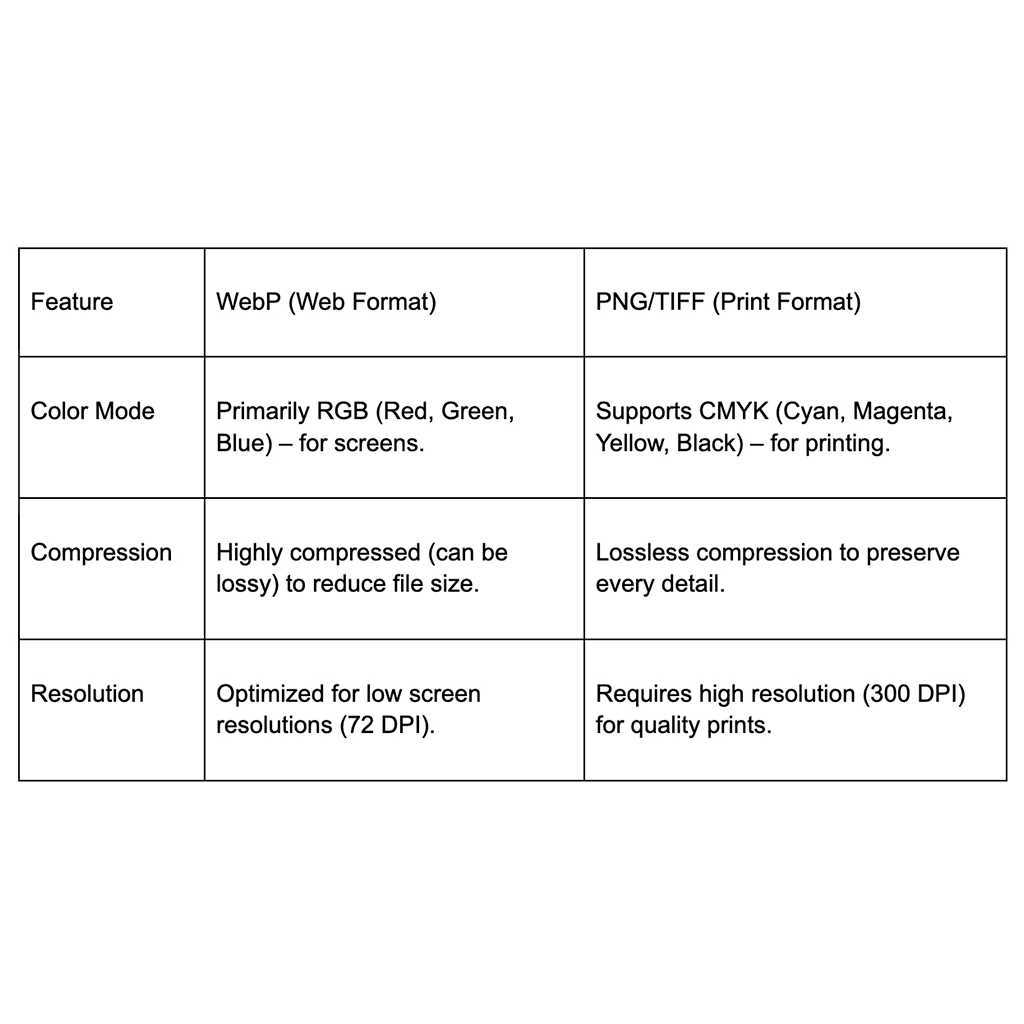
For documents requiring high-quality reproduction, opt for PDF. This type preserves formatting, fonts, and images, ensuring consistency across all devices. It’s the go-to option for brochures, reports, or anything with complex layouts. PDFs maintain the integrity of the content no matter what device or printer is used.
When working with images or designs that need to be crisp and clean, PNG is the best choice. It supports transparent backgrounds, making it ideal for logos, icons, or graphics with sharp edges. The lossless compression guarantees no quality loss, even with large files, which is crucial for clear and detailed prints.
If size matters, JPEG offers a good balance between quality and file size. It’s commonly used for photos and images with gradients. JPEGs compress the data, which reduces the file size significantly, though there is some loss of detail. For prints requiring excellent resolution, ensure the image is at least 300 DPI to avoid pixelation.
For vector graphics and scalable designs, SVG or EPS are the optimal choices. These types allow the artwork to be scaled up or down without losing quality. They are perfect for logos, illustrations, or any graphic that needs to appear clear at different sizes, such as large banners or posters.