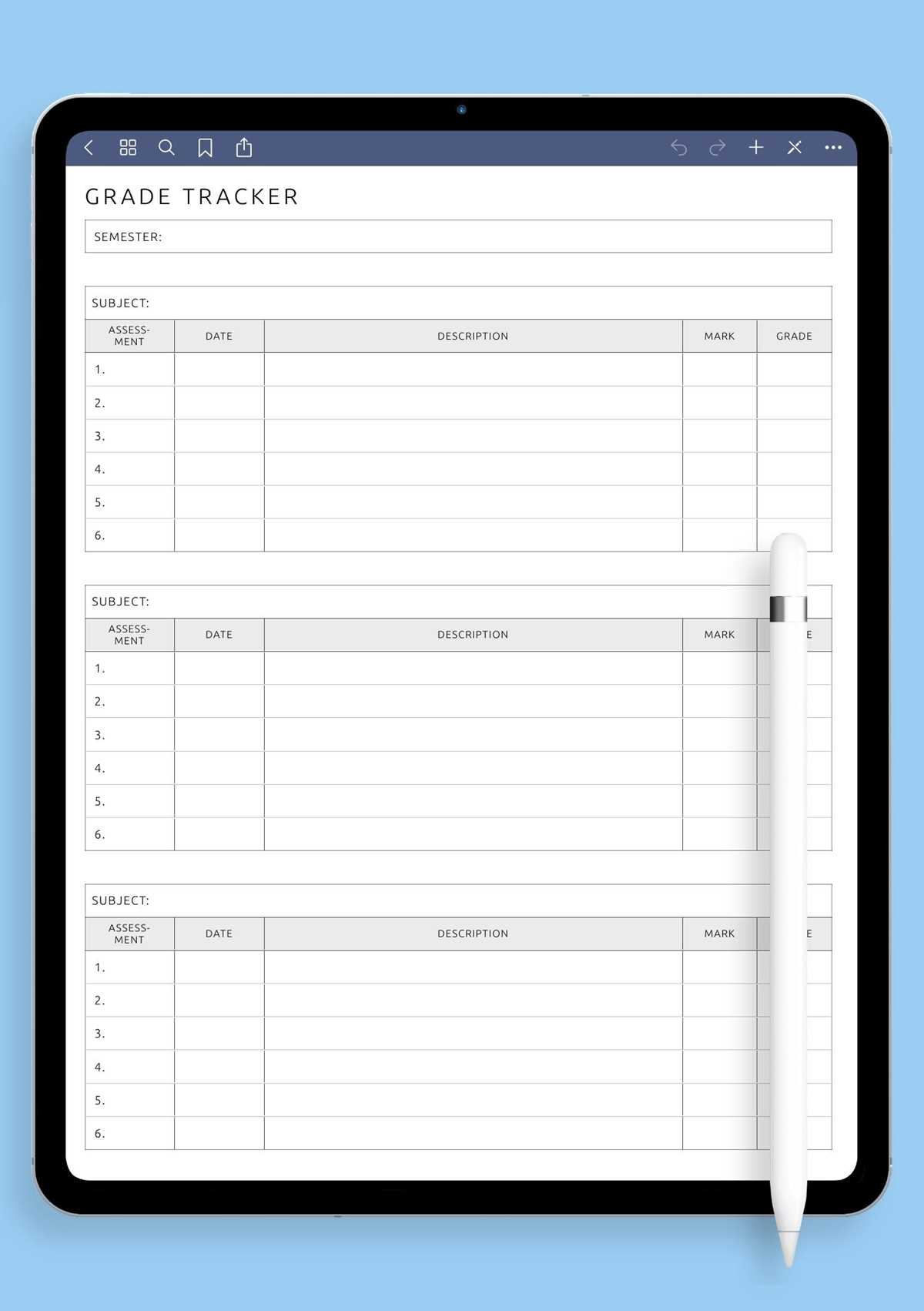
Download ready-to-use class record templates in PDF and print them at full scale so column spacing stays accurate for daily marking. Choose layouts with at least 30–40 student rows if you teach full classrooms; smaller tables fill up too quickly and force mid-term changes.
Teachers handling multiple subjects should select record pages that include separate score columns plus an attendance field on the same page. This reduces the need to maintain several logs and keeps weekly reviews faster. Wide margin versions also help when adding notes about late work or behavior.
Use 90–120 gsm paper for binders and 160 gsm stock for stand-alone record pages that will be handled often. Landscape orientation works better for classes above 25 students because it provides more horizontal space for assignments across the term.
Keep completed tracking pages in chronological order inside a labeled binder so grading history remains easy to audit during parent meetings, report preparation, or end-term reviews.
Free Printable Gradebook Sheets
Select class record pages with clearly labeled columns so daily scoring takes only a few seconds per student. Templates that include pre-numbered rows (1–30 or 1–40) reduce setup time at the start of the term and help maintain consistent order across subjects.
Choose layouts based on how you track performance. The most practical formats usually contain:
- Student name column with wide spacing
- Multiple assignment score fields across the page
- Attendance or participation column
- Final average or total box at the far right
Paper orientation matters more than many teachers expect. Landscape pages work better for subjects with frequent assessments, while portrait layouts suit weekly grading. Print using the “actual size” setting to prevent compressed columns that make handwriting cramped and hard to read during busy grading sessions.
Store completed record pages in a dated binder section and keep a blank master copy at the front for quick reprinting. This habit prevents mid-semester confusion and keeps student performance history easy to review during meetings or report preparation.
Where to Download Free Gradebook Sheets in Ready to Print PDF
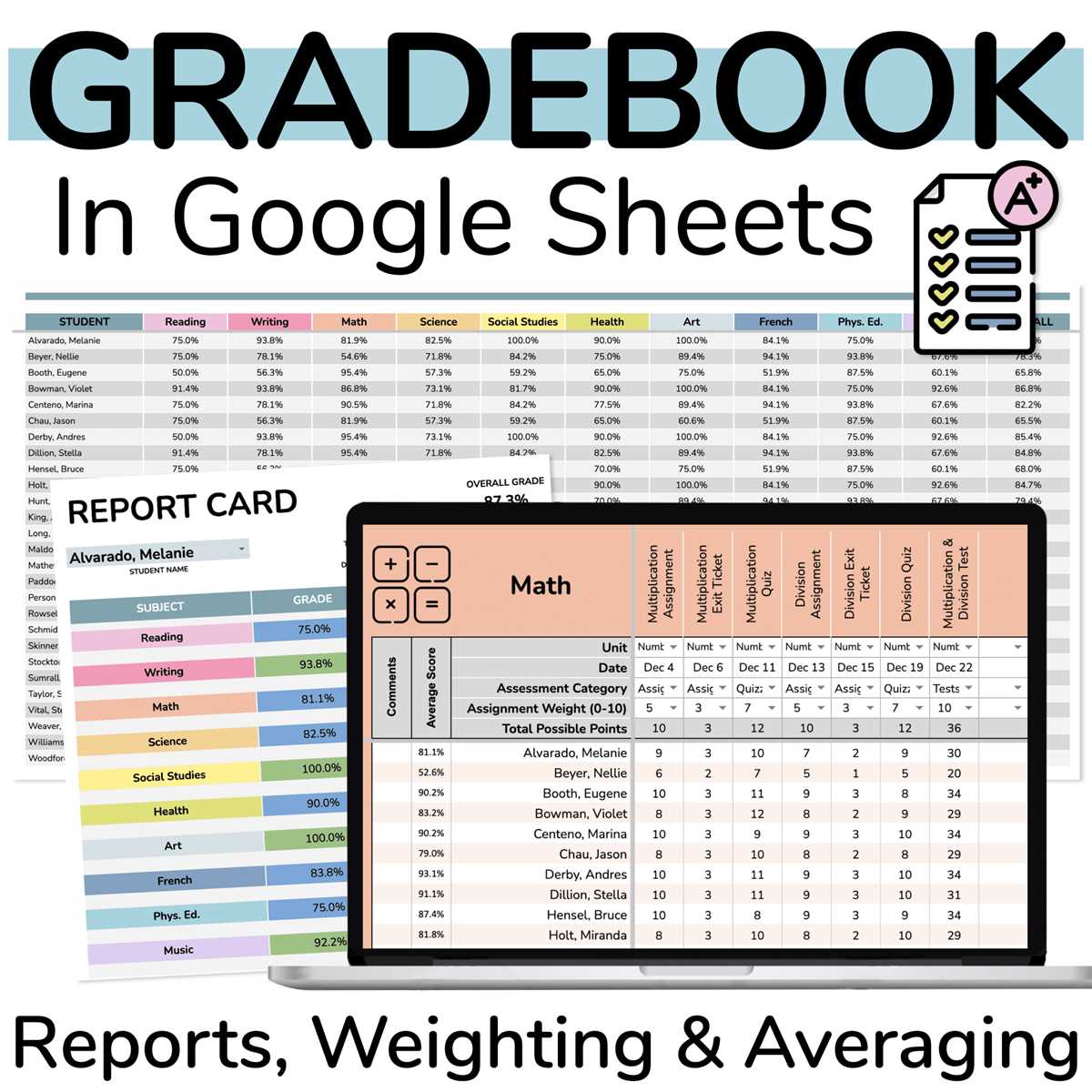
Use reputable teacher resource websites first, since they usually provide classroom record templates formatted for A4 and US Letter sizes. Education platforms, homeschool blogs, and school district resource pages often host clean PDF layouts with proper column spacing and readable fonts.
Before downloading, check that the file is vector-based or high resolution (300 DPI equivalent). Quality files keep grid lines sharp and prevent blurred text after printing. Prefer versions that show the number of student rows and assignment columns in the preview so you know the layout fits your class size.
Avoid low-quality image downloads and editable previews saved as pictures. These frequently distort table lines and waste paper through misalignment. Save the verified PDF to a dedicated teaching folder and keep one master copy unchanged for quick reprints during the school year.