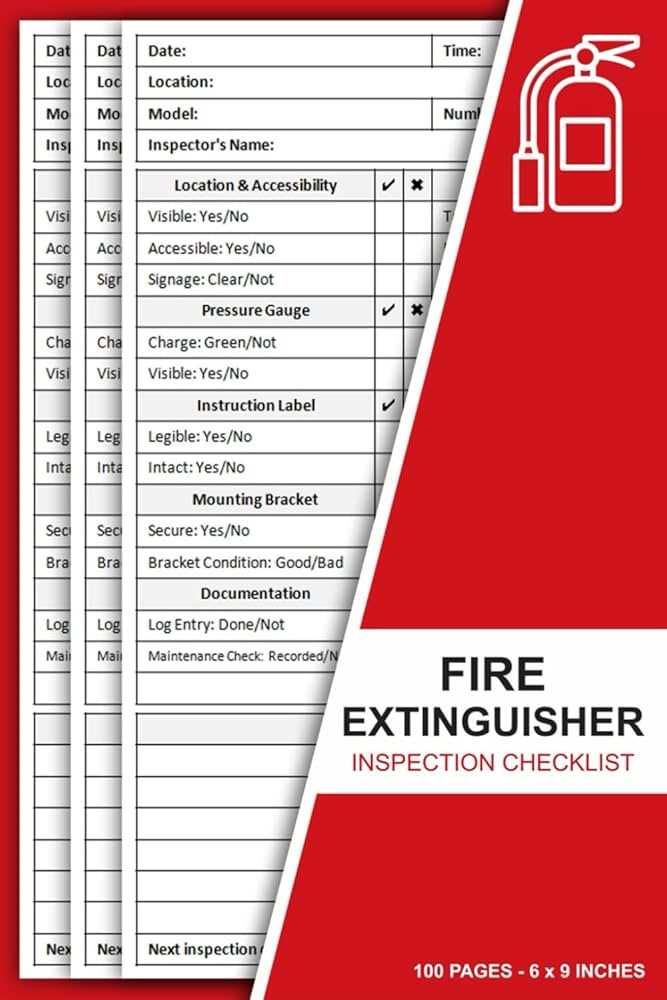
Create a digital log sheet in a spreadsheet program with fixed columns for device ID, location, pressure gauge reading, pin and seal status, hose condition, and review date.
Set the review interval to every 30 days and use data validation lists with options such as OK, Needs Service, and Replaced to standardize entries across departments. Add conditional formatting that highlights cells in red when the gauge reading falls outside the green zone.
Insert an automatic date stamp using the TODAY function in a separate tracking column, and calculate the next check date with a formula that adds 30 days to the last recorded review.
Include a signature field for the responsible staff member and a comments column for noting corrosion, blocked access, missing tags, or discharged cylinders.
Save the spreadsheet file in both editable format and PDF for recordkeeping, and store completed logs in a dedicated safety compliance folder organized by year and facility section.
Printable Monthly Fire Extinguisher Inspection Form Template Excel
Use a structured spreadsheet log with predefined columns to record cylinder ID, building zone, pressure gauge status, safety pin condition, hose integrity, and review date.
Include the following fields to standardize safety checks across facilities:
- Device serial number
- Exact mounting location
- Gauge reading within green range yes or no
- Tamper seal intact yes or no
- Nozzle and hose unobstructed yes or no
- Reviewer name and signature
Set data validation dropdown lists for condition status such as OK, Service Required, or Replace Unit to prevent inconsistent wording in entries.
Add automated calculations:
- Next review date equals last check date plus 30 days
- Overdue alert using conditional formatting when today date exceeds next review date
- Summary count of units marked Service Required
Configure page layout to portrait orientation with narrow margins so each sheet fits 25–30 records without splitting rows during printing.
Archive completed logs as PDF copies by year and facility section, and maintain a separate digital workbook for active tracking to support compliance audits and internal safety reviews.
How to Structure Columns for Gauge Pressure Seal Condition and Inspection Date
Create separate columns labeled Unit ID, Location, Gauge Status, Tamper Seal, Physical Damage Check, Review Date, and Next Due Date to keep each safety parameter isolated and easy to filter.
Set the Gauge Status column to accept predefined values such as Green Zone, Below Range, or Overcharged, and configure Tamper Seal as a Yes or No dropdown to prevent inconsistent entries; format Review Date as a short date field, then calculate Next Due Date by adding 30 days to the recorded check, and apply conditional formatting that flags overdue entries in red when the current date exceeds the scheduled follow-up.