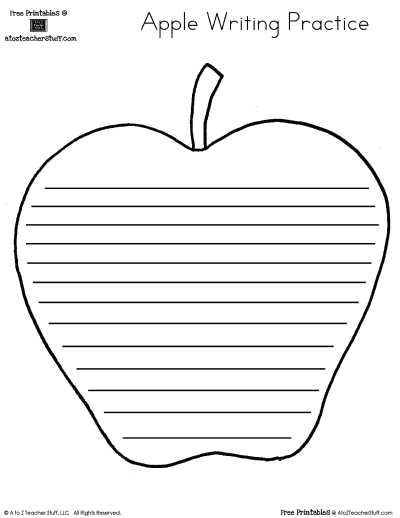
Download a high-resolution fruit outline template in PDF format at 300 DPI and print it at 100% scale to maintain smooth curves and balanced proportions. Choose files sized for A4 or US Letter with at least 0.5 inch margins to prevent clipping during trimming.
Select versions with thick contour lines for preschool cutting practice and thin detailed outlines for tracing and decorative crafts. Large silhouettes measuring 15–20 cm in height suit bulletin boards and classroom displays, while smaller 5–8 cm versions work well for counting activities or pattern exercises.
Use 100–120 gsm paper for crayons and colored pencils to avoid tearing along curved edges. For paint or markers, switch to 160–200 gsm cardstock to reduce bleed-through and page warping. Set printer quality to high and disable draft mode to keep edges crisp and symmetrical.
Apple Shape Printable
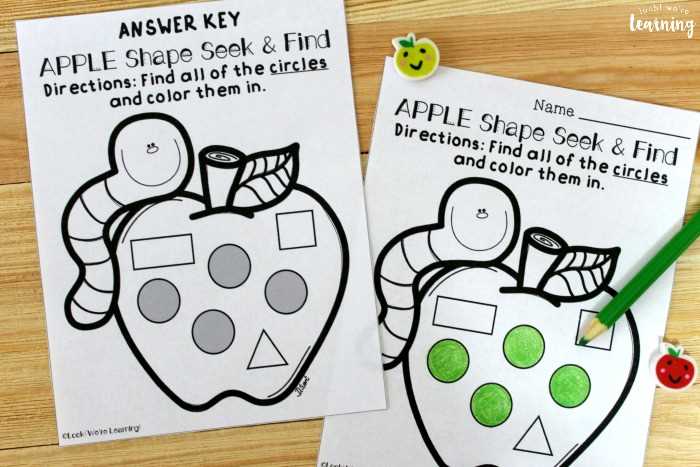
Download a fruit silhouette template in PDF at 300 DPI and print at full scale to keep curves smooth and proportions accurate. Select files formatted for A4 or US Letter with at least 0.5 inch margins so outlines are not trimmed during cutting.
Choose the outline style based on the planned activity:
- Thick 3–4 pt contour lines for preschool scissor practice
- Medium 2 pt lines for tracing and coloring tasks
- Detailed versions with leaf and stem veins for older students
Adjust output settings before producing copies:
- Set scaling to 100% and disable “fit to page”
- Use high quality mode for darker outlines
- Print in black ink only for stronger contrast
Match paper weight to materials. 100–120 gsm works well with crayons and pencils, while 160–200 gsm cardstock reduces bleed-through from markers or paint. Heavier sheets also hold up better for wall displays or layered craft assemblies.
Keep digital files sorted by size, line thickness, and orientation. Store both single-outline and multi-outline layouts to save time when preparing classroom sets or craft stations.
How to Choose the Right Apple Outline Size for Crafts and Tracing
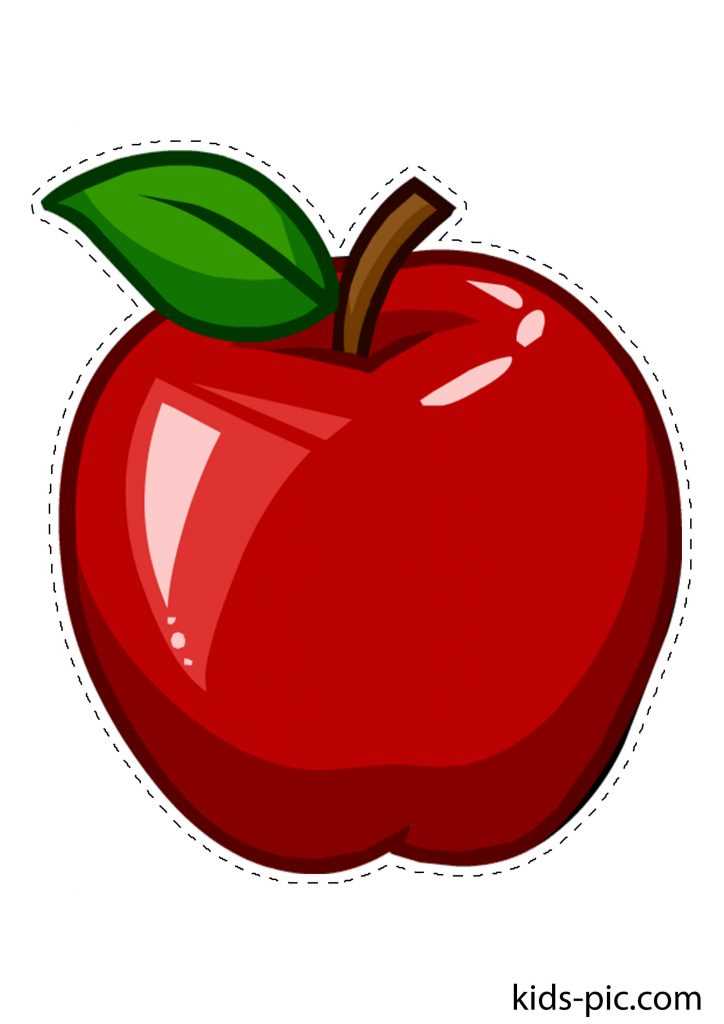
Select a fruit silhouette height of 15–20 cm for wall displays, group projects, or painting activities where broad areas are needed. This size provides enough surface for blending colors, adding patterns, or attaching decorative elements such as paper leaves and stems.
Use 8–12 cm outlines for standard desk tasks like tracing, coloring, or labeling parts of the fruit. This range fits comfortably on A4 or US Letter sheets with multiple copies per page, reducing paper usage while keeping details clear.
Choose smaller 5–7 cm versions for counting games, sorting exercises, or pattern creation. Compact designs are easier to cut in batches and can be arranged into charts, garlands, or matching sets without overcrowding the workspace.
Match contour thickness to size. Large silhouettes work well with 2 pt lines, while mini versions require thicker 3–4 pt borders to prevent outlines from fading during printing. Thin lines on reduced templates often break or appear uneven.
Check hand span and motor skills of the child before deciding. Younger learners benefit from wider curves and minimal interior details, while older students can manage narrow sections around the stem and leaf without tearing the paper.
Print a single test copy at 100% scale and measure height and width with a ruler before producing multiple sheets. Minor scaling adjustments of 5–10% can improve proportions and fit specific craft goals without distorting the outline.