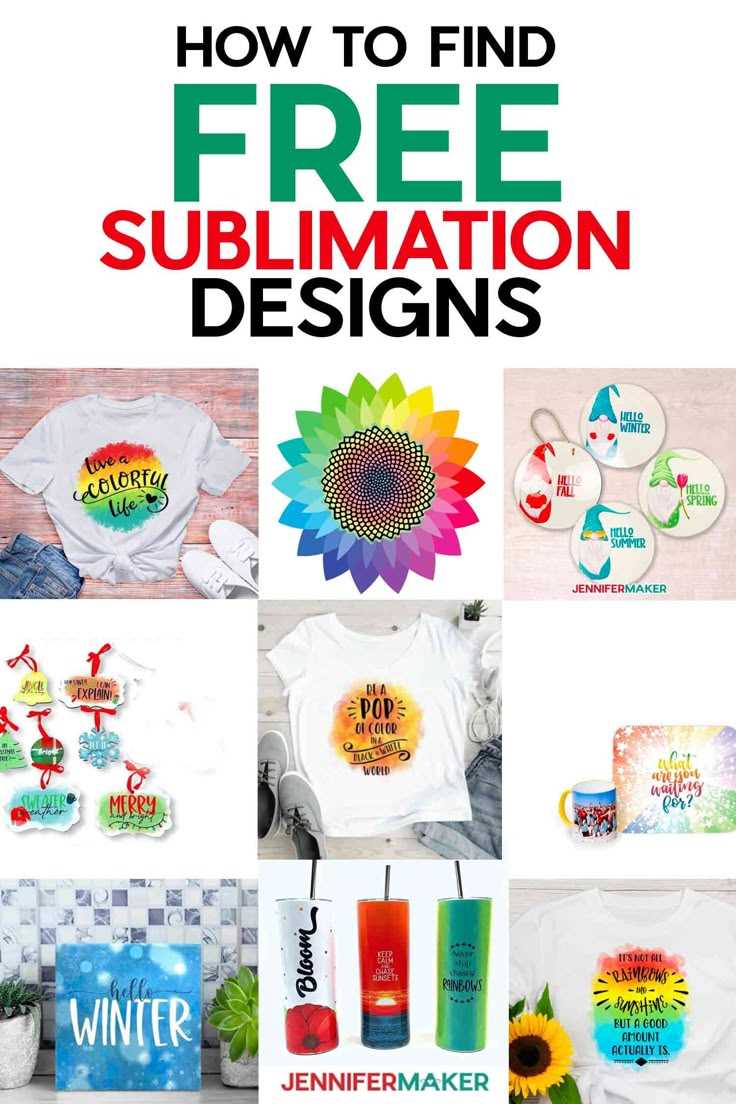
Start by selecting high-quality images or vector files that fit your project needs. These files should have a high resolution for clear, crisp prints. It’s important to choose graphics that match the size of the surface you want to personalize, whether it’s a mug, t-shirt, or tote bag.
After selecting your file, ensure that your printer settings are configured correctly for the material you’re using. This might include adjusting color profiles, paper settings, and ink choices. For fabric or other porous surfaces, make sure you’re using the right type of ink that will bond well and provide a lasting image.
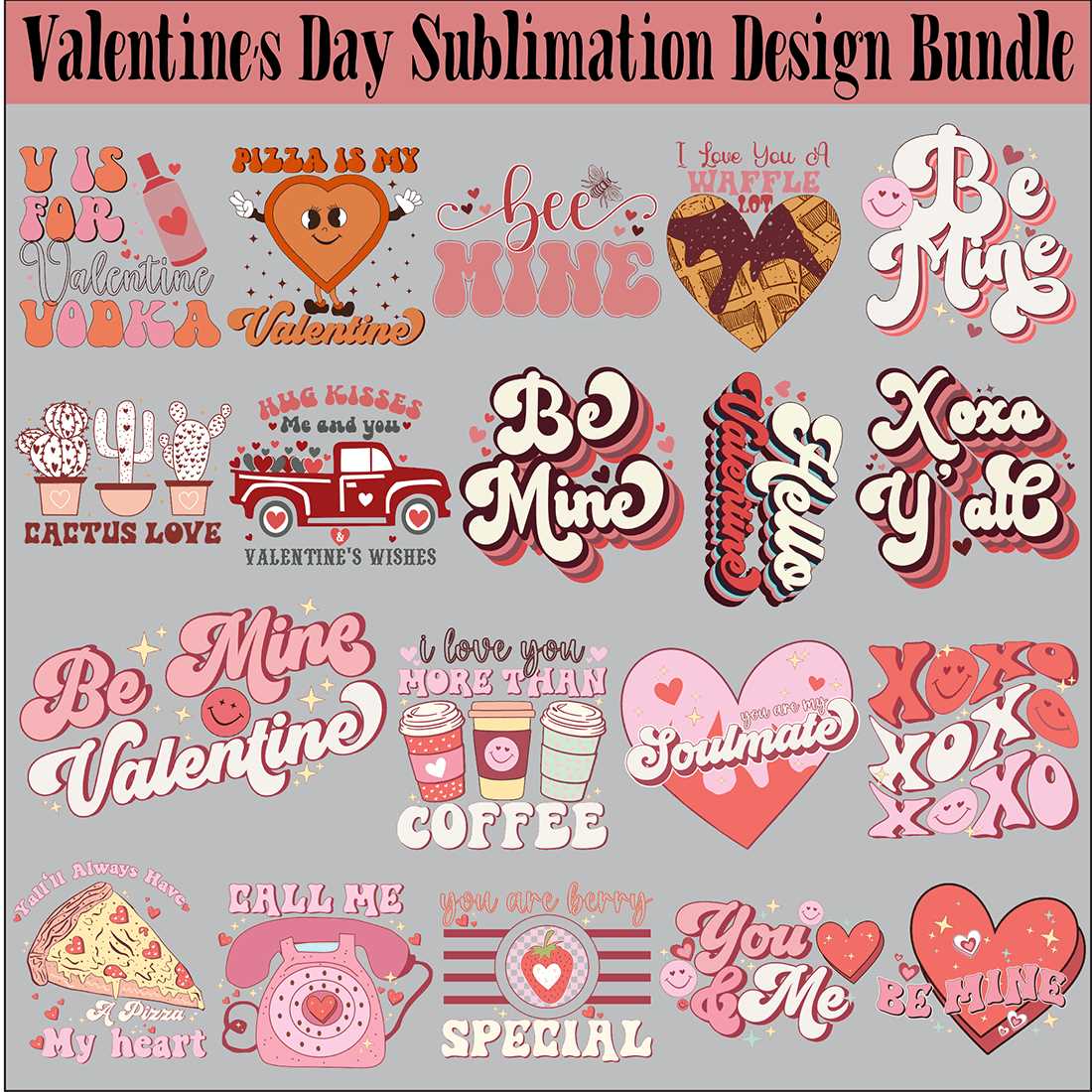
Once printed, the image will need to be transferred onto the chosen material. Use heat press equipment for even application, ensuring the graphic adheres properly without smudging or fading. Always follow the manufacturer’s instructions regarding temperature and time to achieve the best results.
Creating Custom Graphics for Various Surfaces
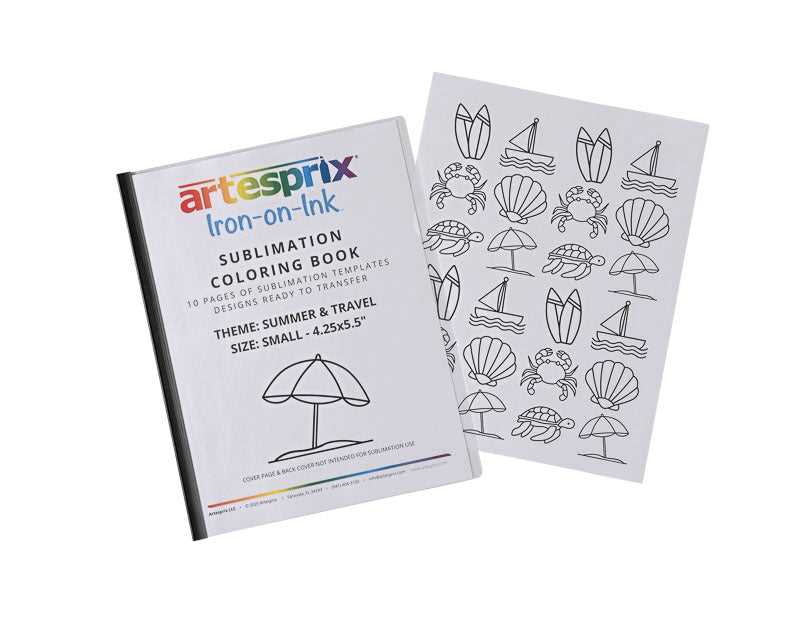
To start creating custom graphics for your projects, select high-resolution images or vector files that align with your intended surface. The design should fit the area you want to personalize, ensuring it’s proportionate for optimal visual appeal. For larger surfaces like banners, a more detailed design will be needed, while smaller projects may work best with simpler patterns.
After selecting the graphic, make sure it’s compatible with your printing method. Some materials require special ink or a certain type of paper to achieve vibrant, long-lasting results. For example, when using cloth items, opt for high-quality fabric-compatible ink to prevent the design from fading over time.
Next, adjust the printer settings. Select the highest quality printing mode to ensure that the design appears crisp and clear. Pay attention to the paper settings, especially if you’re printing onto fabric or other non-standard surfaces. Choosing the right material, such as transfer paper, will help the design stick properly and reduce issues like bleeding or misalignment.
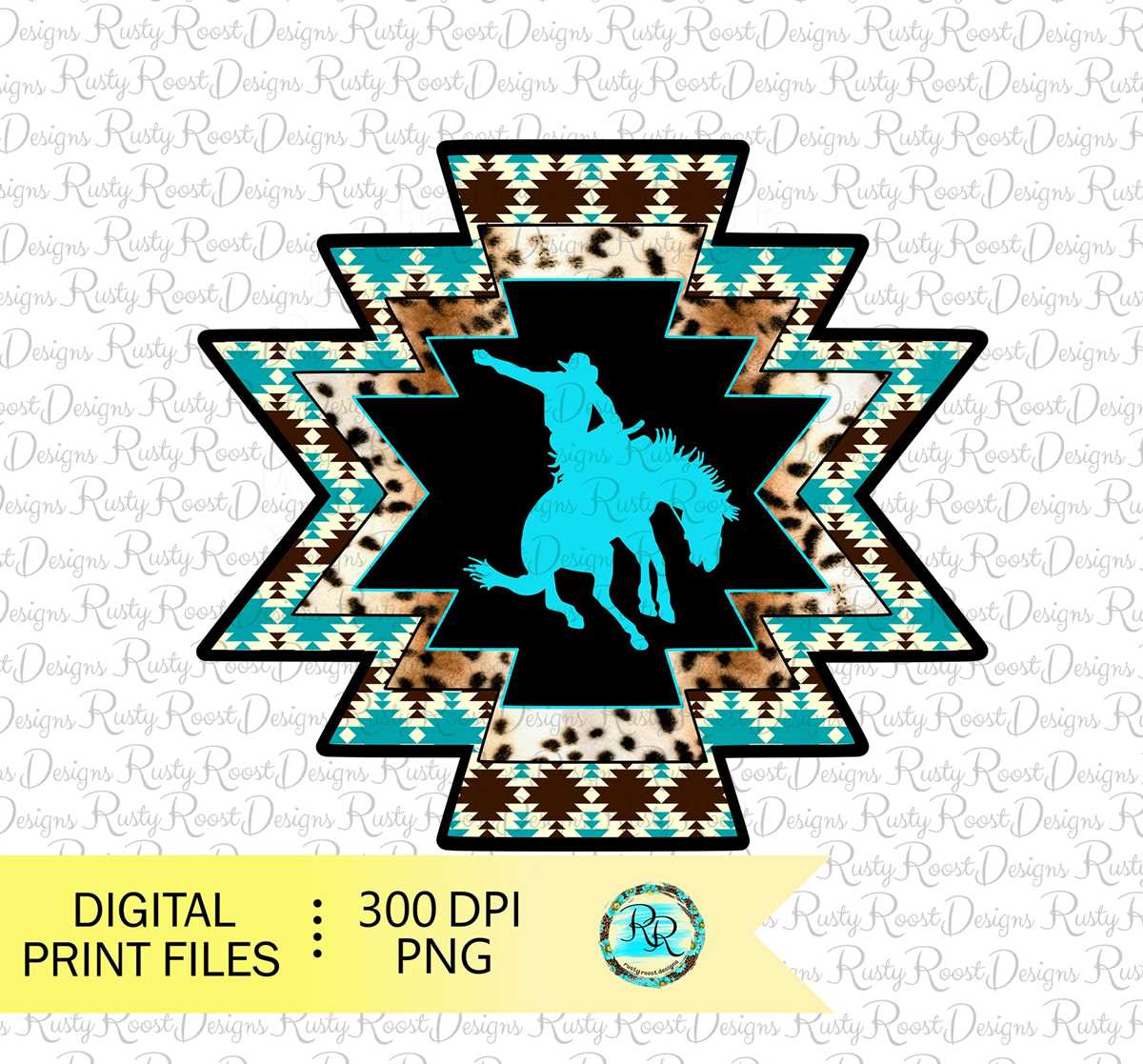
Once the design is printed, it must be transferred onto the material. For this, you’ll need a heat press or a similar tool that ensures even pressure and temperature across the surface. The transfer time and temperature will vary depending on the material being used, so always check the manufacturer’s instructions for best results.
Finally, let the finished product cool down before handling it. Proper cooling will set the design and prevent it from smudging or distorting. After it’s fully cooled, inspect the quality of the design to ensure no areas were missed and that the colors appear vibrant and sharp. If necessary, make adjustments for future prints based on any imperfections noticed.
How to Choose the Right Design for Your Projects
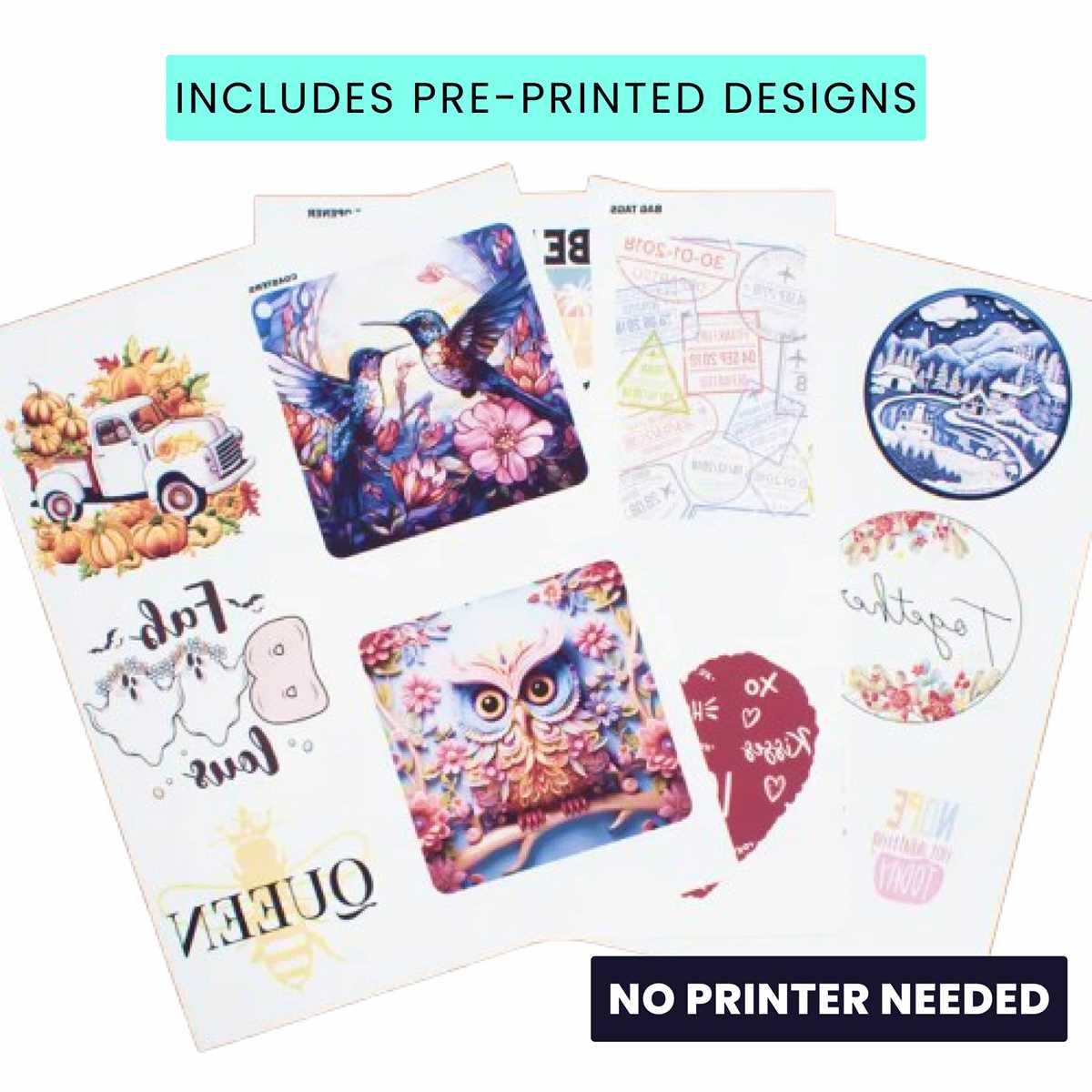
Start by considering the type of material you are working with. Some graphics work better on fabrics, while others are suited for ceramics or metal. For instance, intricate patterns look best on smaller surfaces like mugs, while larger designs work better on textiles or banners. Ensure the design is scalable without losing quality or becoming distorted.
Next, think about the theme of your project. Are you creating a custom gift, promotional item, or decor? Choose a graphic that aligns with the purpose. For gifts, personalized or themed designs tend to be more popular, while for promotional materials, bold and simple graphics that stand out are often more effective. Keep in mind your target audience and the tone you want to convey.
Finally, color plays a key role in the final outcome. Bright, high-contrast designs often perform better on light-colored materials, while darker designs work well on darker surfaces. Test the design on your chosen material before committing to a large batch to ensure that the colors will appear vibrant and the design will look sharp after the transfer process.