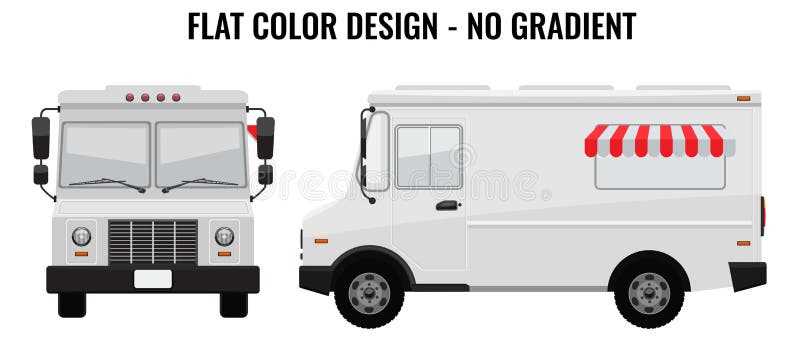
If you want to create an eye-catching design for your mobile food stand or pop-up shop, start by using a customizable design framework. Choose a layout that reflects your brand and product style. Adjust colors, fonts, and imagery to align with your vision, making sure to leave enough space for the essentials like menus or promotional offers.
How to Customize Your Design Framework
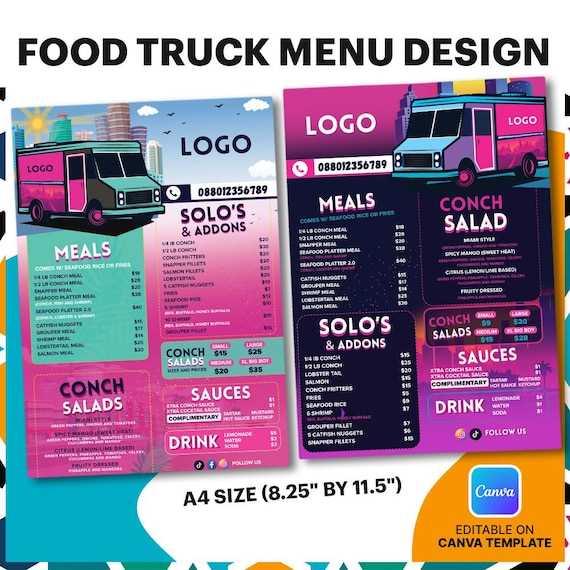
Begin with a basic outline that includes the vehicle’s exterior shape and structure. From there, add elements such as a service window, menu board, and branding space. Use your brand’s color palette to choose accents that will stand out but not overwhelm. If you’re focusing on a specific cuisine or theme, include related symbols or images to reinforce your concept. Don’t forget to add areas where you’ll list daily specials, discounts, or featured items for your customers to see from a distance.
- Consider scalability: Make sure the design works in different sizes–whether it’s for a small stall or a larger, more elaborate setup.
- Use high-quality graphics: Ensure that all images and logos are high resolution to avoid pixelation when printed or scaled up.
- Keep it legible: Choose fonts that are easy to read from a distance, especially in outdoor or bustling environments.
Where to Find Customizable Design Frameworks
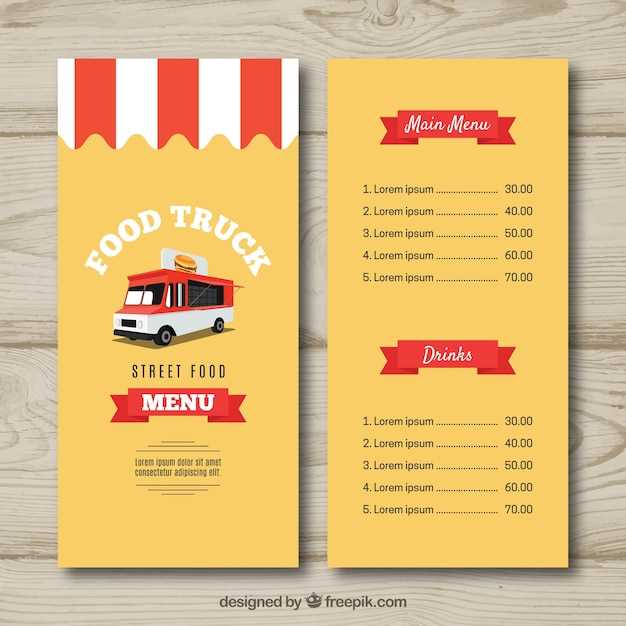
There are several online platforms that provide free and paid options for designing mobile vendor vehicles. Sites like Canva and Adobe Spark offer templates that you can easily customize without needing advanced design skills. For more detailed work, you might want to use graphic design software like Illustrator, which allows for greater flexibility in your design.
- Canva: Offers a variety of pre-made layouts that can be easily adjusted to fit your mobile setup needs.
- Adobe Spark: Another user-friendly platform with customizable options for vehicle wraps and menu boards.
- Placeit: Provides templates specifically designed for food and beverage vendors that can be adapted for other types of mobile shops.
Once your design is complete, save it in the appropriate format and print it on high-quality vinyl or another durable material suited for outdoor use. This way, you’ll have a professional-looking setup that’s ready to attract customers and boost your brand visibility.
Designing Your Mobile Service Vehicle
To create a standout mobile unit for your business, choose a layout that fits your brand. Focus on the vehicle’s main areas: the service window, menu space, and the exterior. Keep in mind the flow of customers and the functionality of the setup.
When customizing the design, make sure the colors and fonts match your brand’s style. A clear, easy-to-read menu will help draw customers in quickly. Consider including icons or symbols related to your offerings, such as coffee cups or tacos, depending on your theme.
If you are not a designer, use online tools to modify existing layouts. Websites like Adobe Spark or Fotor offer free tools that allow you to easily add your logo and brand colors to a pre-designed framework. These tools also give you the option to experiment with different styles before finalizing the look.
Once you have your design, make sure it’s ready for printing. Use high-quality vinyl or other durable materials suitable for outdoor conditions. This ensures that your branding will remain intact despite exposure to weather and other elements.